Free QR Code Generator
 Free
Free
 QR made easy, in seconds
 Unlimited use and scans
What type of QR Code can I create?
QR Codes are entirely free and come with no expiry or scan limits
 URL
URL
Use this type to open a link to a webpage, social channel, contact form, or Youtube
 Text
Text
Use this type to display text in any language, with no limit on characters
 Email
Email
Use this type to send an email to a specific person with a pre-set message
 Phone
Phone
Use this type to call a contact directly, no need to type the phone number
 Location
Use this type to connect a location without typing the address
 Wifi
Wifi
Use this type to connect a Wifi network without typing the password
 Business profile
Use this type to connect your business profile or website
 Restaurant menu
Use this type to connect your restaurant menu
 More to come
Many features and updates are upcoming and we're actively working on them
Free QR Code generator for high quality
Explore DingDoong's QR Code Generator: Packed with Incredible Advantages!
-1.png)
-2.png)
-1.png)
-1.png)
-2.png)
-1.png)
-1.png)
-1.png)
-1.png)
.png)
DingDoong's QR Codes come with boundless possibilities. There's no expiration date, no limits on scans, and absolutely no charges or constraints.
.png)
Make your QR Code truly unique with design and color options. Customize corners, body shape, and colors to match your style. Eye-catching QR Codes attract more scans.
.png)
DingDoong's QR Codes: High-resolution for print. You're free to choose the pixel size and file type for your optimal quality.
.png)
Enjoy our QR Codes for free! Use them however you like, even for commercial purposes.
.png)
Personalize your QR Code with a brand for impact. It's easy and effective, keeping the QR Code readable.
.png)
Ensure privacy with DingDoong's Secure Data Encryption. It keeps your QR Code content confidential and secure.
Frequently Asked Questions
- Step 1: Select your QR code type: You may choose from URL, vCard, Plain Text, Facebook, WiFi, and Google Review.
- Step 2: Fill all the details: Enter all the information we require that appears. Then, select "Generate."
- Step 3: Download your QR Code.
What are the advantages of using a QR Code?
Explore how QR Codes positively impact your business, marketing, and personal branding
QR Codes used for
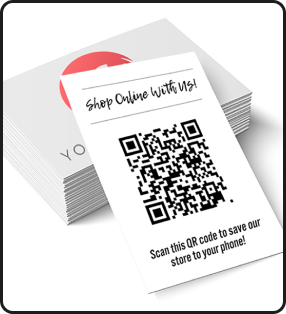
Online shopping
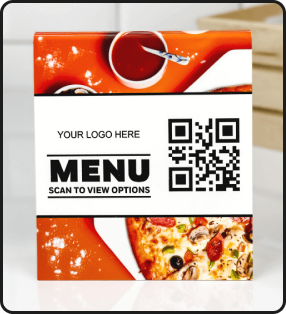
Online ordering
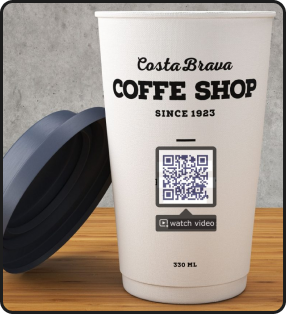
Accessing product info
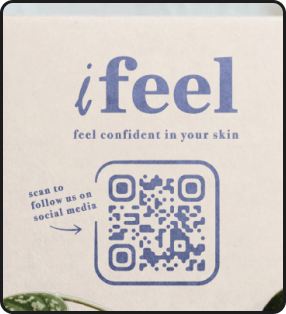
Connecting social media
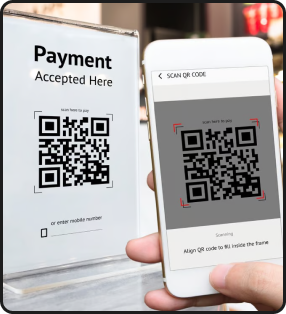
Doing payment
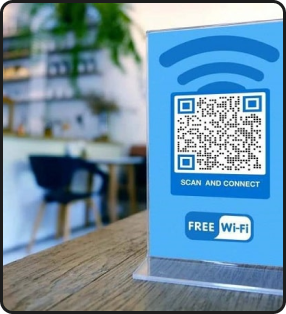
Connecting WiFi
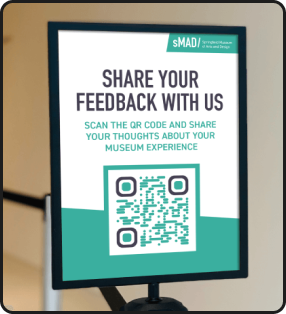
Sharing feedback
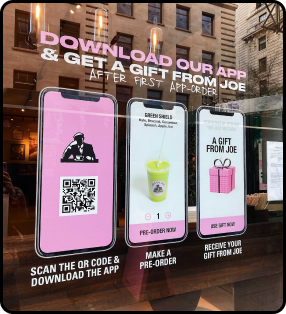
Downloading the app
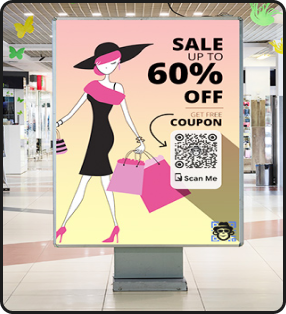
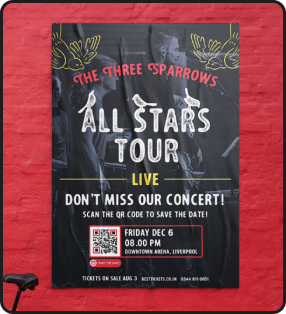
Promoting sales, events on Posters

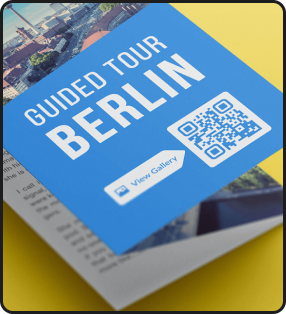
Promoting products, services on Flyers, Brochures
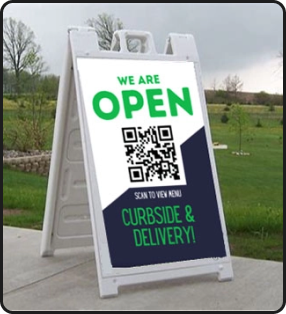

Promoting services on Sandwich boards
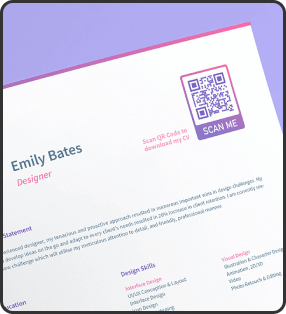
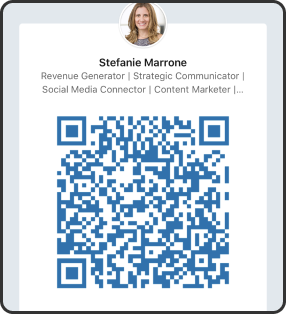

Engaging Clients with Your Personal Portfolio
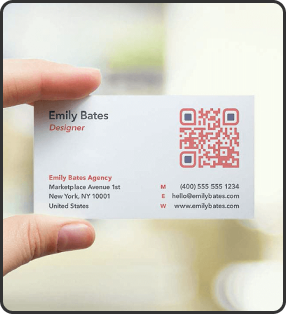
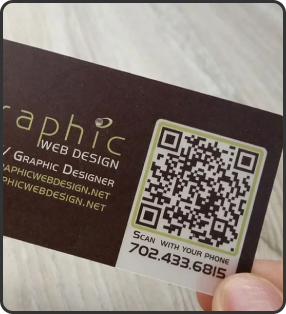
Connecting Clients to Your Contact Details