In today’s digital age, many couples are looking for unique ways to make their wedding invitations more interactive and memorable. One of the latest trends is using a QR code generator for wedding invitations. By adding QR codes to your wedding invites, you can provide guests with easy access to all the details about your big day. Whether you want to simplify the RSVP process, share your wedding website, or offer a digital map of the venue, QR codes can make your invitations both stylish and functional.
Why Should You Add QR Codes to Your Wedding Invitations?
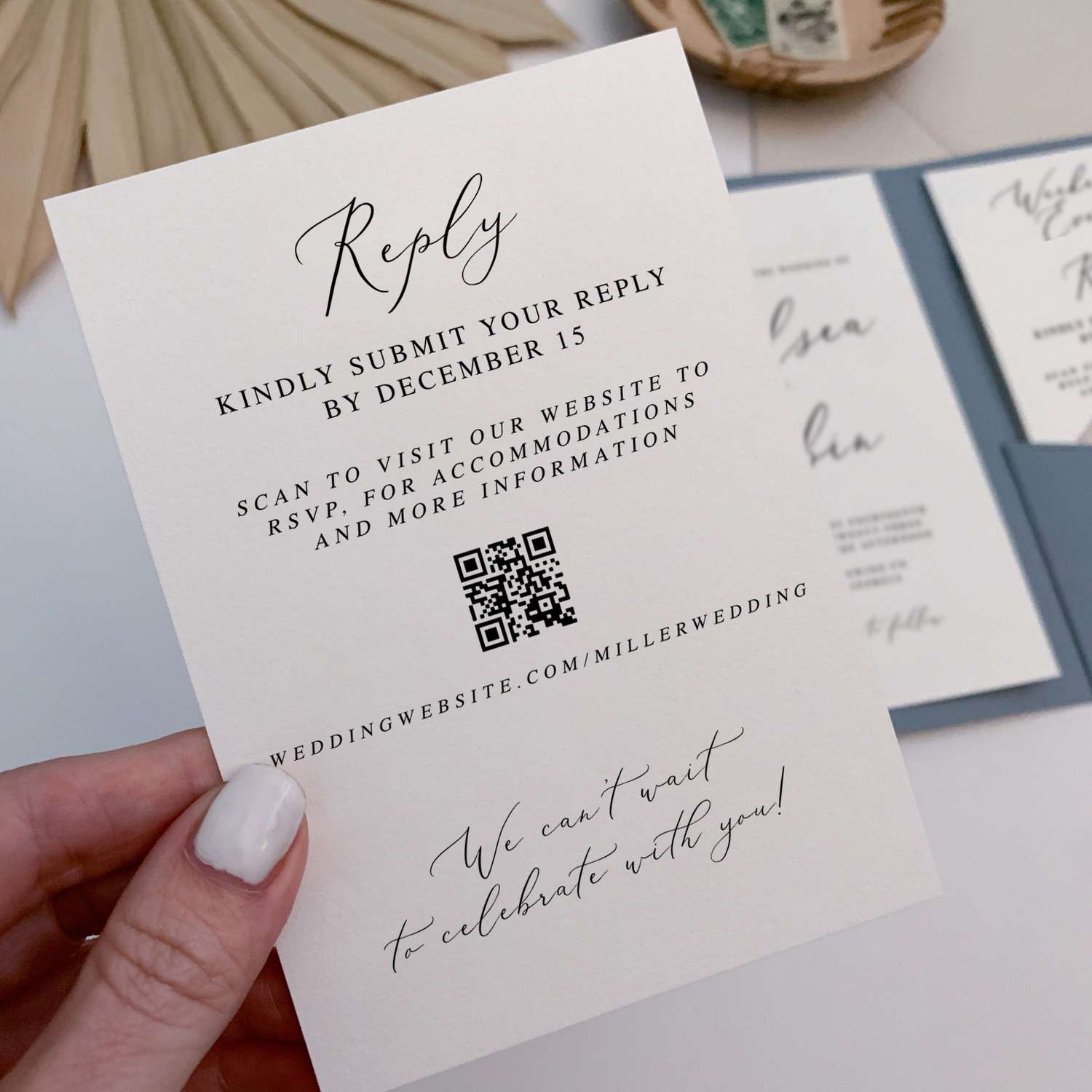
Using QR codes on your wedding invitations is more than just a trendy choice—it’s a smart and practical way to give your guests easy access to all the information they need. Here are some reasons why a QR code generator for wedding invitations can be incredibly useful:
- Quick Access to Information: QR codes can link directly to your wedding website, where guests can find everything they need to know about your big day. With just one scan, they can get directions, see the schedule, find gift registries, and more.
- Simplify the RSVP Process: Handling RSVPs can be a hassle. By including a QR code for wedding RSVPs, your guests can easily reply online without the need to mail back a card. This saves time and reduces the chance of lost or delayed responses.
- Add a Fun, Interactive Element: QR codes make your wedding invites more interactive. You could include a QR code wedding card that links to a video of you and your partner, a photo gallery, or even a playlist of songs that will be played at your wedding.
- Eco-Friendly Choice: By using QR codes, you can reduce the amount of paper used in your invitations. Instead of printing multiple inserts for directions, accommodations, and RSVPs, you can share all this information digitally through QR codes.
How to Create and Use a QR Code for Your Wedding Invitations
Creating a QR code for your wedding invitations is simple, especially when you have the right tools. A great choice is DingDoong – Free QR Code Generator, which makes the process easy and allows for plenty of customization. Here’s a step-by-step guide to creating a QR code for your wedding invitations that is both functional and attractive:
Choose the Right Type of QR Code
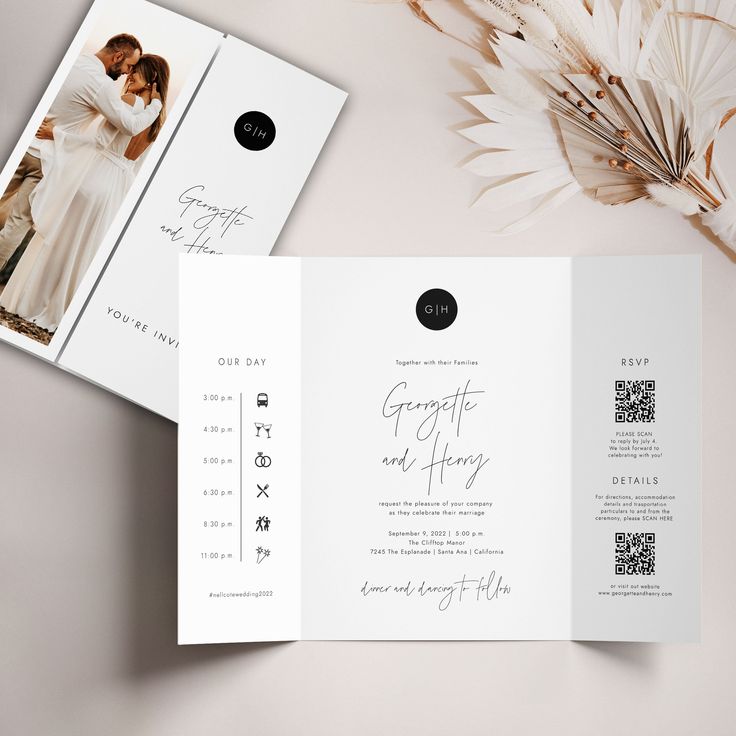
There are different types of QR codes, each serving a unique purpose. Here’s a quick rundown of options that could work well for your invites:
- URL QR Codes: Direct guests to your wedding website, where they can find all the essential information about your big day, like the venue, schedule, and dress code.
- RSVP QR Codes: Make the RSVP process seamless by linking directly to an online RSVP form. This is a quick and efficient way for guests to confirm their attendance.
- Feedback QR Codes: Collect feedback or well-wishes from your guests by linking to a simple survey or guestbook. This can be a fun way to engage with your guests both before and after the wedding.
- SMS QR Codes: Send a pre-written text message, which could be useful for quick RSVPs, last-minute updates, or directions on the wedding day.
- vCard QR Codes: Share contact details, like your wedding planner’s information or emergency contacts, so guests can easily reach out if needed.
- Plain Text QR Codes: Display a simple message, such as a heartfelt note or important announcement, directly on the guest’s phone when scanned.
Customize Your QR Code
After choosing a QR code generator, it’s time to make your QR code unique and visually appealing. You can simply customization with DingDoong in only 4 steps:
- Enter Your URL or Information: Go to the section that matches the type of QR code you choose. Input the link that the QR code will direct users to.
- Customize the Design: Modify the color, add your logo, or adjust the size to match your brand’s style and ensure the QR code stands out on the banner.
- Generate the QR Code: Click the “Generate” button to create your custom QR code.
- Save and Use: Download the QR code and incorporate it into your banner design.
Also, we recommend you to:
- Pick Colors That Match Your Wedding Theme: Select colors that align with your wedding style to ensure the QR code blends seamlessly with your invitation design. Make sure there’s a strong contrast between the QR code and the background to make scanning easy.
- Add a Logo or Special Icon: Include a small icon, like your initials, wedding date, or any symbol that represents your love story. This adds a personal touch and increases the QR code’s visual appeal.
- Adjust the Size and Design: Ensure the QR code is the right size—not too large to overwhelm the invitation, but big enough to be scanned easily. Customize the design to make it stand out while still complementing your overall invitation aesthetic.
Create and Test Your QR Code
Once you’ve customized your QR code, it’s time to create and test it:
- Generate the QR Code: Use the QR code generator to create your custom code based on the details you provided.
- Test Across Different Devices: Before printing your invitations, test the QR code on various smartphones to ensure it scans easily and the links open correctly. Testing on different devices ensures that all guests will have a seamless experience, regardless of their phone type.
Add the QR Code to Your Invitations
Now that your QR code is ready, you can incorporate it into your wedding invitation design:
- Place It Where It’s Easy to See: Position the QR code in a prominent location on the invitation, such as the bottom corner or the back. It should be visible but not distract from the overall design.
- Include a Call to Action: Add a short note or instruction near the QR code, such as “Scan this QR code for more details” or “RSVP online by scanning here.” This tells guests what the QR code is for and encourages them to use it.
Tips: Not all guests may be familiar with QR codes, so it’s helpful to provide simple instructions by including a line like “Use your phone’s camera to scan the QR code” to guide guests. This ensures that even those who aren’t tech-savvy know how to access the information.
Creative Ways to Use QR Codes on Your Wedding Invitations
There are many creative ways to use QR codes on your wedding invitations. Here are a few ideas to consider:
Easily Save the Date
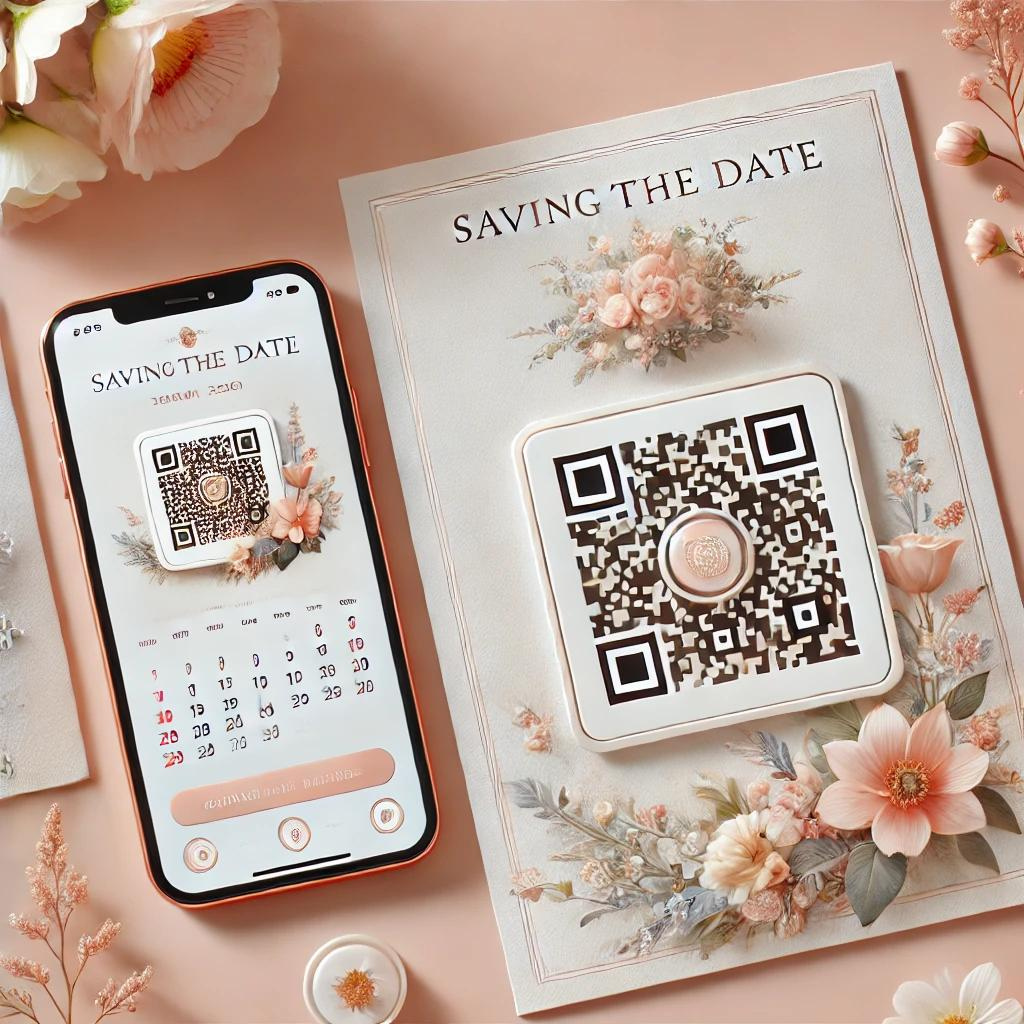
You know your close friends and family will be excited to attend your wedding. But with everyone’s busy schedules, it’s helpful to remind them of the date in a way that’s easy to remember. How can you do this? By using a QR code on your wedding invitation! When guests scan the code with their smartphones, it can automatically create a calendar event for your wedding. This way, they can save the date instantly and have plenty of time to prepare. It’s a simple but effective way to make sure everyone is on time and ready for your big day.
Share Wedding Information Quickly and Easily
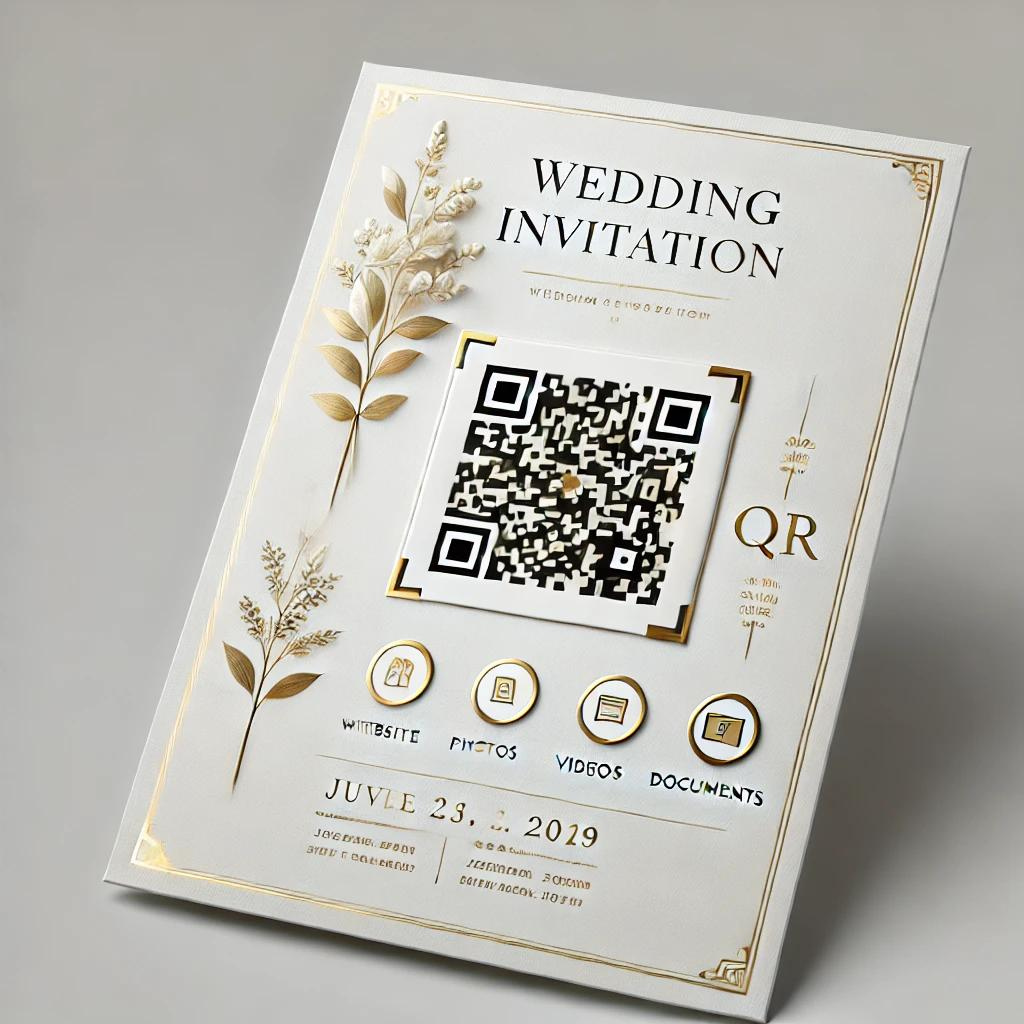
Wedding invitations often have limited space, and trying to include too much information can make them look cluttered. But with QR codes, you don’t have to worry about fitting everything on the card. A QR code for wedding invitations allows you to share all the details without overcrowding the design. You can link to your wedding website, share photos and videos, provide important documents, or even include a digital version of your invitation. This means your physical invite can be clean and simple, with all the extra information easily accessible online. Plus, you’ll save money on printing and reduce paper waste!
Share Your Wedding Menu with a QR Code
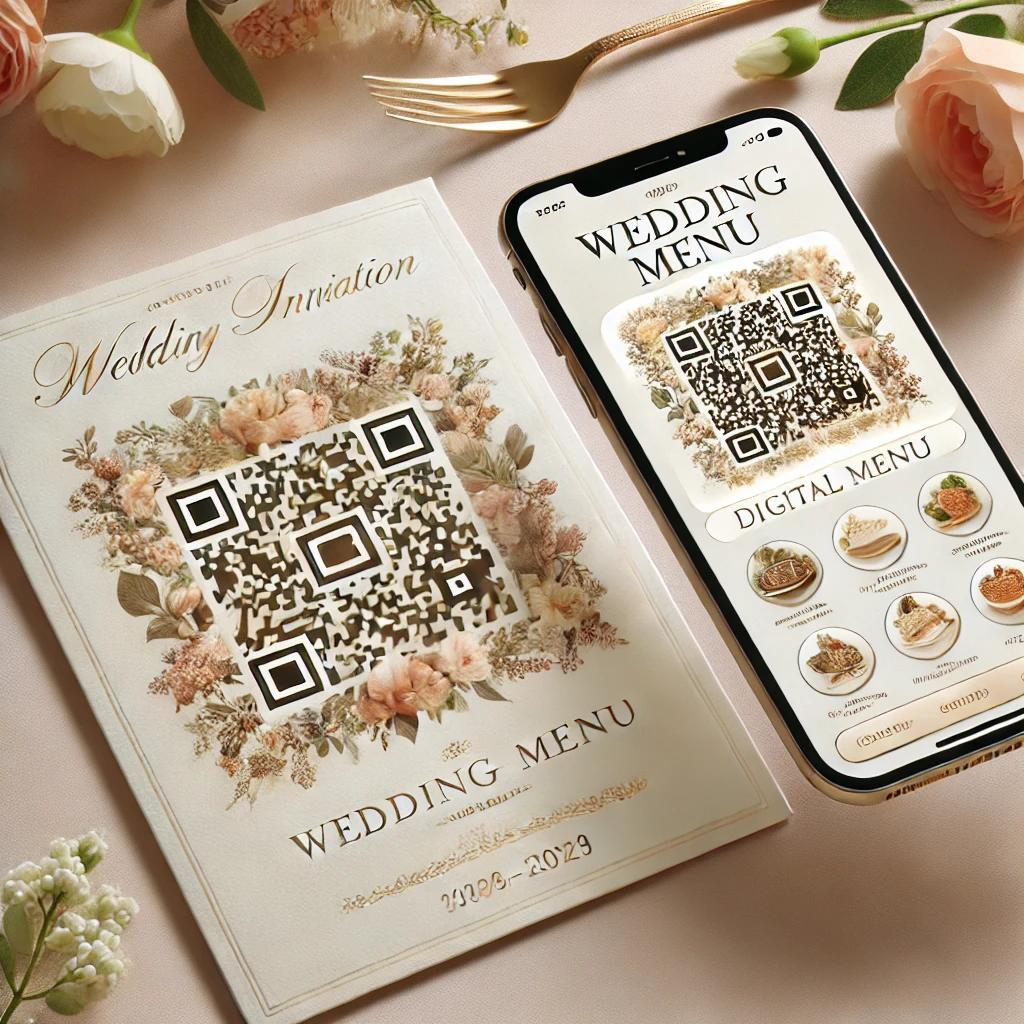
Food is a big part of any wedding, and you want to make sure your guests are happy with the menu. Some guests might prefer vegetarian or vegan options, while others may have allergies or dietary restrictions. By including a QR code for your wedding menu on your invitation, guests can easily view the menu in advance. They can see what dishes will be served and let you know if they have any special requests or dietary needs. This helps ensure everyone has a great dining experience and feels taken care of.
Use QR Codes for Interactive Guest Experiences
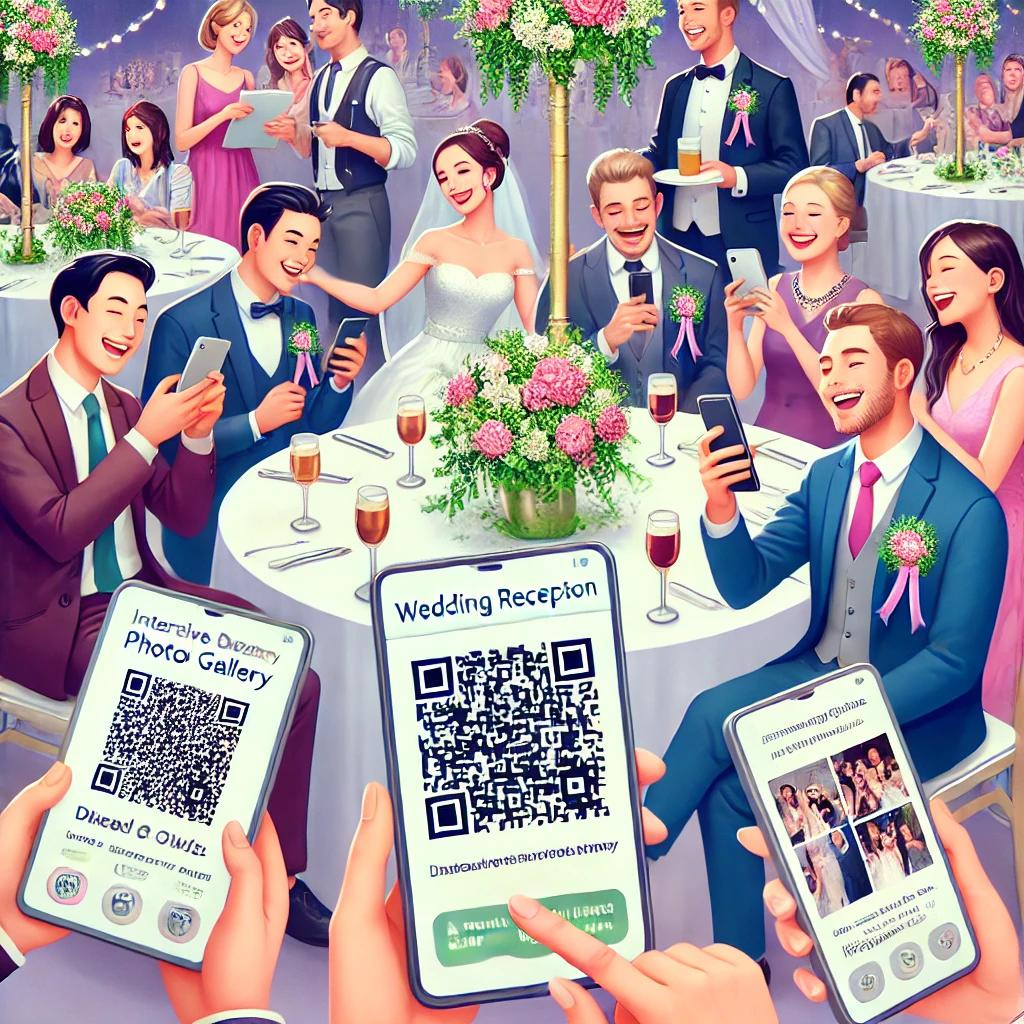
QR codes can do even more than just share information. You can use them to create interactive experiences for your guests. For example, you could add a QR code that links to a photo gallery where guests can upload and view pictures from the wedding. Or, you could include a code that links to a fun quiz about the bride and groom, adding a playful element to your event. These little touches can make your wedding even more memorable and enjoyable for everyone.
Provide a Map of the Venue
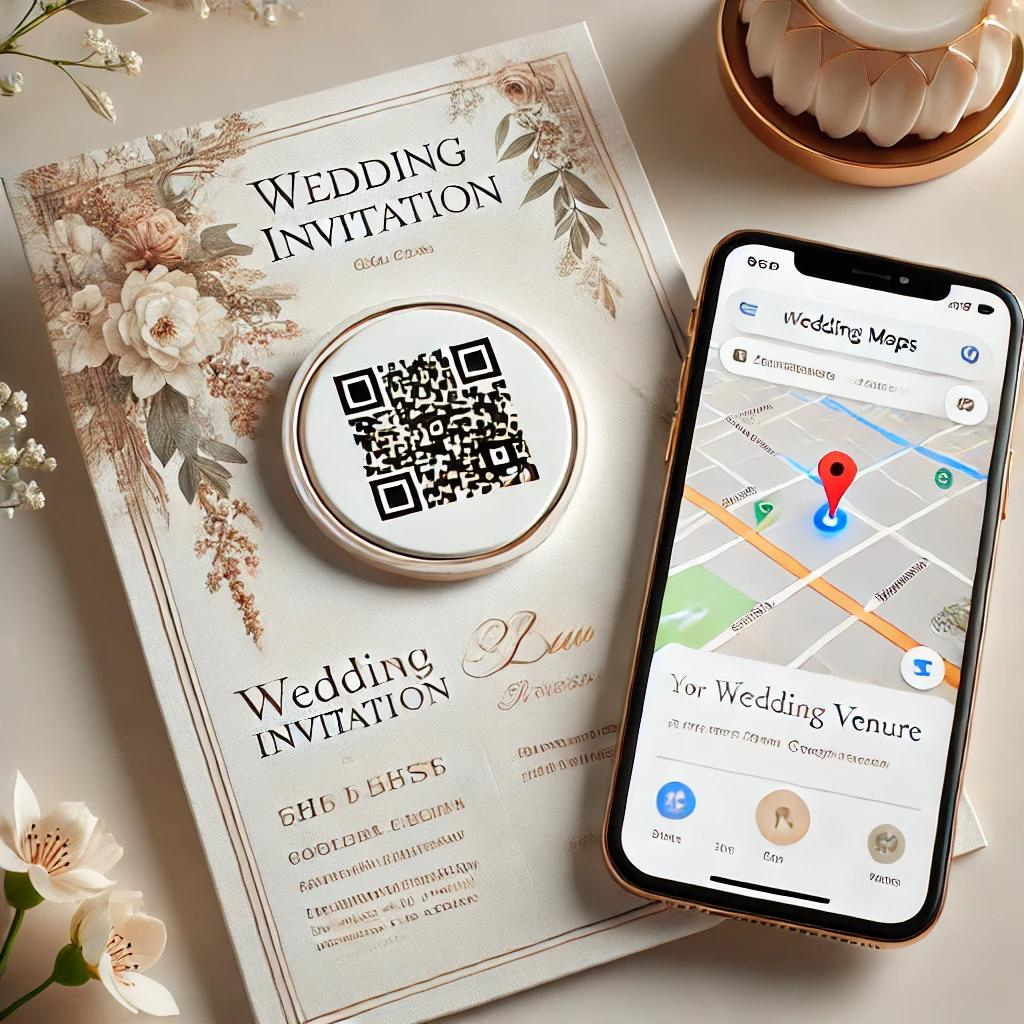
Make sure your guests find the wedding venue easily by including a QR code that links to a Google Map. With just a quick scan, guests can get directions straight to the venue, helping everyone arrive on time without any hassle. This not only reduces the stress of finding the location but also adds a thoughtful touch to your invitations, showing that you’ve considered every detail to make their experience as smooth as possible.
Top 5 QR Code Generators for Wedding Invitations
DingDoong – Free QR Code Generator
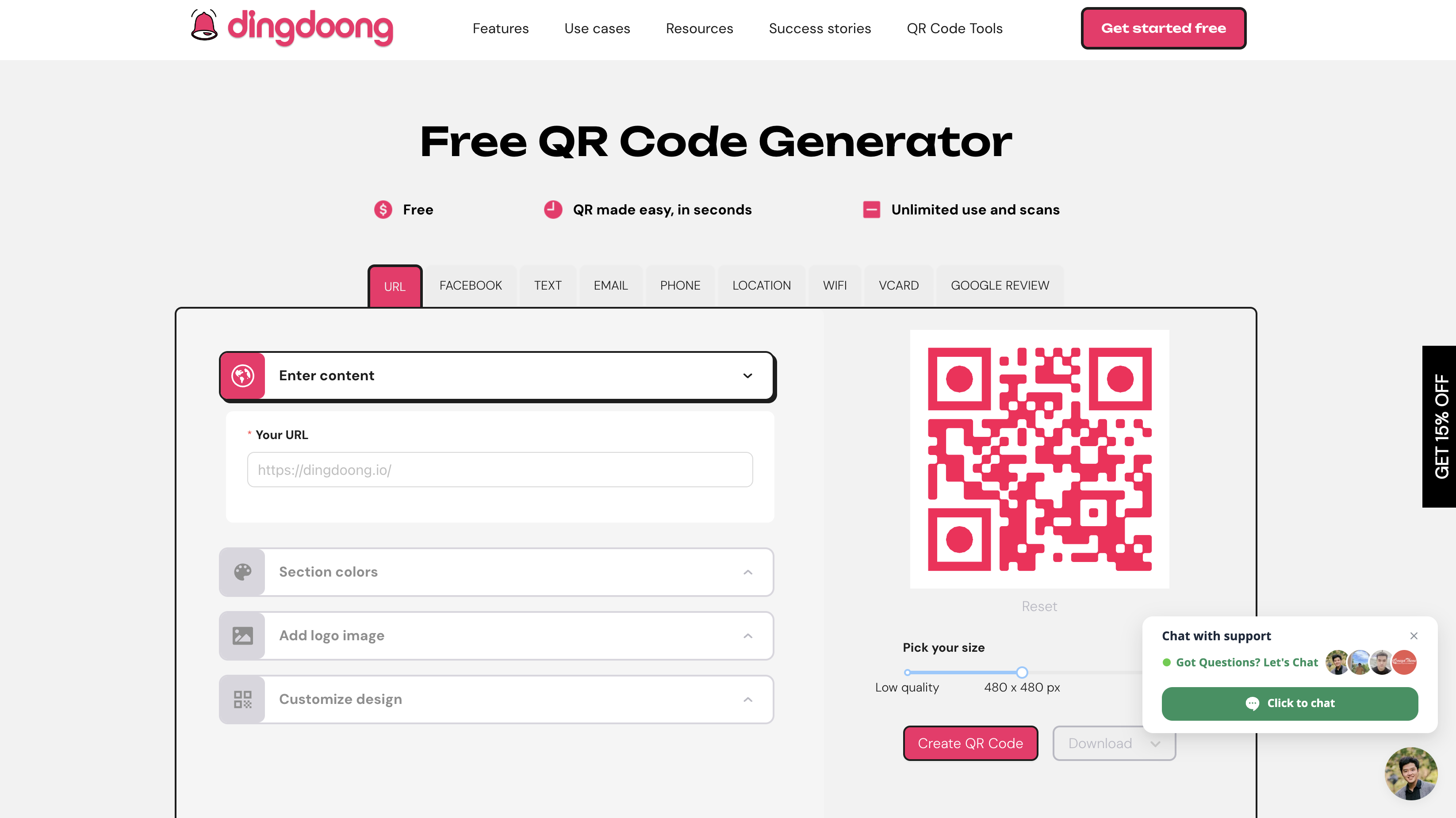
DingDoong – Free QR Code Generator is an outstanding choice for creating QR codes for wedding invitations, offering a blend of customization, ease of use, and unique features that make it stand out.
- Customization Options: Good, with colors, logos, and shapes.
- Tracking Capabilities: None.
- Ease of Use: Extremely easy and intuitive.
- Supported File Formats: PNG, SVG, JPG, JPEG, GIF. Max image size: 3Mb.
- Cost: Free.
- Unique Features: DingDoong stands out for its ease of use and variety of customization options at no cost, making it perfect for couples who want to create beautiful, personalized QR codes for their wedding invitations quickly and effortlessly.
GoQR.me
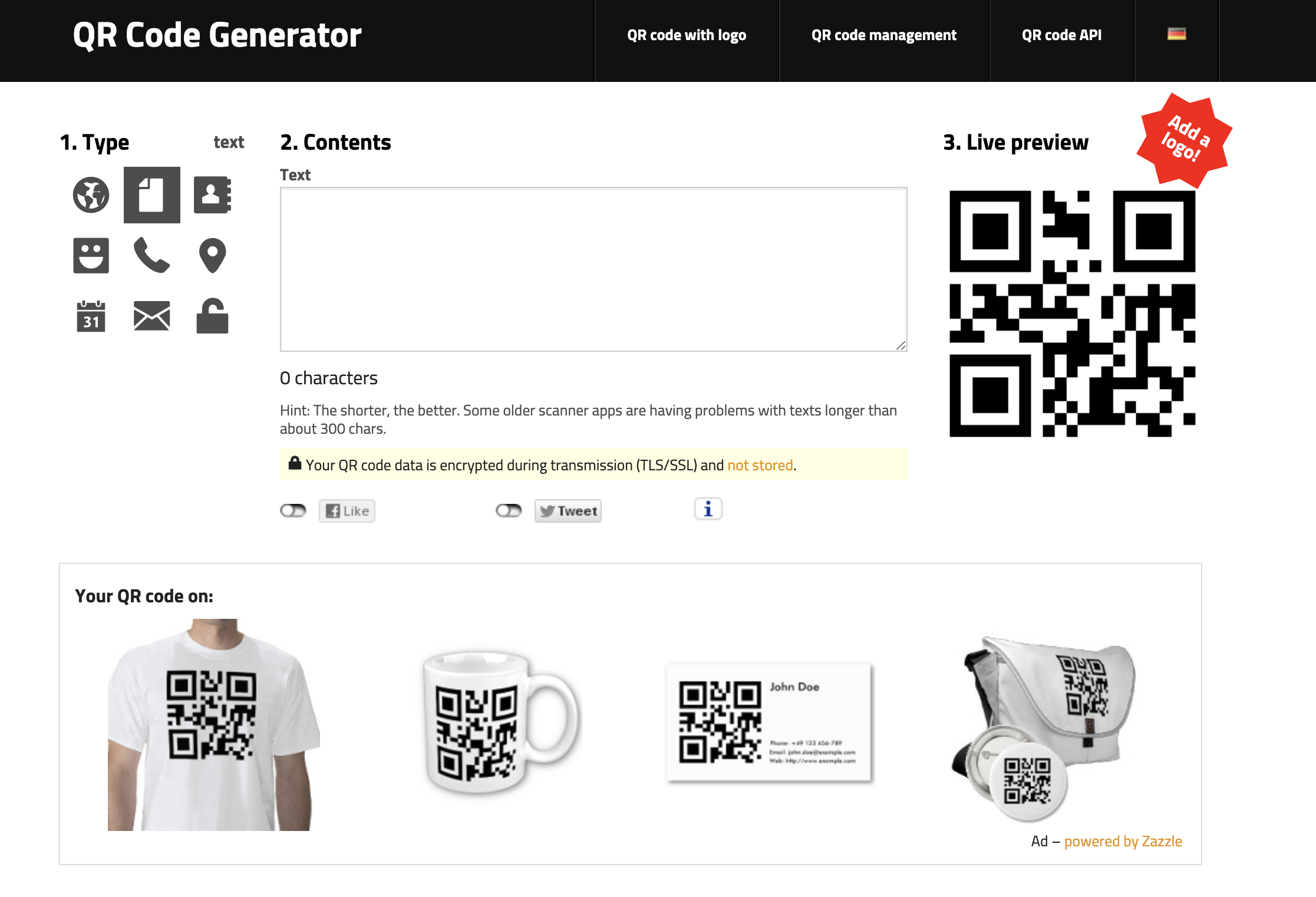 GoQR.me is a versatile QR code generator that offers basic customization and supports various types of QR codes. It’s great for couples who need a quick solution without advanced features.
- Customization Options: Basic, with colors and size adjustments.
- Tracking Capabilities: None.
- Ease of Use: Very easy.
- Supported File Formats: PNG, SVG, EPS.
- Cost: Free.
- Unique Features: Quick and simple QR code creation.
Shopify QR Code Generator
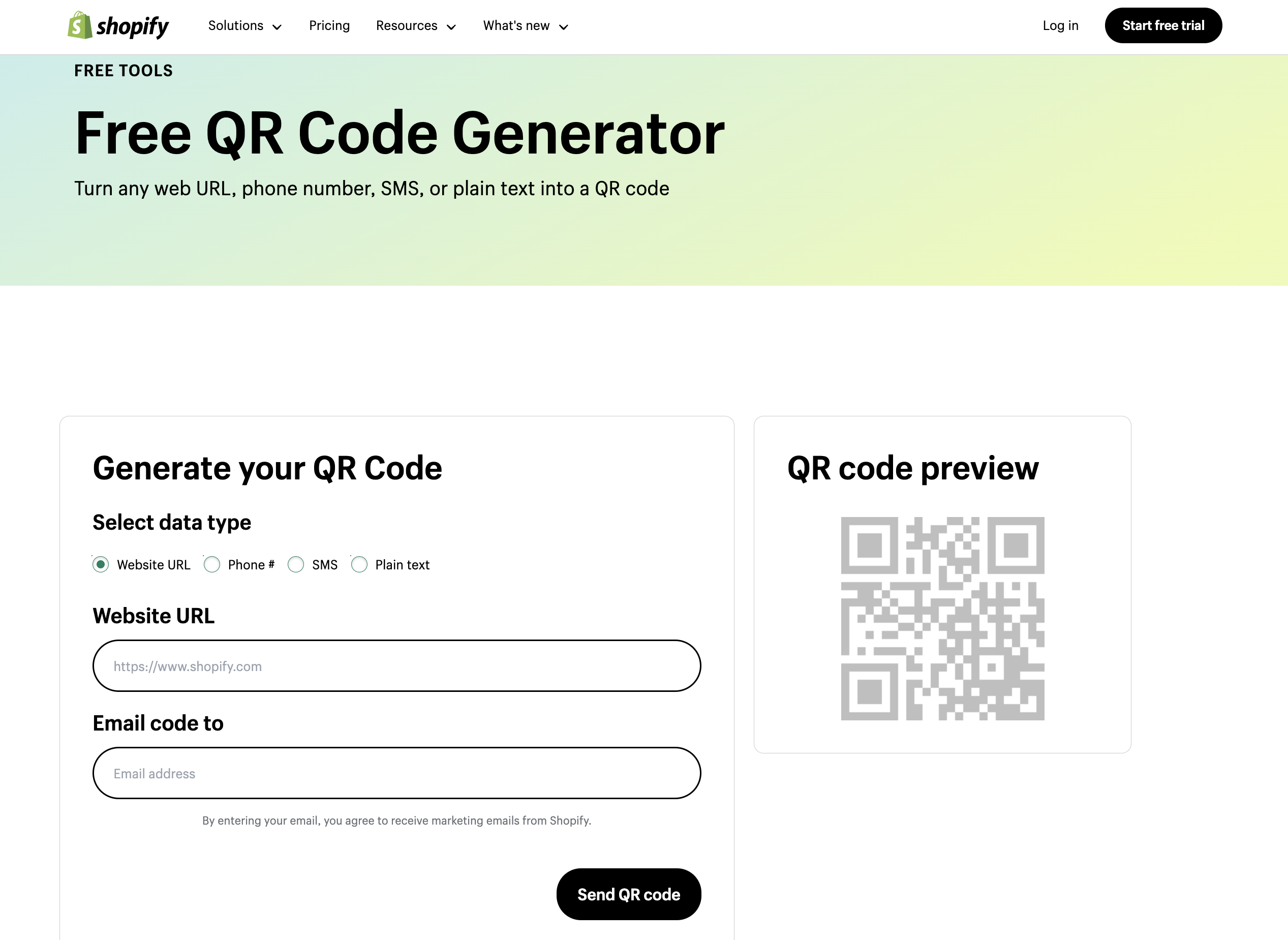 Shopify QR Code Generator is perfect for those who want a simple and straightforward QR code generator. It’s especially useful for couples already using Shopify for wedding-related services or sales.
- Customization Options: Basic, with colors and logos.
- Tracking Capabilities: None.
- Ease of Use: Very easy.
- Supported File Formats: PNG.
- Cost: Free.
- Unique Features: Simple integration with Shopify.
Beaconstac
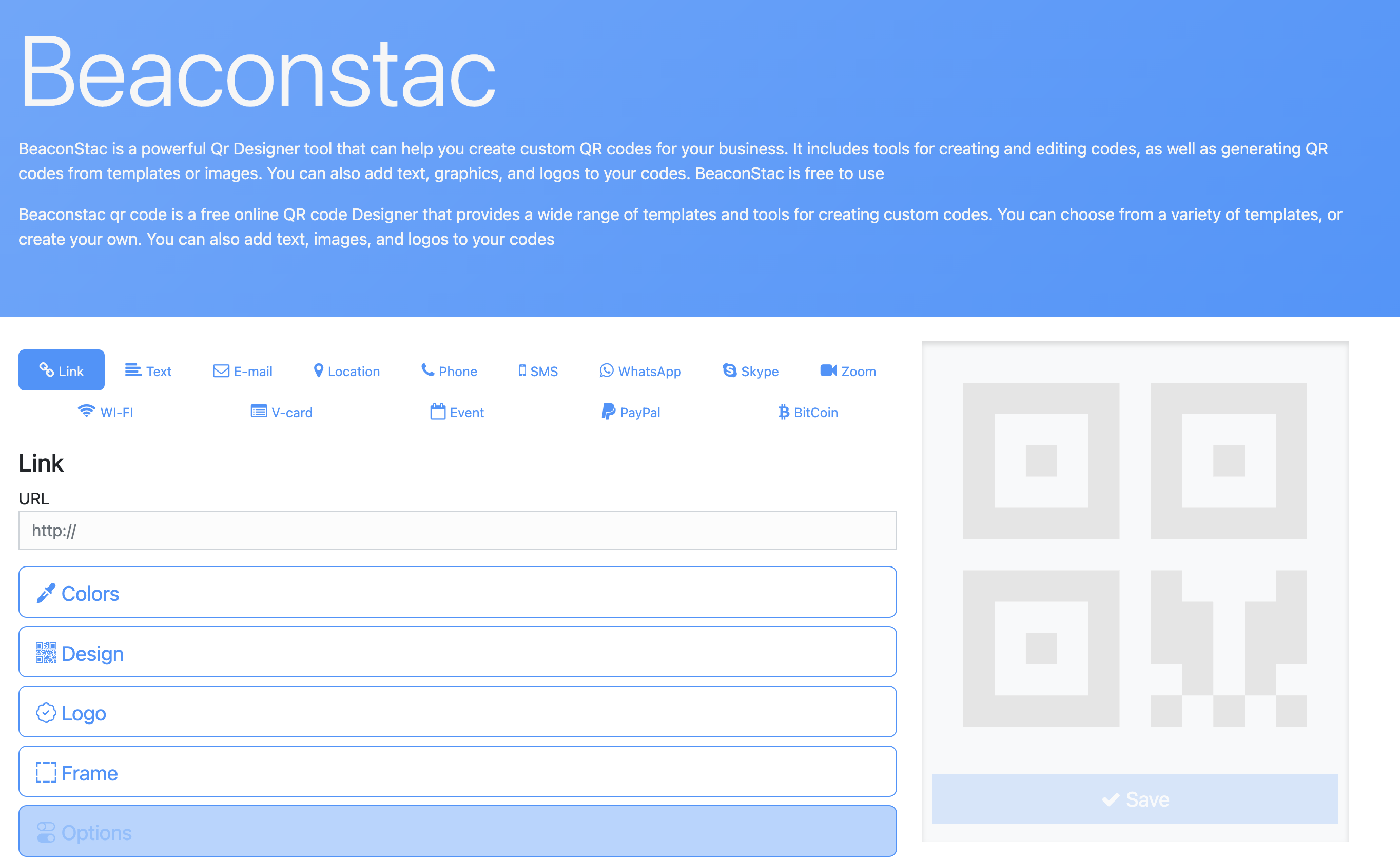
Beaconstac is ideal for those who need more advanced features, including tracking and detailed analytics. This QR code generator is great for couples who want to monitor engagement with their wedding invitations.
- Customization Options: Advanced, with colors, logos, and frames.
- Tracking Capabilities: Yes, with detailed analytics.
- Ease of Use: Moderate, due to advanced features.
- Supported File Formats: PNG, SVG, PDF, EPS.
- Cost: Paid, with a free trial.
- Unique Features: Detailed tracking and advanced customization.
QRCode Monkey
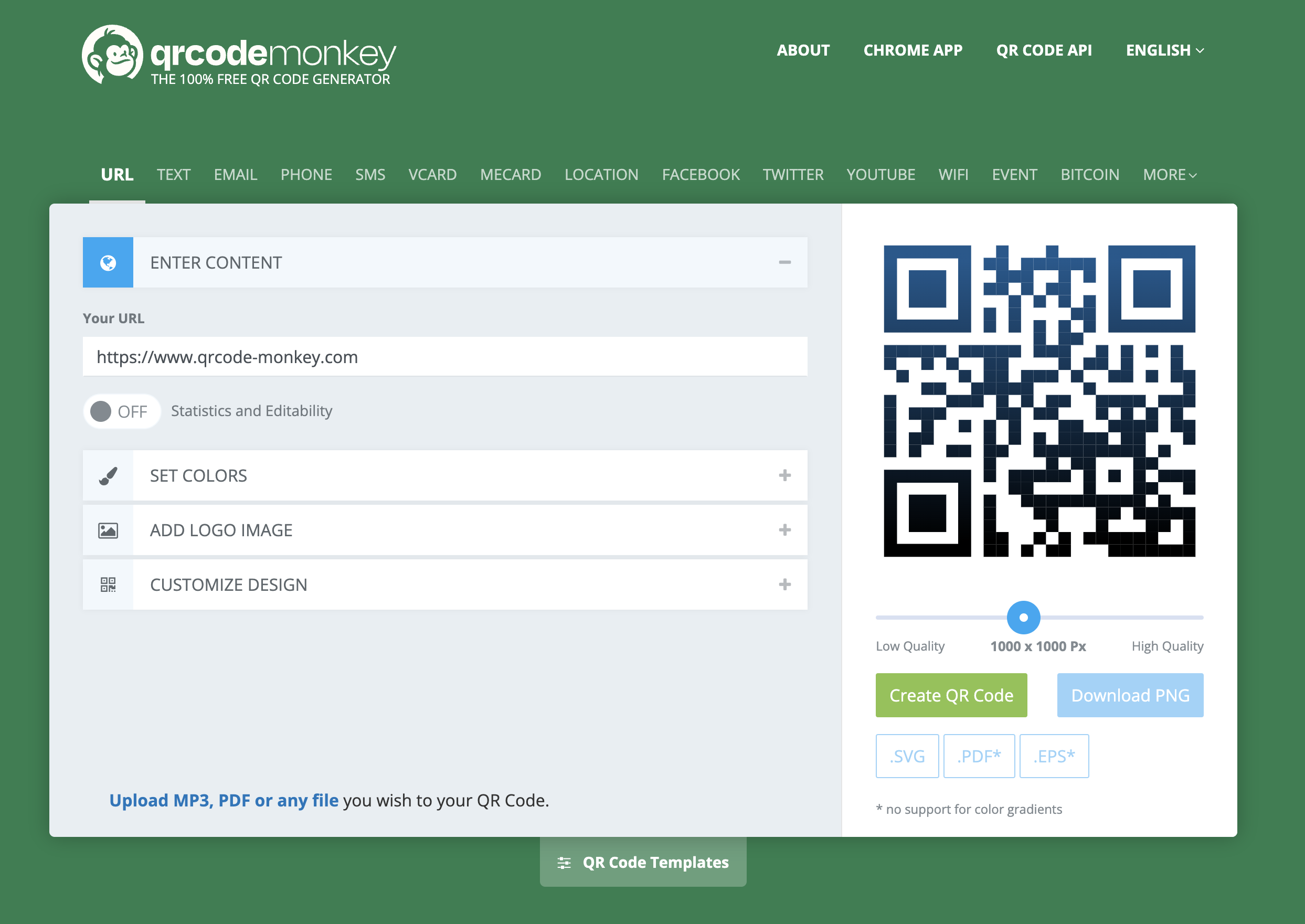
QRCode Monkey is a popular choice for creating QR codes for wedding invitations due to its extensive customization options and ease of use. It’s perfect for couples looking to personalize their QR codes to match their wedding theme.
- Customization Options: Extensive, including colors, logos, and shapes.
- Tracking Capabilities: None.
- Ease of Use: Very easy.
- Supported File Formats: PNG, SVG, PDF, EPS.
- Cost: Free.
- Unique Features: High customization flexibility.
Conclusion
Using a QR code generator for wedding invitations is a great way to add a modern and interactive element to your invites. It helps you share important details easily, makes RSVPs simpler, and adds a unique touch to your wedding planning. Whether you want to guide your guests to your wedding website, share a personal video, or make the RSVP process easier, QR codes are a versatile tool that can enhance your wedding invitations.
Learn More: How to Create a QR Code Invitation: 5 Innovative Ideas
Try DingDoong Free
Add a date picker to your Shopify checkout today — no developer needed.
Start free trial →
![12 Rental Dress Business Ideas [2026 Trends Updated]](https://dingdoong.io/wp-content/uploads/2026/09/rental-dress-business-ideas.png)