Event planning is going digital, and QR codes are leading the charge for smarter, more interactive invitations. By adding a QR code to your invitation, you make it super easy for guests to RSVP, access event details, or even browse gift registries—all with a quick scan. Plus, it’s an eco-friendly way to cut down on paper while still looking modern and tech-savvy. Keep reading to see how QR code invitation can take your event planning to the next level!
What QR Code Invitation do?
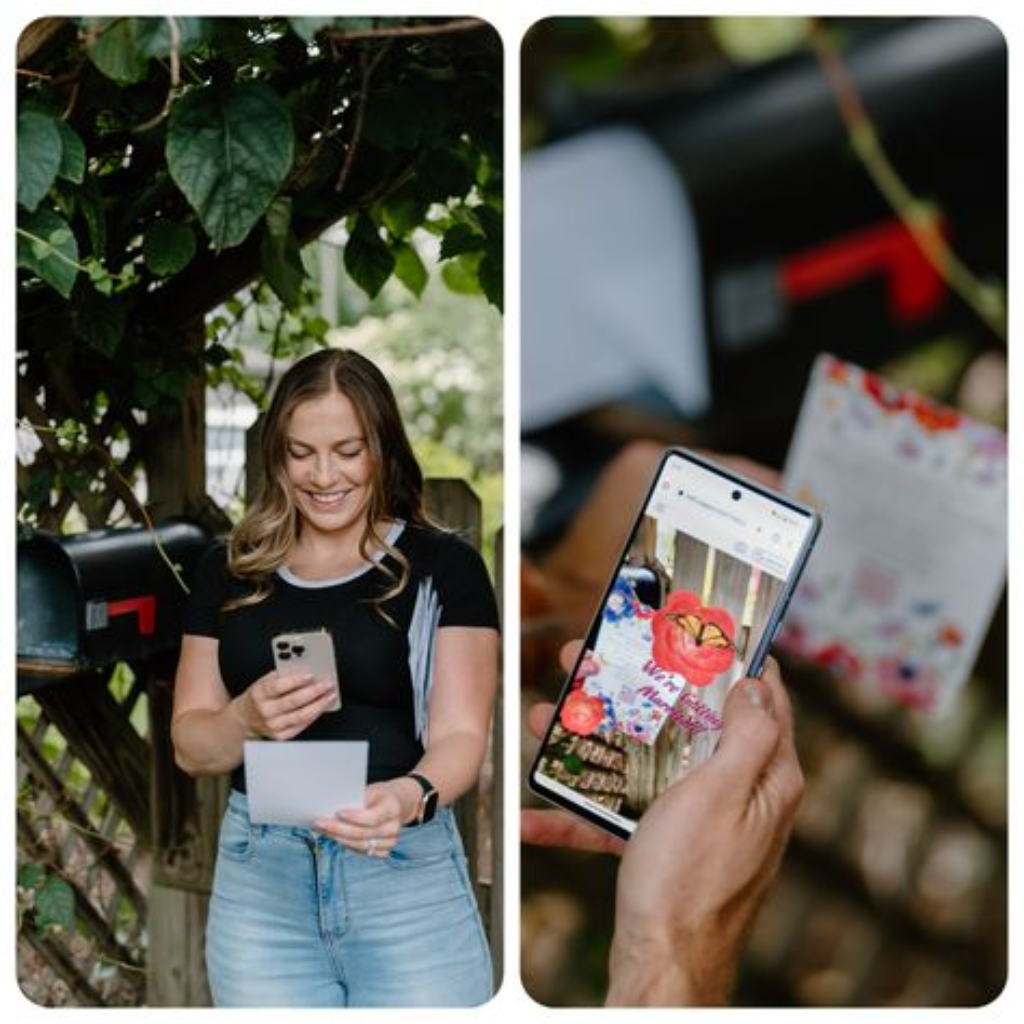
Simplifying Guest Management with QR Codes
Adding a QR code to your invitation gives guests immediate access to essential information, such as event schedules, venue maps, and accommodation details. By scanning the code, guests are directed to websites where everything they need is available in one place. This digital shift reduces the need for printed inserts and makes communication more efficient, especially when updates or changes occur.
Instant Access to Detail
QR code to your invitation gives guests immediate access to essential information, such as event schedules, venue maps, and accommodation details. By scanning the code, guests are directed to websites where everything they need is available in one place. This digital shift reduces the need for printed inserts and makes communication more efficient, especially when updates or changes occur.
Cost-Effective and Eco-Friendly Invitations
Using a QR code invitation opens up cost-effective, eco-friendly options for event planning. By going paperless, hosts can significantly reduce printing costs while also minimizing their environmental footprint. This approach aligns with the growing trend toward sustainability, allowing event organizers to save money and contribute to greener practices by reducing paper waste.
Personalized QR Code Design for Seamless Integration
Today’s technology makes it easy to personalize a QR code invitation to match the overall aesthetic of the event. Whether your invitation is rustic, modern, or minimalist, the invitation card with QR code can be customized to blend seamlessly with the design. This ensures the invitation retains its personal style while embracing the convenience and innovation of digital planning.
Step-by-Step Guide: How to Add QR Code to Invitation Cards
Creating a QR code for your invitation is a breeze with DingDoong – Free QR Code Generator. This platform not only makes it easy to create a code that’s functional but also visually appealing, ensuring that the platform or website you’re linking to is easily accessible via the QR code. By providing your guests with everything they need in one place, you enhance their experience. Here’s how you can craft the perfect QR code for your invitations using DingDoong:
Selecting the Perfect QR Code Type
QR codes come in various types, each serving a distinct purpose. Here are some options that can add a special touch to your invites:
- URL QR Codes: Use these to guide guests to your event website, where they can find everything from venue details to the schedule and dress code.
- RSVP QR Codes: Simplify the RSVP process by linking to an online form, making it super easy for guests to let you know if they’ll be attending.
- Feedback QR Codes: Create a fun interaction by linking to a survey or guestbook. This allows guests to share their thoughts and well-wishes before and after the event.
- SMS QR Codes: These can send pre-written text messages, perfect for quick RSVPs, last-minute updates, or directions on the day of the event.
- vCard QR Codes: Share essential contact details, such as your event planner’s information or emergency contacts, so guests can reach out with ease.
- Plain Text QR Codes: Perfect for displaying a simple message or heartfelt note directly on your guests’ phones when they scan the code.
Personalize Your QR Code
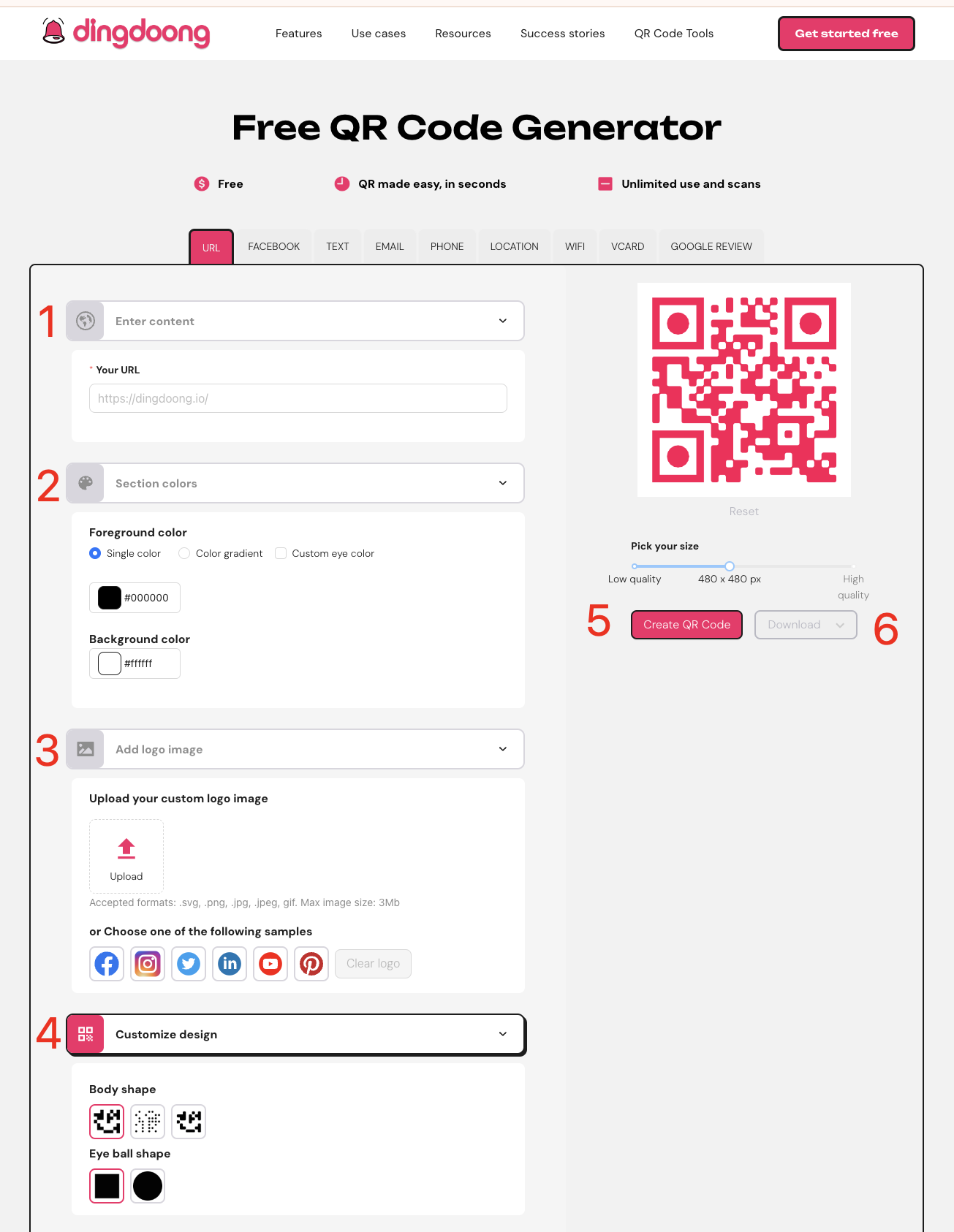
Once you’ve decided to use DingDoong, it’s time to get creative! Here’s how to make your QR code stand out:
- Input Your URL or Information: Head to the appropriate section for your chosen QR code type. Enter the link or information that the QR code will direct guests to.
- Design Your Code: Change up the color, add your logo, or resize it to match your invitation’s style. Make sure it pops!
- Generate the QR Code: Hit the “Generate” button, and voila! Your custom QR code is ready.
- Download and Use: Save the QR code and integrate it into your invitation design seamlessly.
Tips: You should customize the design to match the invitation theme. You can change the color, add a logo, or even adjust the shape to match your event’s theme. This step ensures that the QR code blends seamlessly with the invitation design, maintaining both style and functionality.
Add the QR Code to Your Invitations
Now that your QR code is ready, it’s time to incorporate it into your invitation design. Here are some tips to ensure it fits seamlessly:
- Place It Where It’s Easy to See: Position the QR code in a prominent location on the invitation, such as the bottom corner or the back. It should be visible enough to catch the guests’ attention without distracting from the overall design.
- Include a Call to Action: Add a short note or instruction near the QR code, such as “Scan this QR code for more details” or “RSVP online by scanning here.” This gives guests clarity on what the QR code is for and encourages them to engage with it.
- Provide Simple Instructions: Not all guests may be familiar with QR codes, so it’s helpful to include a brief line of guidance, like “Use your phone’s camera to scan the QR code.” This ensures that even those who aren’t tech-savvy know how to access the information without any confusion.
Testing and Integration
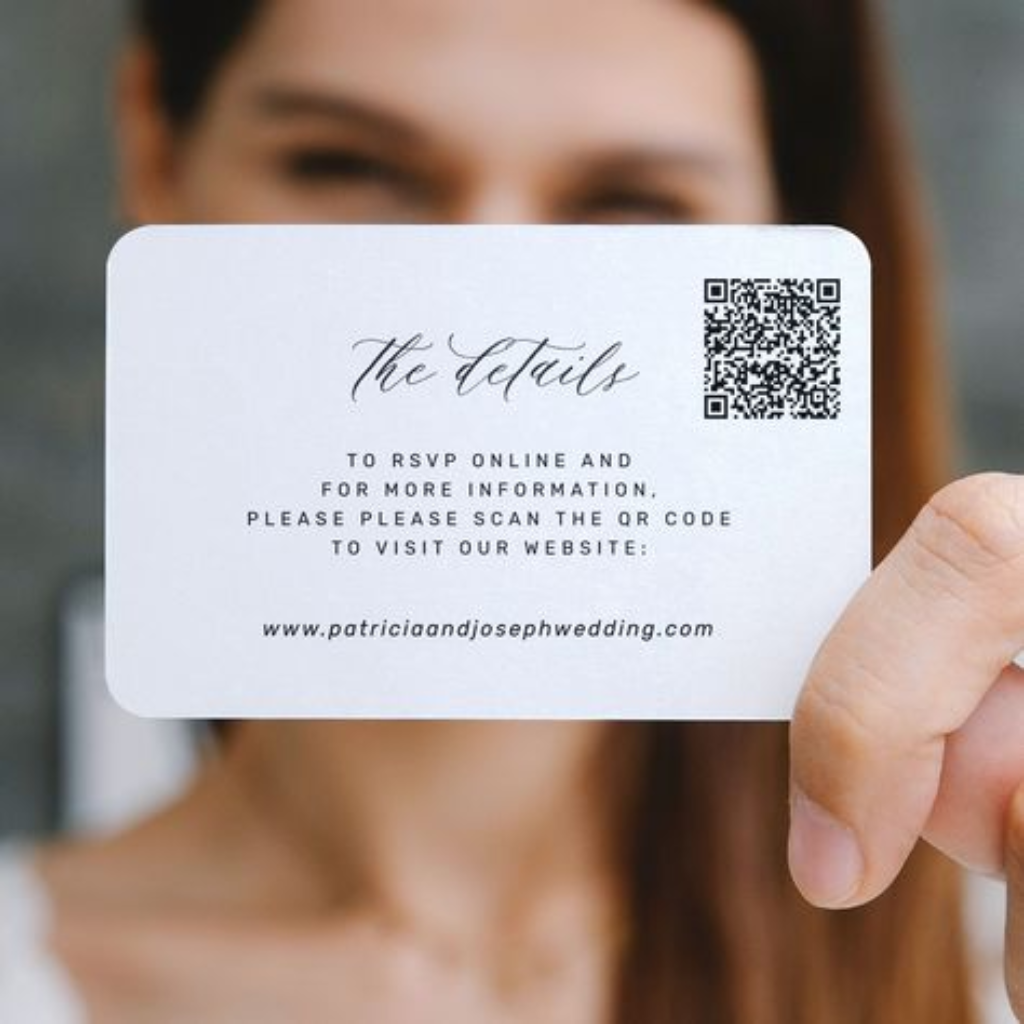
Before sending out your invitation cards with QR code, thoroughly test the QR code’s functionality. Verify that it links to the correct RSVP form, event website, or other intended content. Also, testing the scannability of your QR code across multiple devices is essential. Make sure it works smoothly on both Android and iOS devices. A functional QR code ensures that your guests can easily access all event details with no technical issues. This step guarantees that the QR code works seamlessly for all recipients.
5 Unique Ideas to Make a QR Code Invitation
A QR code invitation not only simplifies event planning but also adds a personal, emotional touch to the guest experience. By adding a QR code to your invitation, you can create meaningful moments that connect with your guests, making them feel special and involved in your celebration. Here are five heartfelt ways to make your invitation card with a QR code truly stand out:
Link to a Personalized Video Message

Imagine your guests scanning your QR code invitation and being greeted with a personalized video message. Whether it’s a heartfelt welcome, a glimpse into your journey, or a sneak peek of the event, this personal touch will make your invitation memorable and emotionally engaging. It allows you to connect with your guests in a way that feels intimate and thoughtful.
Provide Instant Access to Event Details
Show your guests you care about their convenience by embedding a QR code that links directly to event details. Whether it’s the schedule, venue directions, or accommodation options, guests can have everything they need at their fingertips with just a scan. This small gesture shows that you value their time and want to make their experience as seamless as possible, reducing stress while keeping things eco-friendly.
Interactive RSVP System
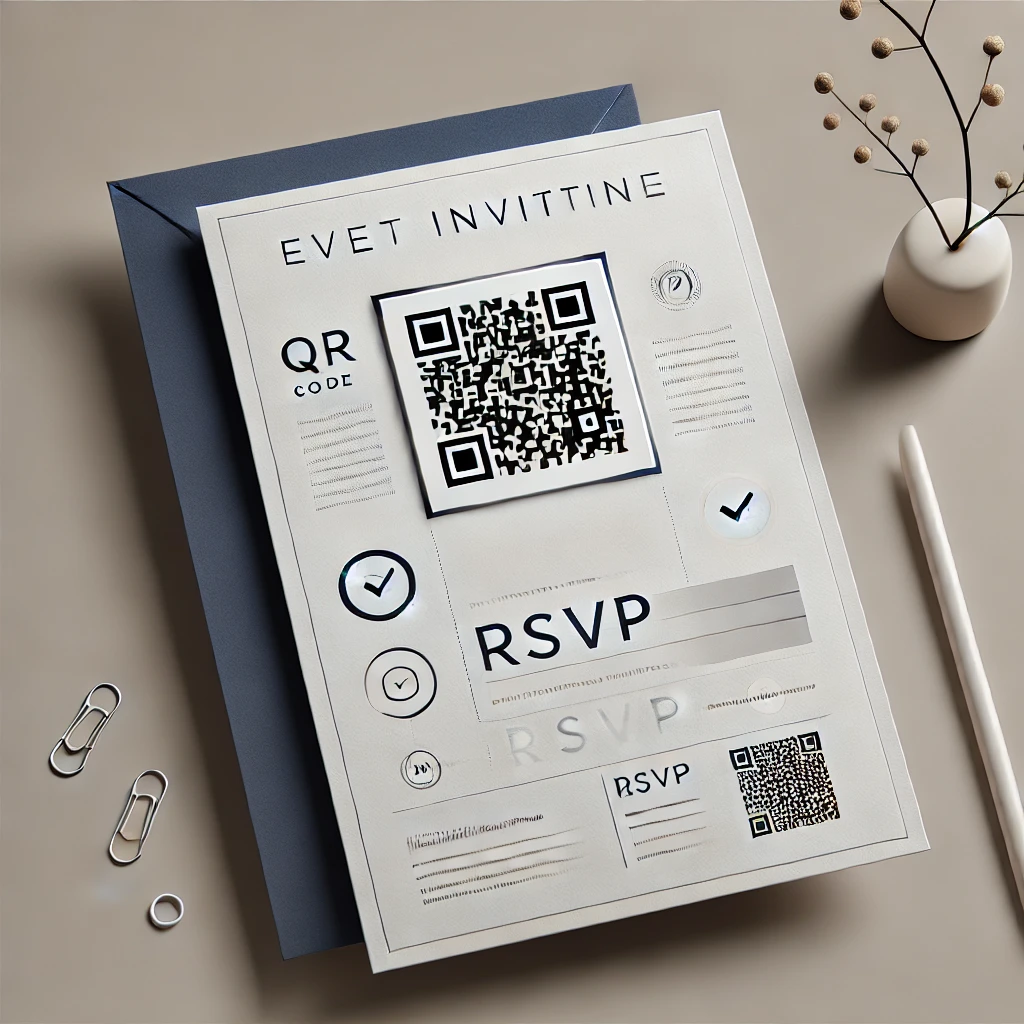
Make your guests feel truly connected by making the RSVP process simple and interactive. By using a QR code on your invitation, you can allow guests to instantly confirm their attendance. It saves time and makes them feel more involved, as they can easily engage with the event in a way that’s convenient and effortless. This real-time interaction gives your invitation a modern, yet personal touch.
Connect to a Virtual Photo Gallery
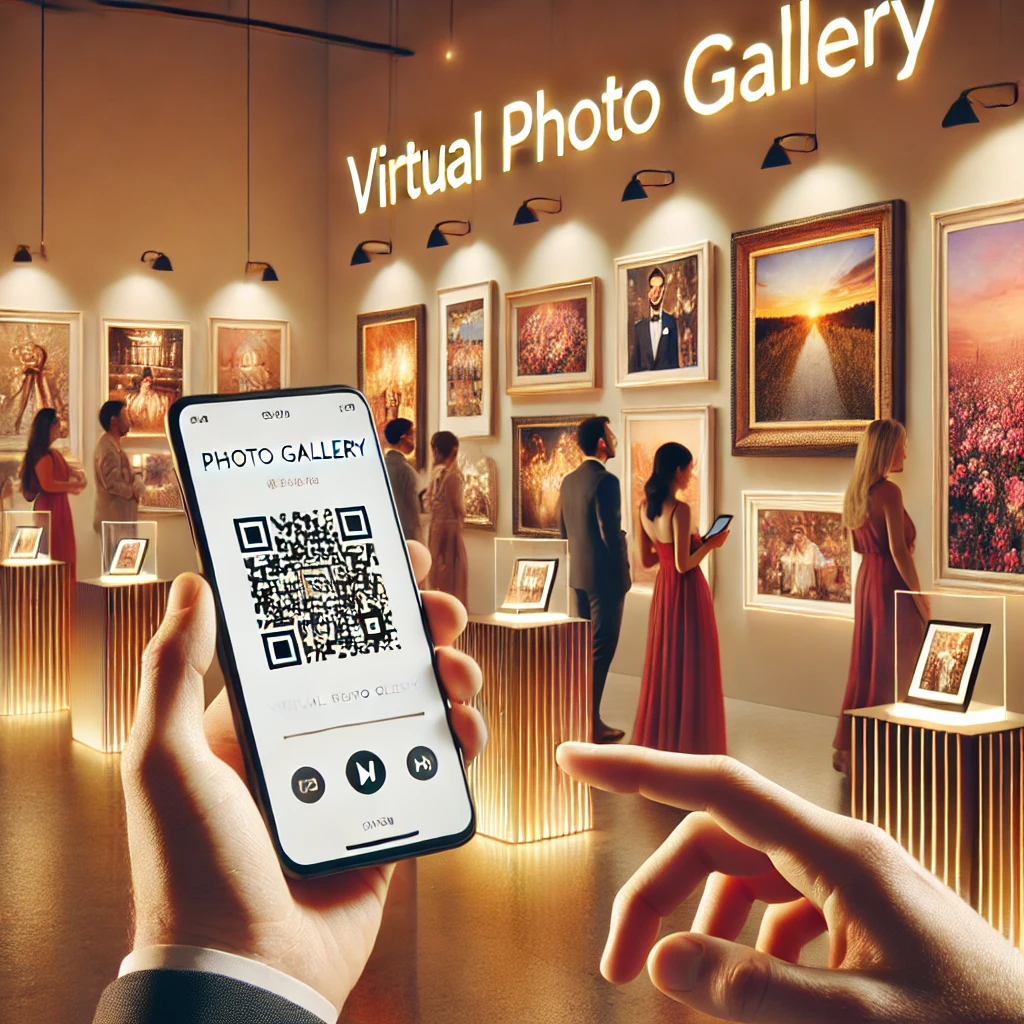
Let your guests relive the special moments by linking your QR code invitation to a virtual photo gallery. After the event, they can scan the same QR code to view photos and memories from the celebration. Even better, invite them to upload their own photos, creating a shared experience where everyone can contribute to the memories, making your event even more meaningful and personal.
Link to Your Gift Registry or Wishlist
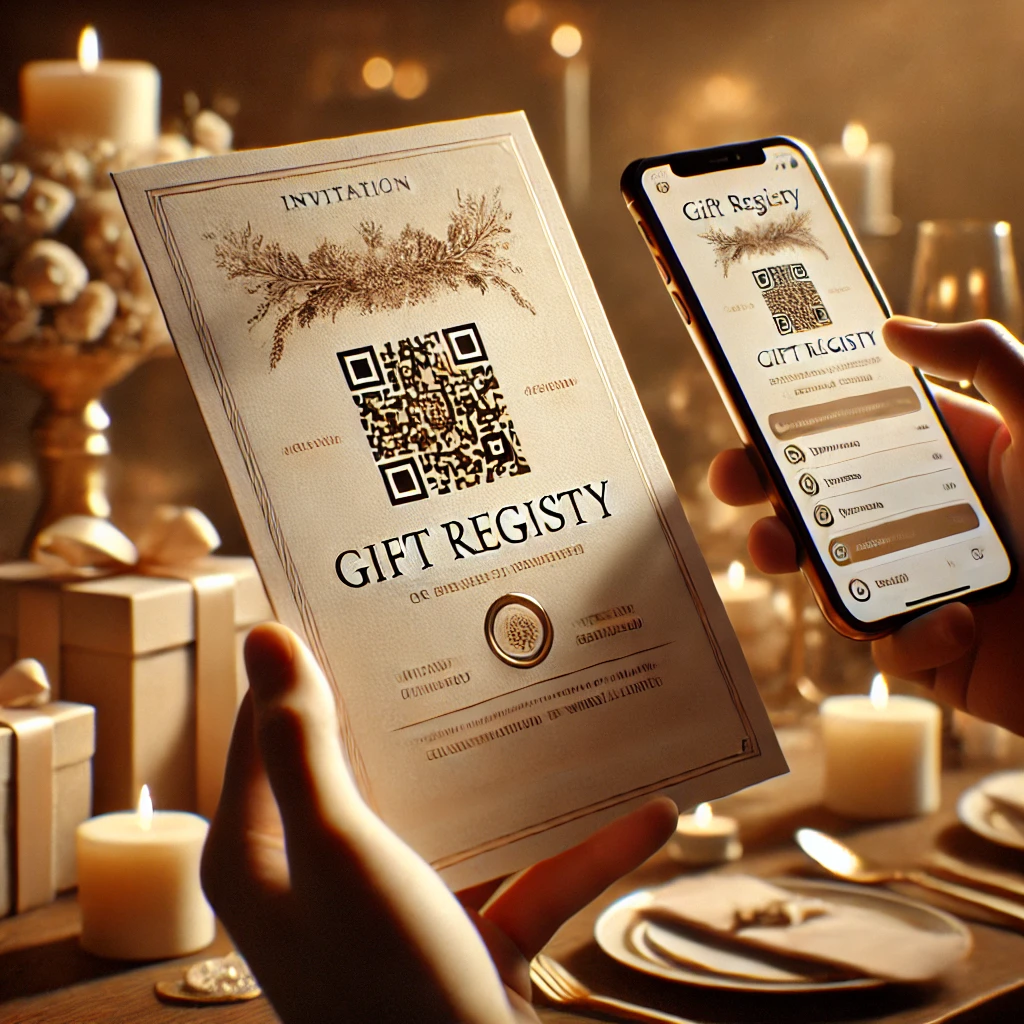
Add a practical, yet thoughtful, touch to your invitation card with QR code by linking it to your gift registry or wishlist. This makes it easy for guests to find the perfect gift while ensuring their contribution feels personal and appreciated. The simplicity of browsing and purchasing online shows that you care about their experience and want to make things as easy as possible for them.
Conclusion
Adding QR codes to your invitations makes planning a whole lot easier and gives your guests a super smooth experience. Whether it’s for RSVPs, event details, or gift registries, QR codes streamline everything, keeping it simple and stress-free for both you and your guests. So, why not give it a try? Incorporate QR codes in your invitations to add a modern, personal touch that’ll make your event even more memorable—and way easier to manage!
Learn More: How to Use QR Code Generator for Wedding Invitations? Make Your Day Special
Try DingDoong Free
Add a date picker to your Shopify checkout today — no developer needed.
Start free trial →
![12 Rental Dress Business Ideas [2026 Trends Updated]](https://dingdoong.io/wp-content/uploads/2026/09/rental-dress-business-ideas.png)