Have you ever wondered how to make your flyers more interactive and engaging? Well, you’re in the right place. This guide will walk you through everything you need to know about creating, using, and maximizing the impact of the QR code flyer. Ensuring your message reaches and resonates with your audience. Let’s get started!
What is a QR Code Flyer?
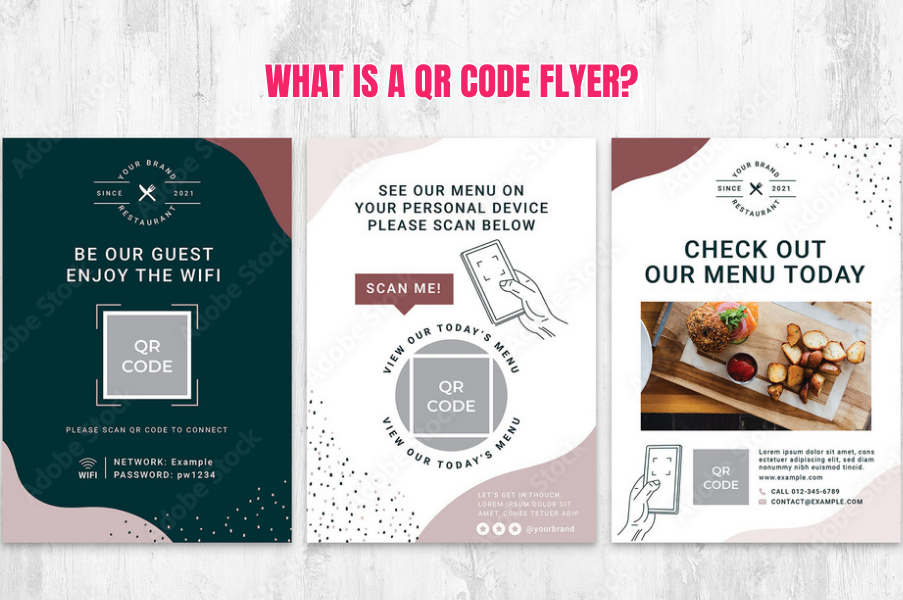
So, what exactly is a QR code on flyers? Pretty simple. It is a flyer with a QR code that people can scan using their smartphones. This nifty code can link to all sorts of digital goodies, like websites, event registrations, videos, or contact info. It’s a great way to blend traditional print marketing with the digital world, making your content more accessible and engaging.
Benefits of Using QR Codes on Flyers
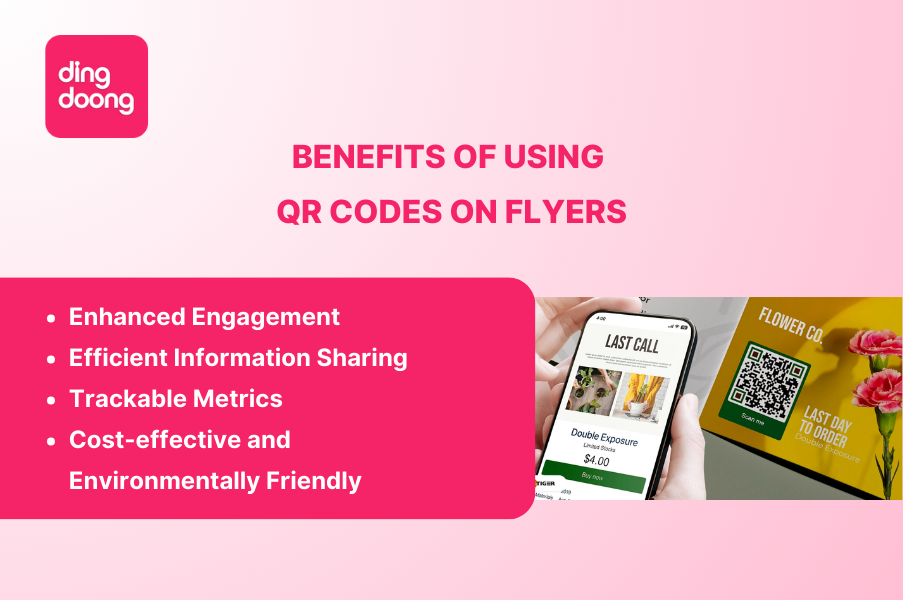
Enhanced Engagement
A QR code flyer is like a magnet for user interaction. Imagine you’re handing out flyers for an event. Instead of just listing details, you include a QR code that links to a promo video or a sign-up form. People are more likely to engage because it’s interactive and convenient. This direct interaction can lead to higher attendance at events, more website visits, or increased sales, as it bridges the gap between physical and digital marketing channels.
Efficient Information Sharing
When you’re dealing with events or product launches, there’s often too much info to fit on a single flyer. That’s where brochures with QR codes come in handy. You can direct people to detailed online content without cluttering your flyer. This way, you provide a clean and appealing flyer while ensuring that all the essential details are easily accessible. Whether it’s a video tutorial, a comprehensive product catalog, or event schedules, a QR code can link to all this information seamlessly.
Trackable Metrics
One great thing about using a QR code flyer is that you can track how often the code is scanned and where. This helps you see what’s working and make improvements. For this to work, you need to use dynamic QR codes—static QR codes won’t provide this tracking information. Knowing how many people are interested and where they are can really help you fine-tune your marketing and reach your audience better.
Cost-effective and Environmentally Friendly
Using QR code flyer means you don’t have to print tons of flyers. People can access detailed information online, which saves on printing costs and paper use. It’s a win-win for your budget and the planet. Plus, if you need to update information—like changing event details or adding new products—you can do it digitally without the hassle and cost of reprinting. This flexibility makes QR code flyers a smart and sustainable choice for businesses looking to minimize waste and reduce their environmental footprint.
Learn More: QR Code on Product Packaging: How To Create Product QR Code Free?
How to Add A QR Code To A Flyer?
Creating a QR code flyer involves a few key steps, from defining your goals to designing and distributing the flyer. Here’s how to kick start:
Step 1: Define the Purpose To Choose the Right Type of QR Code
First things first—what’s the goal of your flyer? After defining the purpose you need to choose the right type of QR code. It’s not a one-size-fits-all situation—different QR codes serve different purposes. Here are the commons:
- URL QR Codes: Ideal for directing customers to a website for more information about services, perfect for industries like real estate, tourism, and salons.
- Social Media QR Codes: Great for increasing social media followers by linking directly to your profiles.
- Feedback QR Codes: Useful in places like hotels or restaurants for collecting customer feedback.
- Email QR Codes: Encourages direct communication, especially useful in art galleries where visitors can contact artists.
- SMS QR Codes: Convenient for charitable donations via a prewritten SMS, useful in various events and public gatherings.
- vCard QR Codes: Makes it easy for professionals to share contact information, particularly useful at trade shows.
- Plain Text QR Codes: For simple messages or announcements, ideal for schools or one-time events.
- Bulk QR Codes: Useful when you need to create multiple codes at once, whether static or dynamic.
Step 2: Choose a QR Code Generator
Next, you need a tool to create your QR code like the DingDoong QR Code Generator. It’s user-friendly and offers great customization options. You can tweak colors, add logos, and track analytics. DingDoong stands out because of its versatility and ease of use, allowing even beginners to create professional-looking QR codes. You can match the QR code’s design with your brand’s aesthetic, making it not just functional but also a seamless part of your marketing materials.
Step 3: Design the QR Code
Make sure your design is easy to scan QR code flyer. DingDoong lets you customize the look, so it fits with your brand. Keep it high contrast and clear—nobody wants to struggle with a QR code that doesn’t scan properly. The design process should focus on readability and aesthetics. You can incorporate brand colors and even add a logo in the center of the QR code. This not only makes the code more visually appealing but also reinforces brand identity every time someone scans it.
Step 4: Add the QR Code to the Flyer
Place the QR code where it’s easy to see and include a clear call to action like “Scan for more info”. Ensure it fits well with the flyer’s design and highlights what users will get, like exclusive content or a discount.
Step 5: Test the QR Code
Before printing, test the QR code on different devices to make sure it works properly. Check it under various lighting conditions and angles to avoid any issues for users.
Step 6: Print and Distribute
Print your flyers on high-quality paper to ensure they look professional and last longer. Distribute them where your target audience will see them, such as at events, stores, or community boards.
Best Practices for Using QR Codes in Flyers
Before starting to create your own QR code to add to a flyer, you must know these best practices to avoid mistakes:
- Size and placement: Where is the best place to put a QR code on a flyer? – This is a common question. Make your QR code large enough to scan easily but not so big it overshadows your flyer. The best place to put a QR code on a flyer is usually near the bottom or center. Proper placement ensures visibility and accessibility, encouraging more people to scan the code.
- Clear CTA: Always include a clear call to action next to your QR code. Simple instructions like “Scan to learn more” can boost engagement. The CTA should clearly communicate the value or benefit of scanning the QR code, making it an irresistible offer.
- High-quality printing: Ensure your flyer and QR code are printed in high resolution. Blurry codes are a no-go. Quality printing not only ensures the QR code is scannable but also enhances the overall perception of your brand.
- Consistent branding: Use colors, fonts, and logos that match your brand. Consistency builds recognition and trust. Consistent branding across all marketing materials reinforces brand identity and fosters trust with your audience.
- Privacy and compliance: Be clear about any data you’re collecting through QR codes. Follow privacy regulations and inform users how their data will be used. Transparency in data collection builds trust and complies with legal standards, protecting both your business and your customers.
QR Codes on Flyers in Action
Let’s look at some real-world examples to spark your creativity.
Example 1: Fashion Retail Promotions
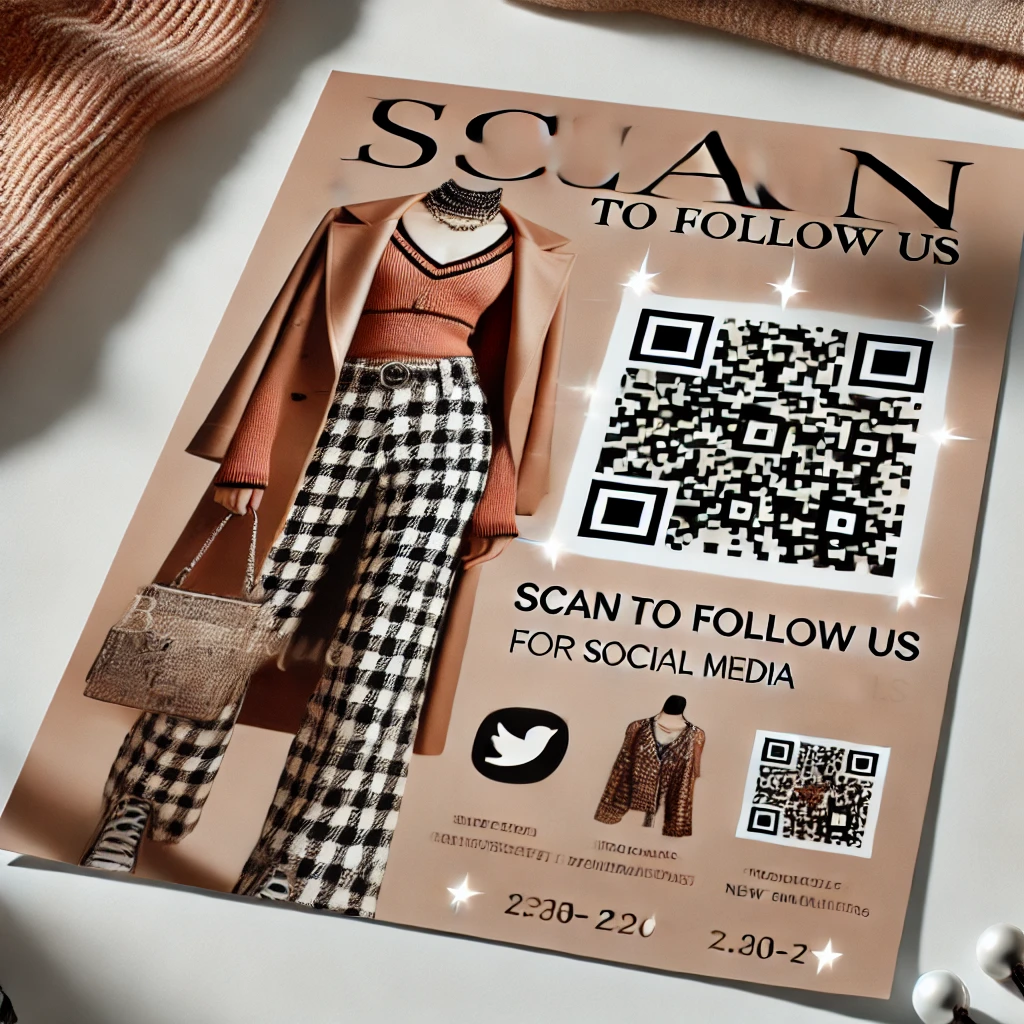
A fashion boutique used a QR code on their flyer that links to their social media channels. This helps increase online engagement and directs traffic to their profiles. Customers can follow for updates, promotions, and new arrivals. This approach not only enhances customer engagement but also drives traffic to their online platforms, increasing brand visibility and loyalty.
Example 2: Restaurant Menus and Offers
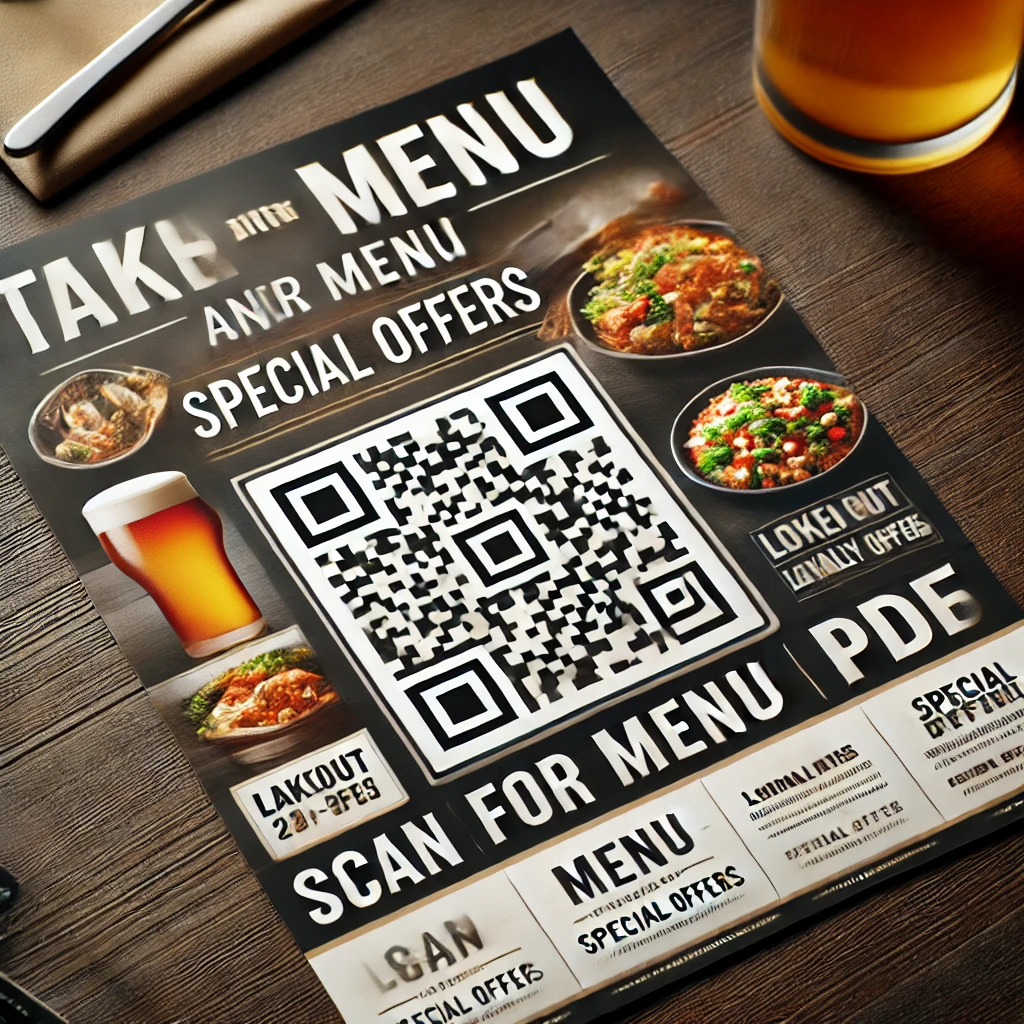
A restaurant put a QR code on their flyers that link to a PDF of their takeout menu. This way, customers can view menu options and place orders from their smartphones. It’s super convenient and enhances the customer experience. Additionally, the QR code can link to special offers or loyalty programs, encouraging repeat business and customer retention.
Example 3: Event Announcements
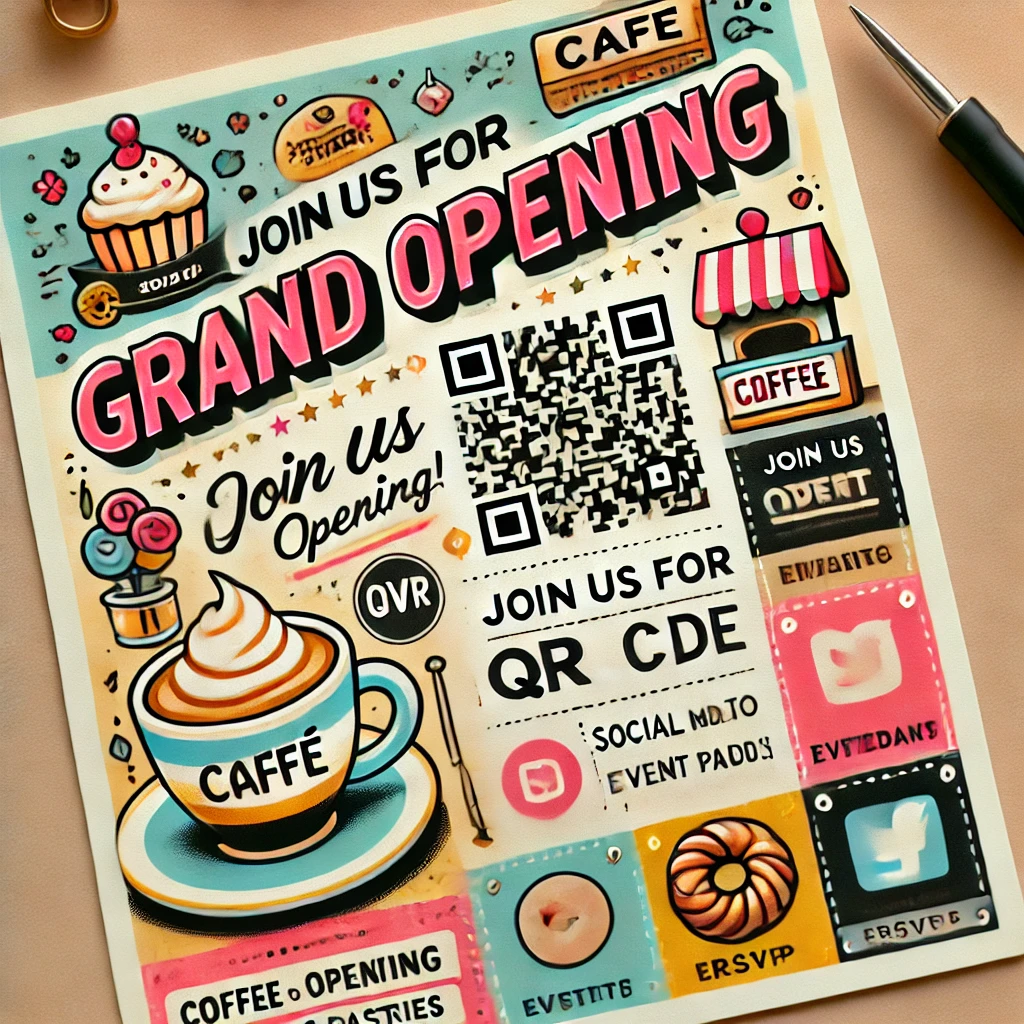
A café used a QR code on their grand opening flyer, directing users to event details that can be saved to their calendar. This makes it easy for attendees to RSVP and stay informed about the event. The QR code can also provide links to social media event pages, facilitating community engagement and discussion. This comprehensive approach ensures that attendees have all the information they need and can easily share it with others.
FAQs
Do QR Codes Expire?
QR codes themselves do not expire. However, the content they link to can change or become inaccessible if the linked URL or content is removed, moved, or changed. It’s important to regularly check and maintain the content that QR codes point to, ensuring they remain functional and relevant. Some services offer dynamic QR codes, which allow you to change the destination URL without altering the QR code itself, providing more flexibility and longevity.
Can I use free tools to create a QR code flyer?
Absolutely! There are many free tools online that can help you create a QR code flyer. These tools often offer basic customization features and are great for simple projects. However, for more advanced features such as analytics and branding, consider using premium services like DingDoong.
How can I track the performance of my QR code flyer?
Many QR code generators offer analytics features that track scans, time, and location. To access these tracking metrics, you need to use dynamic QR codes and create accounts with the tools providing these analytics. This data helps you understand your flyers’ reach and effectiveness, offering insights into user behavior such as peak scan times and popular locations. With this information, you can tailor your future marketing efforts more precisely and make data-driven decisions.
Conclusion
There you have it—the lowdown on creating a killer QR code flyer. It’s a fantastic way to blend traditional marketing with digital perks, making your campaigns more engaging and effective. By following these tips and best practices, you can create flyers that not only look great but also drive action and results. Whether you’re a small business owner, event planner, or marketer, integrating QR codes into your flyers can elevate your promotional strategies. They offer a seamless way to connect with your audience, provide detailed information, and even track your campaign’s success. So, what are you waiting for? Start designing your QR code flyer today and watch your engagement soar. Remember, the key is to be creative, clear, and consistent. Happy creating!
Try DingDoong Free
Add a date picker to your Shopify checkout today — no developer needed.
Start free trial →
![12 Rental Dress Business Ideas [2026 Trends Updated]](https://dingdoong.io/wp-content/uploads/2026/09/rental-dress-business-ideas.png)