Retail doesn’t look the same as it did 5 years ago. Shoppers browse products on their phones during lunch, visit stores on weekends and expect everything to connect. They want to buy online and pick up in-store. They want to return items anywhere. And they definitely don’t want to hear “our systems don’t talk to each other.”
This shift means retailers can’t afford to run separate systems for online sales and in-store checkout. Shopify POS for retail brings both together under one roof. It syncs your products, inventory, customers and orders across every sales channel you use. Whether you run a small boutique or manage multiple locations, this guide breaks down everything you need to know about Shopify POS retail in 2025.
What Is Shopify POS?
Shopify POS is a point-of-sale app that lets you sell products in physical locations while staying connected to your online Shopify store. Think of it as turning your phone or tablet into a full checkout system.

When someone buys a product in your store, the sale automatically updates your online inventory. When a customer shops online, their purchase history shows up when they visit your physical location. No manual updates. No spreadsheets. No guessing how much stock you actually have.
The app runs on iOS and Android devices. You can pair it with hardware like card readers, barcode scanners and receipt printers. But here’s the thing – you don’t need a fancy setup to get started. A smartphone and a tap-to-pay card reader can handle most transactions.
Why Retailers Search for Shopify POS
When someone types “Shopify for retail stores” into Google, they usually want answers to these questions:
- Can I manage online and in-store sales in one place? Running two separate systems creates headaches. Inventory doesn’t match. Customer data lives in different places. Orders fall through the cracks. Retailers want a single platform that handles everything.
- What features does it actually include? People want specifics. Checkout tools, inventory tracking, staff management, customer profiles, analytics – the details matter when choosing a POS system.
- How much will this cost me? Pricing gets complicated with POS systems. Monthly fees, transaction rates, hardware costs and per-location charges all add up. Retailers need clear numbers before committing.
- Is it better than Square or other options? Most business owners research multiple platforms. They want honest comparisons, not marketing fluff.
- Will it work for my specific situation? A food truck has different needs than a jewelry boutique. Retailers want to know if Shopify POS fits their business model.
Types of Shopify POS for Retail: A Complete Overview
Choosing the right Shopify POS setup isn’t just about picking Lite or Pro. Your ideal configuration depends on three factors: your Shopify subscription plan, your hardware setup and your retail scale. Let’s break down each one.
By Shopify Subscription Plan
Your Shopify plan affects your monthly subscription cost, payment fees, staff access, and access to more advanced commerce features. Shopify’s core in-person selling features are included with paid plans, while POS Pro costs an additional $89/month per location.
| Plan | Monthly Cost | Third-Party Payment Fee | Best For |
| Basic | $25/month | 2% | Solo entrepreneurs and small stores |
| Grow | $65/month | 1% | Small teams and growing businesses |
| Advanced | $399/month | 0.6% | Businesses selling at larger scale or across markets |
| Shopify Plus | From $2,300/month | Custom / best available rates | Complex, high-volume, and enterprise businesses |
Quick note: Shopify charges lower third-party payment fees on higher-tier plans. If you use a third-party payment provider and process enough sales, the lower fee on Grow or Advanced may help offset the higher subscription cost. POS Pro is available separately for $89/month per location.
By POS Software Tier
Within any Shopify plan, you choose between two POS software tiers.
POS Lite (Free)
POS Lite comes included with every Shopify subscription at no extra cost. It covers the essentials for in-person selling – processing payments, syncing products with your online store and tracking basic inventory. For retailers who mainly sell online with occasional face-to-face transactions, this version handles the job without adding monthly expenses.
Key Features:
- Product management and catalog sync with your online store
- Basic checkout with barcode scanning and receipt printing
- Simple inventory tracking
- Basic staff management and admin roles
- Order processing and returns handling
Best For:
- Small stores just getting started
- Pop-up shops or market vendors
- Businesses with simple in-person selling needs
- Retailers who want to test before investing more
POS Pro ($89/month per location)

POS Pro unlocks the full retail toolkit. It adds omnichannel capabilities like buy online pick up in store, advanced inventory forecasting and detailed staff permissions. Retailers running multiple locations or offering flexible fulfillment options typically need these features. The monthly fee applies to each store, so costs scale with your footprint.
Key Features:
- Omnichannel selling (BOPIS, ship from store, flexible returns)
- Demand forecasting and ABC analysis
- Stock transfers between locations
- Granular staff permissions and shift tracking
- In-depth sales reports by location, staff and product
- Customer loyalty programs and gift cards
Best For:
- Retail stores with multiple locations
- Businesses needing full omnichannel capabilities
- Chains wanting centralized management
- Brands planning to scale operations
By Hardware Setup
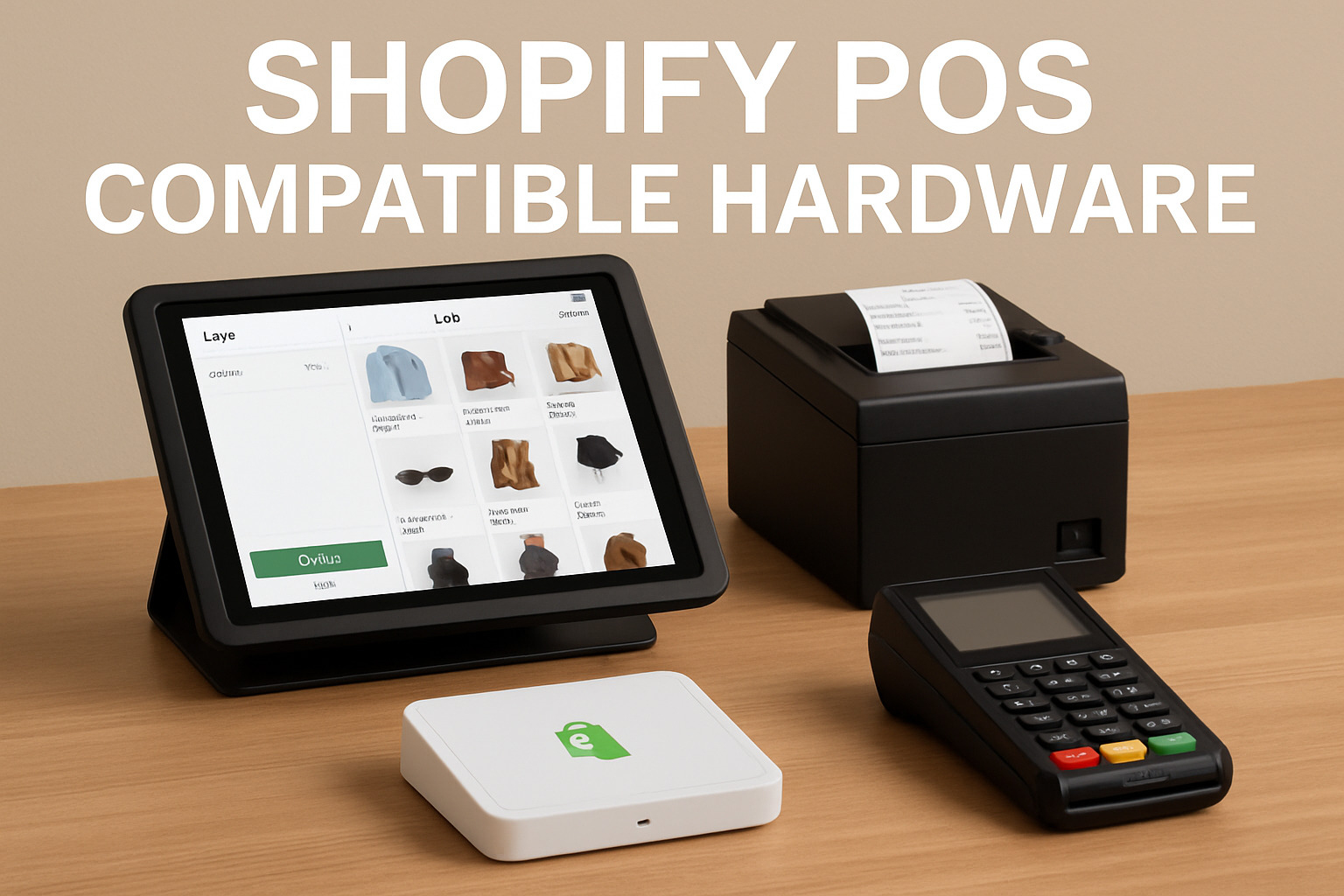
Shopify POS runs on different hardware configurations. Your choice depends on where and how you sell.
Mobile POS (Smartphone or Tablet)
Turn any iOS or Android device into a checkout terminal. Pair it with a tap-and-chip card reader ($49) or use Tap to Pay directly on your phone-no extra hardware needed.
Best For:
- Pop-up shops and markets
- Line-busting during busy periods
- Retailers who want minimal upfront investment
- Staff who assist customers on the sales floor
Countertop POS
A full countertop setup may include a POS Terminal, tablet stand, cash drawer, and receipt printer. Based on current U.S. Shopify hardware prices, a setup like this costs around $900 or more, depending on the hardware you choose. The tablet is sold separately.
Best For:
- Permanent retail stores
- Businesses handling cash transactions
- Stores needing printed receipts
- Retailers wanting a professional checkout counter
POS Go ($399)
Shopify’s all-in-one handheld device combines a card reader, barcode scanner and receipt printer in a portable unit. Staff can check out customers anywhere in the store.
Best For:
- Busy stores needing mobile checkout
- Retailers who want everything in one device
- Stores with limited counter space
- Staff who move around the sales floor
Shopify Terminal
A countertop payment device with a 5.5-inch touchscreen and built-in printer. It handles card and contactless payments without needing a separate tablet.
Best For:
- Stores wanting a sleek, compact checkout
- Retailers preferring dedicated payment hardware
- Businesses that don’t need full tablet functionality at checkout
By Retail Scale
Different retail models call for different Shopify POS configurations.
Small Business / Single Store
Recommended Setup:
- Basic or Shopify plan
- POS Lite
- Mobile POS or simple countertop setup
Why: Lower costs while covering essential needs. Upgrade to POS Pro later if you need advanced inventory or staff management.
Pop-Up Shops and Markets
Recommended Setup:
- Basic plan
- POS Lite
- Smartphone + Tap to Pay or card reader
Why: Minimal investment, maximum flexibility. Pack light and sell anywhere.
Multi-Location Retail
Recommended Setup:
- Shopify or Advanced plan
- POS Pro for flagship stores, POS Lite for smaller locations
- Mix of countertop and mobile hardware
Why: Centralized inventory management, omnichannel features and detailed reporting across all stores. The hybrid Lite/Pro approach controls costs.
Enterprise Retail
Recommended Setup:
- Shopify Plus
- POS Pro at all locations
- Full hardware suite with POS Go for floor staff
Why: Custom transaction rates, unlimited staff accounts, advanced API access and dedicated support. Large chains need the scalability and flexibility Plus provides.
Here’s a quick reference for common retail scenarios:
| Retail Type | Plan | POS Tier | Hardware | Monthly Cost* |
| Market vendor | Basic | Included POS features | Phone/tablet + card reader | $25 |
| Small boutique | Basic | Included POS features | Countertop setup | $25 |
| Growing single store | Grow | POS Pro (1 location) | Countertop setup | $154 |
| 3-location chain | Advanced | POS Pro (3 locations) | Mixed countertop/mobile hardware | $666 |
| Enterprise (10+ stores) | Plus | Advanced POS features included / custom setup | Full retail hardware setup | From $2,300 |
*Monthly software cost only. Hardware, payment processing, and other add-ons are not included.
Here are some tips from DingDoong:
- Start small, upgrade strategically. Begin with POS Lite and your phone. Add hardware and upgrade to Pro only when you actually need those features.
- Use hybrid tiers for multi-location. Run POS Lite at low-volume locations and POS Pro at flagship stores. No rule says every location needs the same setup.
- Calculate transaction fee savings. Higher Shopify plans charge lower transaction rates. If your monthly sales exceed $10,000, crunch the numbers – upgrading your plan might cost less than the transaction fees you’re paying now.
- Buy hardware gradually. A card reader today, a receipt printer next month. Shopify doesn’t force you into expensive bundles.
Shopify POS for Retail Is Powerful. But Retail Still Needs Scheduling Control
Shopify POS for retail works great at checkout. Inventory syncs, payments go through fast, and online and in-store sales stay connected. For many retailers, that’s exactly what they’re looking for.
But once you start offering pickup, local delivery, or in-store collection, another challenge shows up: timing.
Customers don’t just want to buy – they want to know when they can pick up, how the order will be fulfilled, and whether the store can handle it during busy hours. Shopify POS handles the transaction, but it doesn’t manage those expectations before the customer reaches the counter.
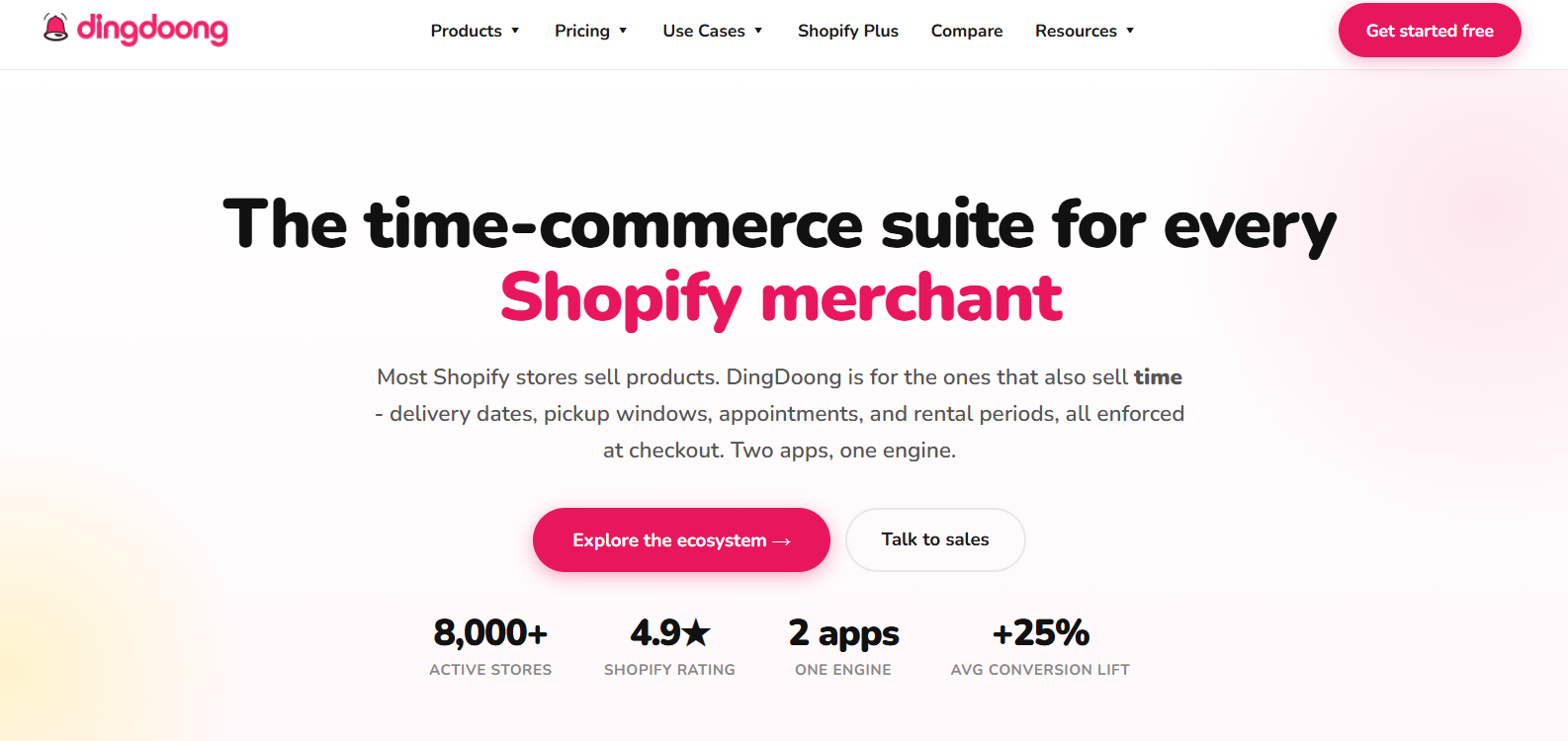
This is where tools like DingDoong come in. DingDoong adds time-based order control on top of Shopify POS without changing how you take payments. What DingDoong does for retail merchants:
- Lets customers choose pickup or delivery time before they reach the store
- Limits the number of orders per time slot
- Prevents overbooking during busy hours
- Keeps fulfillment expectations clear for both staff and customers
By the time an order appears in Shopify POS:
- The fulfillment method is already decided
- The time window is already locked
- Staff only needs to confirm and complete the sale
For retail stores running BOPIS, pop-ups, or high-traffic locations, this small layer of scheduling can make a noticeable difference. Lines move faster, staff stay focused on selling, and checkout remains what Shopify POS does best: quick and reliable.
Latest Shopify POS Features and Updates (2025-2026)
Shopify rolled out significant updates to its POS system recently. These changes focus on speed, customization and smarter selling.
Interface and Design (Version 10.0)
- Vertical navigation bar on the left side for faster access to register, orders, apps, and settings
- Smart search finds products, customers, orders, and staff as you type
- Improved cart experience with better line-item visibility and dynamic headers
Brand Customization
- Add logos, brand colors, and short videos to lock screens and customer-facing displays
- Customize PIN entry screens and button colors to match store identity
- Manage different content for different locations while maintaining brand consistency
Ship and Carryout
- Customers buy everything in one transaction – even out-of-stock items
- Available products go home with the customer; the rest ships from another location
- Reduces lost sales due to inventory gaps
Multi-Currency Support
- Process payments in local currencies
- Receive payouts to regional bank accounts
- Maintain separate financial records by country from one Shopify account
AI-Powered Tools
- Shopify Magic generates product descriptions and marketing copy
- Sidekick now builds custom apps, creates workflows, and generates analytics reports
- Sidekick Pulse delivers proactive recommendations based on market trends and store data
- Voice chat available in Shopify mobile app for on-the-go management
Winter 2026 Updates (New)
- POS Hub: New hardware with wired connectivity, eliminates Bluetooth pairing issues, built-in monitoring and automatic updates
- Custom return receipts: Create receipts with return policy, logo, and contact info using Liquid editor (POS Pro)
- Dedicated refund screen: Choose between original payment, gift card, or store credit
- Uber Direct integration: Fast local delivery with live tracking (POS Pro, US/Canada/France only)
- Location-based pricing: Set unique prices per retail location
- Expanded Tap to Pay: Now available in Germany, Ireland, Spain, New Zealand, Luxembourg, Switzerland, and Czech Republic
- New payment methods: Accept iDeal, Swish, Twint, Mobilepay, and USDC via QR code
- HID barcode scanner support: USB scanners work with both Android and iOS devices
- Quick Sale feature: Accept payments using only your phone via Tap to Pay or payment links
Final Thoughts
Shopify POS for retail connects your online store with physical locations under one platform. Inventory stays accurate, customer data syncs across channels and orders flow smoothly whether someone buys online or in-store. The system scales from single boutiques to multi-location chains, though costs climb as you add stores and advanced features. For retailers building an omnichannel business, this unified approach cuts manual work and creates better shopping experiences. Choose the plan, software tier and hardware that match where your business stands today – then upgrade as you grow.
Try DingDoong Free
Add a date picker to your Shopify checkout today — no developer needed.
Start free trial →
![12 Rental Dress Business Ideas [2026 Trends Updated]](https://dingdoong.io/wp-content/uploads/2026/09/rental-dress-business-ideas.png)