In today’s fast-paced digital world, businesses are constantly seeking innovative ways to engage customers and streamline their marketing efforts. One such innovation that has gained significant traction is the QR code banner. These banners offer a unique blend of traditional advertising with modern technology, making it easier for businesses to connect with their target audience.
What is a QR Code Banner?
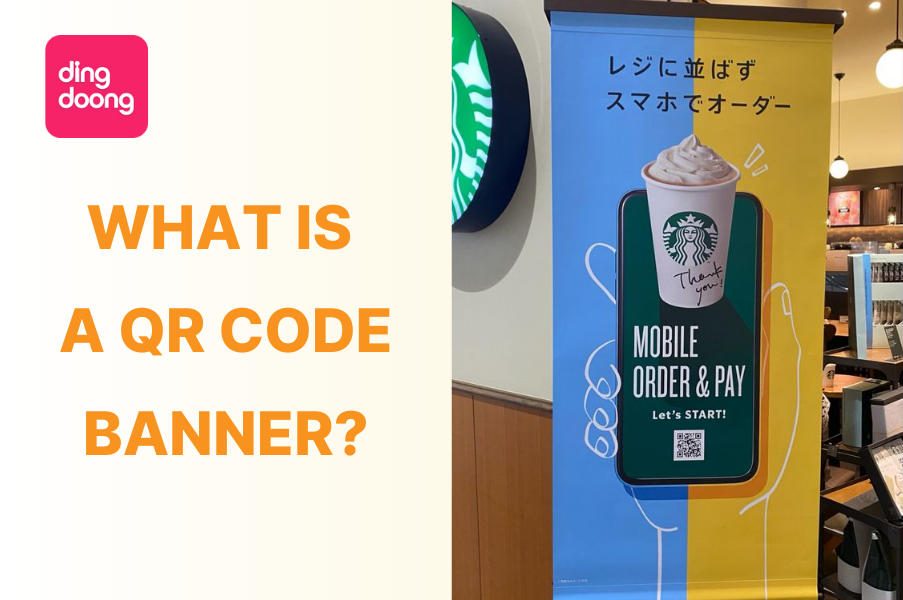
A QR code banner is a type of advertisement that features a QR code prominently displayed. When scanned with a smartphone, the QR code can direct users to a website, a special offer, a video, or any digital resource. This allows businesses to bridge the gap between physical and digital marketing, offering a seamless experience for the customer.
Why You Should Use a QR Code Banner?
Integrating a QR code banner into your marketing strategy isn’t just a trendy move; it’s a practical and powerful way to engage your audience, streamline your campaigns, and gain valuable insights. Let’s explore the real benefits with actionable examples that show how QR code banners can make a tangible difference in your marketing efforts.
Instant Call to Action
One of the biggest advantages of a QR code banner is its ability to create an immediate, hassle-free call to action. Instead of hoping that customers will remember your website or type in a long URL, they can simply scan the QR code and get what they need instantly. Let’s say you’re organizing a weekend pop-up shop for a new clothing line. You place a QR code banner at the entrance, which customers can scan to receive a 20% discount on their purchase. This instant access to a deal not only incentivizes them to buy but also makes the shopping experience smoother and faster. The simplicity of scanning and saving on the spot increases conversion rates and leaves a positive impression.
Versatility Across Platforms
A QR code banner is a versatile tool that can adapt to various marketing needs and platforms. Whether your goal is to promote a product, drive traffic to a website, or offer special deals, QR codes can seamlessly integrate into both physical and digital spaces. Let’s consider a business launching a new tech gadget. They strategically place QR code banners in high-traffic locations like bus stops, shopping malls, and tech expos. Each banner leads to an interactive landing page where potential customers can watch a product demo, read reviews, and pre-order the gadget. At the same time, they use the same QR code in online ads and social media campaigns, ensuring consistent messaging and a unified customer journey across all platforms.
Enhanced Customer Engagement
QR code banners do more than just direct traffic—they can turn a passive viewing experience into an active interaction, keeping your audience engaged longer. Here’s an example: At a major trade show, you use a QR code banner to engage attendees with an interactive experience. By scanning the code, visitors can participate in a quiz related to your industry, with the chance to win a prize. Not only does this keep attendees at your booth longer, but it also educates them about your product in an enjoyable way. This type of engagement fosters a stronger connection with your brand and increases the likelihood of follow-up interactions.
Trackable Insights for Better Decision Making
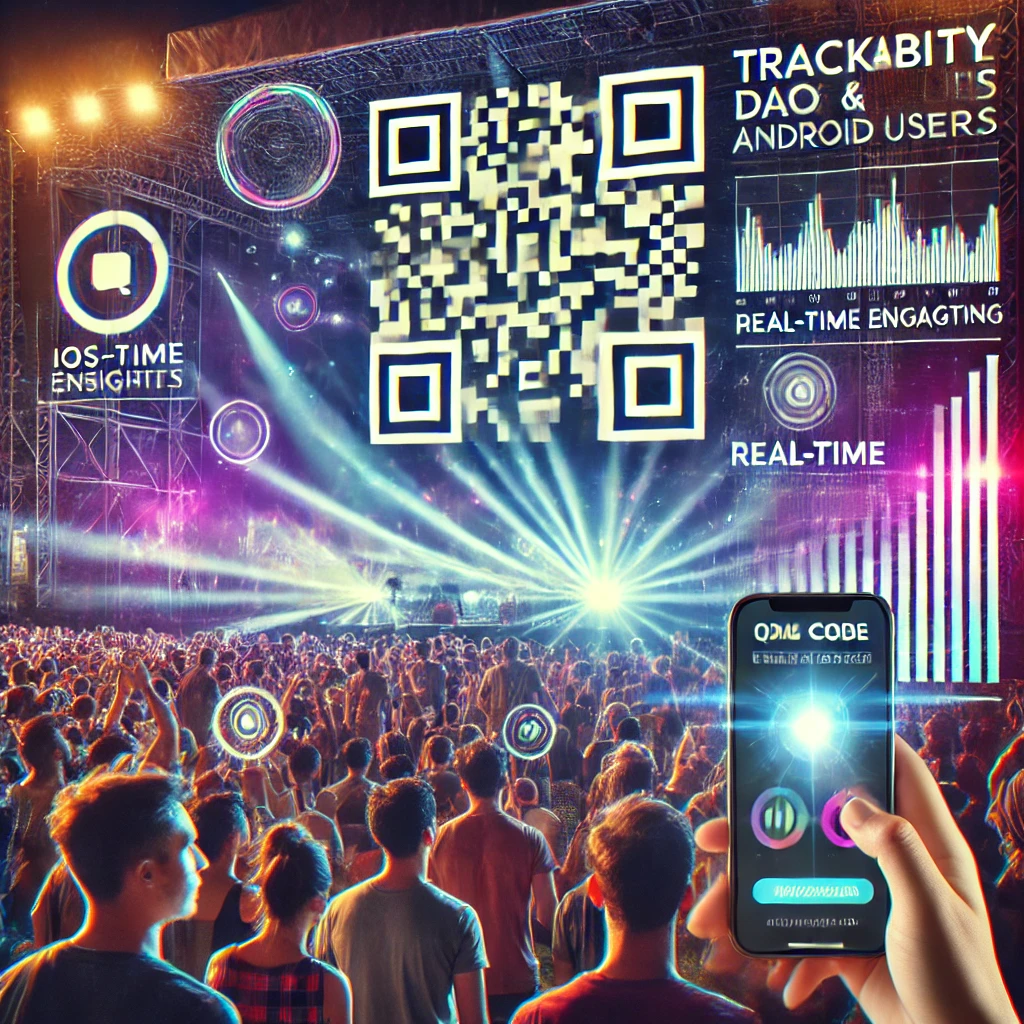
One of the most powerful features of a QR code banner is its trackability. Unlike traditional banners, which leave you guessing about their impact, QR codes allow you to collect precise data on how your campaigns are performing. Imagine you’re promoting a new app at a music festival with a QR code banner. By tracking the scans, you notice that most activity occurs in the afternoon and that iOS users are more engaged than Android users. This real-time data lets you adjust your strategy on the fly—perhaps by pushing notifications to iOS users during peak times or enhancing the Android user experience. These insights give you the power to optimize your campaign in real-time, improving overall effectiveness and ROI.
Cost-effective and Flexible Marketing
Marketing budgets are often tight, especially for small businesses, and QR code banners offer a cost-effective solution. They are relatively inexpensive to produce, easy to update, and can be reused in various contexts. For example, a small restaurant with a limited marketing budget uses QR code banners to promote their new delivery service. Instead of spending heavily on print ads, they place a few strategically located banners in popular local spots. The QR code directs customers to an online menu where they can place orders directly. As the menu changes, the QR code’s destination can be easily updated, saving the restaurant time and money on reprints and ensuring the information is always current.
Seamless Integration with Digital Content
A QR code banner effectively bridges the gap between the physical and digital worlds, offering your audience an easy way to access your online content. If you are at a charity fundraiser, use a QR code banner to link attendees directly to a donation page. You can simply scan the code and instantly contribute without needing to navigate through multiple steps. This seamless process not only boosts donations but also enhances the overall user experience, making it easier for people to support your cause.
Environmentally Friendly and Sustainable
In an era where sustainability is increasingly important to consumers, QR code banners offer a more eco-friendly alternative to traditional marketing materials. By reducing the need for printed brochures and flyers, you can minimize waste and appeal to environmentally conscious customers. Here’s a closer look: A travel agency looking to reduce its environmental impact uses QR code banners at travel expos instead of printing thousands of brochures. The QR codes link to digital versions of itineraries, travel guides, and booking forms. This not only cuts down on paper waste but also ensures that potential customers have access to up-to-date information, even after the event. Plus, it resonates with eco-minded travelers who appreciate sustainable practices.
How to Design an Effective QR Code Banner
Before you start creating a QR code banner, it’s crucial to choose the right type of QR code that aligns with your marketing goals. Different QR codes serve different purposes, and selecting the appropriate type will ensure your banner delivers the results you want. Here’s a breakdown of common QR code types and when to use them:
- URL QR Codes: Great for driving visitors to a specific website or landing page. Perfect for linking to special offers, product pages, or booking sites in industries like real estate, tourism, and retail.
- Facebook QR Codes: Boost your social media following by linking directly to your profiles on Facebook. A must-have if you want to grow your audience.
- Review QR Codes: Ideal for gathering customer feedback and reviews. For example, use a QR code on a restaurant banner to link to a quick survey for diners or a Google Review QR Code.
- Email QR Codes: Facilitates direct communication by linking to an email with a pre-written message. Great for professional services, making it easy for clients to contact you.
- SMS QR Codes: Perfect for sending pre-written text messages like RSVPs or donations. Use these at charity events or public gatherings to encourage quick responses.
- vCard QR Codes: Simplifies sharing contact details. Ideal for trade shows or business events where professionals can quickly save your information by scanning the QR code.
- Plain Text QR Codes: Best for simple messages or announcements. Use these banners for local events, schools, or community notices to convey straightforward information.
Select the QR code type that aligns with your goal. For instance, if your objective is to drive traffic to a landing page, choose a URL QR Code. If you aim to gather feedback or make communication easier, pick the corresponding type. After picking your type of QR code for the banner, let’s kick off the process. Here are 4 simple steps:
Step 1: Choosing a Reliable QR Code Generator
Not all QR code generators offer the same features, so it’s important to choose one that provides customization options and reliable performance. When selecting a QR code generator for your QR code banner, look for tools that offer analytics and tracking. These features allow you to monitor how many people scan your QR code and provide insights that can help you optimize your marketing strategy. 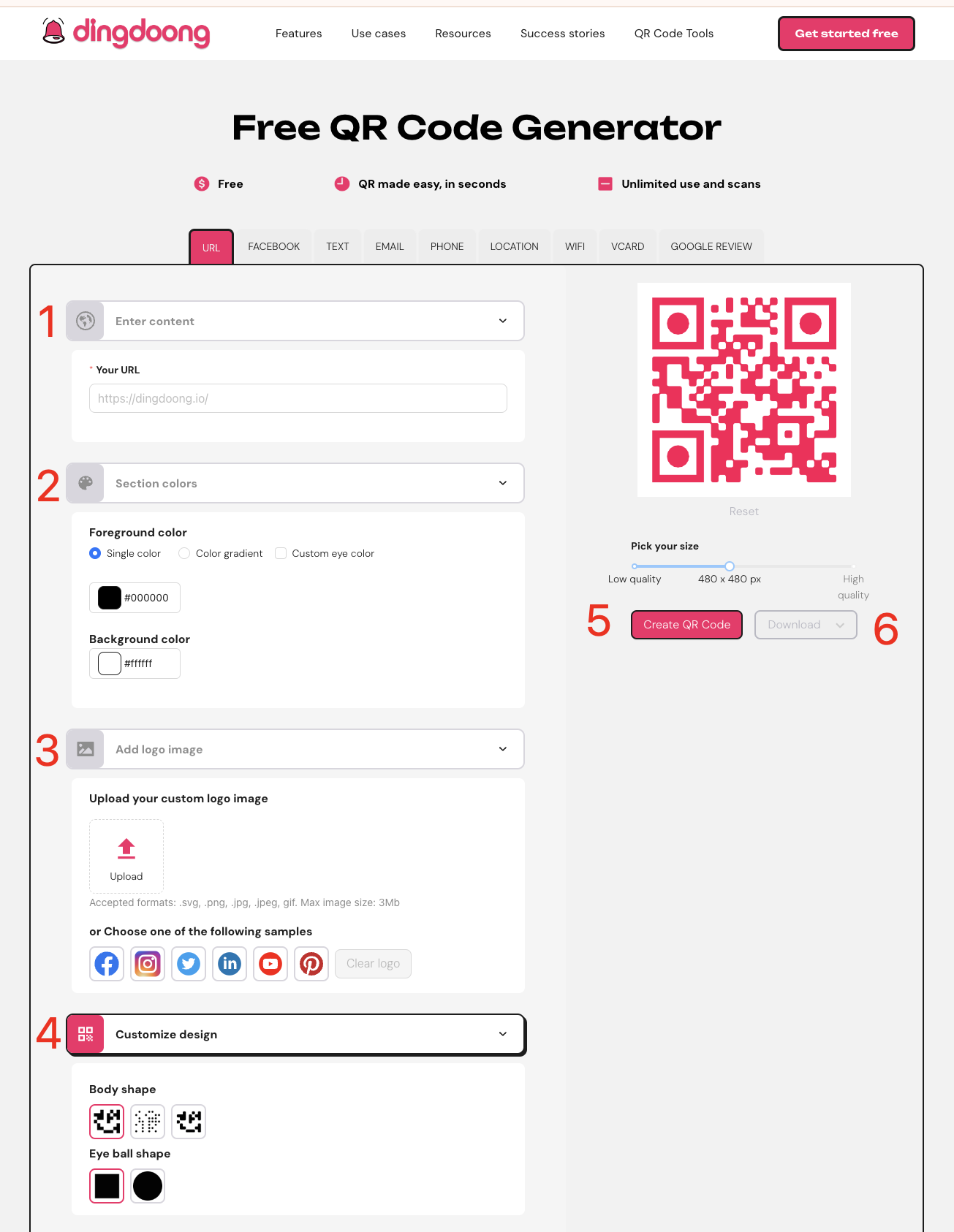
Here’s how you can use DingDoong – a QR code generator to customize your QR code for a banner:
- Pick the Right Type: Select the QR code type that suits your banner’s purpose, such as URL, Social Media, or SMS.
- Enter Your URL or Information: Input the website link, social media profile, or other information that the QR code will direct users to.
- Customize the Design: Modify the color, add your logo, or adjust the size to match your brand’s style and ensure the QR code stands out on the banner.
- Generate the QR Code: Click the “Generate” button to create your custom QR code.
- Save and Use: Download the QR code and incorporate it into your banner design.
Step 2: Customizing the Design
The design of your QR code banner plays a significant role in attracting attention and ensuring the QR code is easy to scan. Customizing the QR code to reflect your brand’s colors and style makes it more visually appealing and reinforces brand recognition.
Tips for Customizing Your QR Code:
- Use strong contrast between the QR code and the banner background to make scanning easy.
- Avoid complex designs that could interfere with the QR code’s readability.
- Think of the QR code as an extension of your brand. Use it to convey your brand’s personality and values. For example, a brand focused on innovation might use bold colors and a sleek design, while an eco-friendly brand might choose earthy tones.
Step 3: Optimizing the Size and Placement
The size and placement of your QR code on the banner are crucial for its effectiveness. If the QR code is too small, it might be hard to scan. If it’s too large, it could overpower the banner’s message. Generally, the QR code should be large enough to be easily noticed and scanned but should not dominate the banner’s overall design.
Step 4: Testing Your QR Code Banner
Before finalizing your QR code banner, it’s essential to test the QR code to ensure it works properly in real-world conditions. Here’s how:
- Test on Different Devices: Ensure the QR code can be scanned easily with various smartphones and tablets using different QR scanner apps.
- Check-in Various Lighting Conditions: Test the QR code under different lighting scenarios, such as bright sunlight and low light, to make sure it’s always scannable.
- Verify Print Quality: Make sure the QR code prints clearly and isn’t blurry. A poorly printed code can frustrate users and prevent successful scans.
Consider using dynamic QR codes that allow you to update the linked content without changing the actual QR code. This is especially useful for ongoing campaigns, as it allows you to modify the content without needing to reprint your banners. By following these best practices, you can create an effective and engaging QR code banner that attracts attention and drives interaction with your audience.
Common Pitfalls to Avoid with QR Code Banners
While QR code banners are an effective marketing tool, there are a few common mistakes to avoid. One of the biggest is neglecting to test your QR code before printing or going live. Always test your QR code on multiple devices to ensure it works correctly and is easy to scan. Another pitfall is overloading your banner with too much information. Remember, the primary focus should be on the QR code and the CTA. Keep your message concise and to the point, so the banner remains clean and inviting. Lastly, don’t forget about mobile optimization. Since most people will scan your QR code using their smartphones, make sure that the landing page or content they’re directed to is mobile-friendly. A poorly optimized page can lead to a high bounce rate, which defeats the purpose of using a QR code on a banner in the first place.
7 Best Practices for Placing QR Code Banners
Placing your QR code banner in the right spot is crucial to making sure people notice and use it. Here are some simple tips to help you get the most out of your banner:
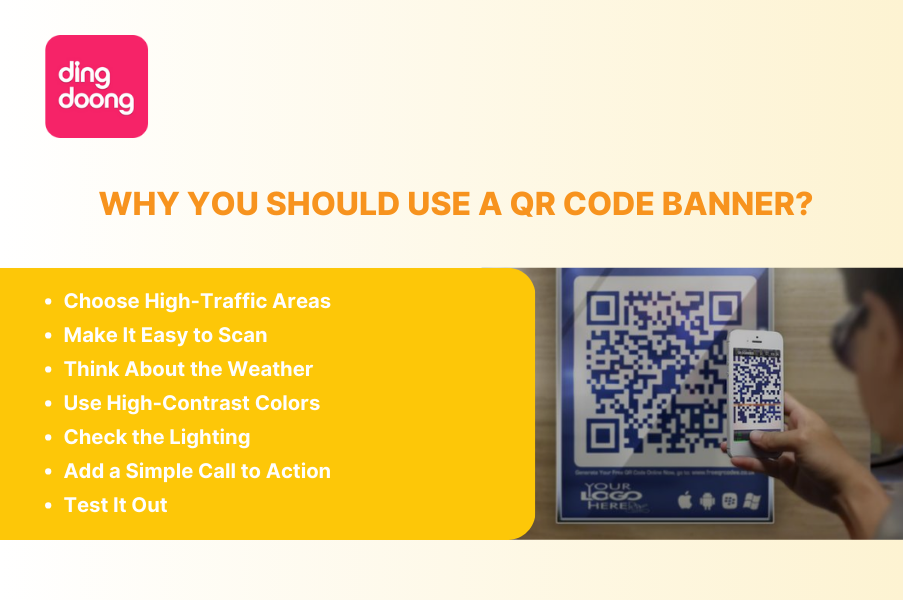
- Choose High-Traffic Areas: Put your QR code banner where lots of people will see it. Think about busy spots like store entrances, trade shows, or checkout lines. Online, make sure it’s visible on your website or social media pages.
- Make It Easy to Scan: Position the banner QR code where it’s easy for people to reach and scan. Avoid placing it too high or too low. The best height is around waist to chest level, so people can scan it comfortably.
- Think About the Weather: If your banner is outside, consider the weather. Sunlight, rain, and shadows can make it hard to see or scan the QR code. Use durable materials and find a spot with some protection from the elements.
- Use High-Contrast Colors: To make sure your QR code is easy to see and scan, use colors that stand out. A dark QR code on a light background works best, making the code clear and noticeable.
- Check the Lighting: Good lighting is important for scanning QR codes. Indoors, place the banner in a well-lit area. Outside, avoid spots with too much sunlight or glare, which can make it harder to scan.
- Add a Simple Call to Action: Encourage people to scan the QR code by adding a clear and catchy message like “Scan to Save!” or “Scan Here for Details.” This makes it clear what people should do.
- Test It Out: Before you finalize the placement, do a quick test. Walk around the area and try scanning the QR code from different angles. This will help you make sure it’s easy to see and scan from all directions.
By following these straightforward tips, you’ll ensure your QR code banner catches attention and encourages more people to interact with it.
5 Simple and Effective QR Code Banner Example
Event Promotions with Customized QR Codes
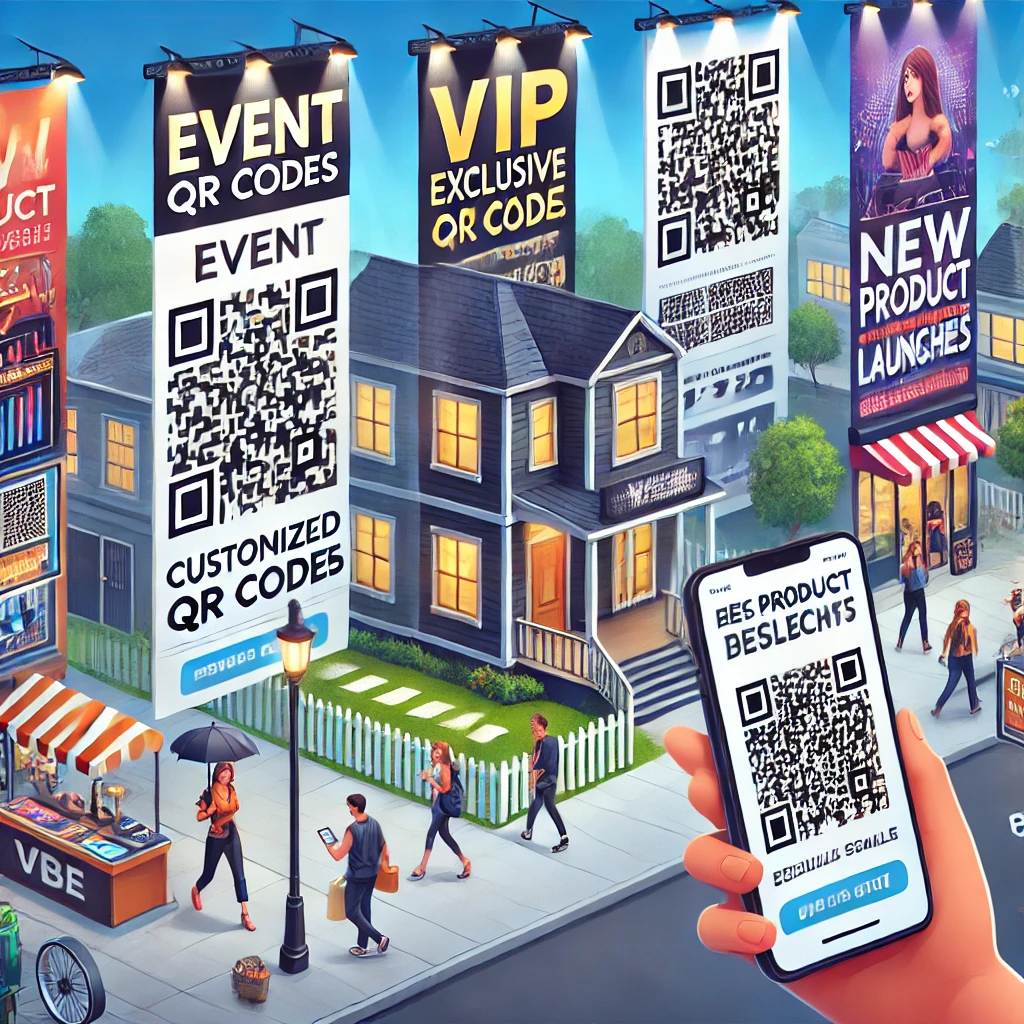
Imagine you’re hosting a big event like a concert or conference. You can use banners with QR codes designed for different groups in your audience. For example, one banner QR code could take VIP guests to exclusive content like backstage passes, while another could show regular attendees the event schedule or a live stream. Customized QR codes make the event more exciting and personal for everyone.
Real Estate Listings with Virtual Tours
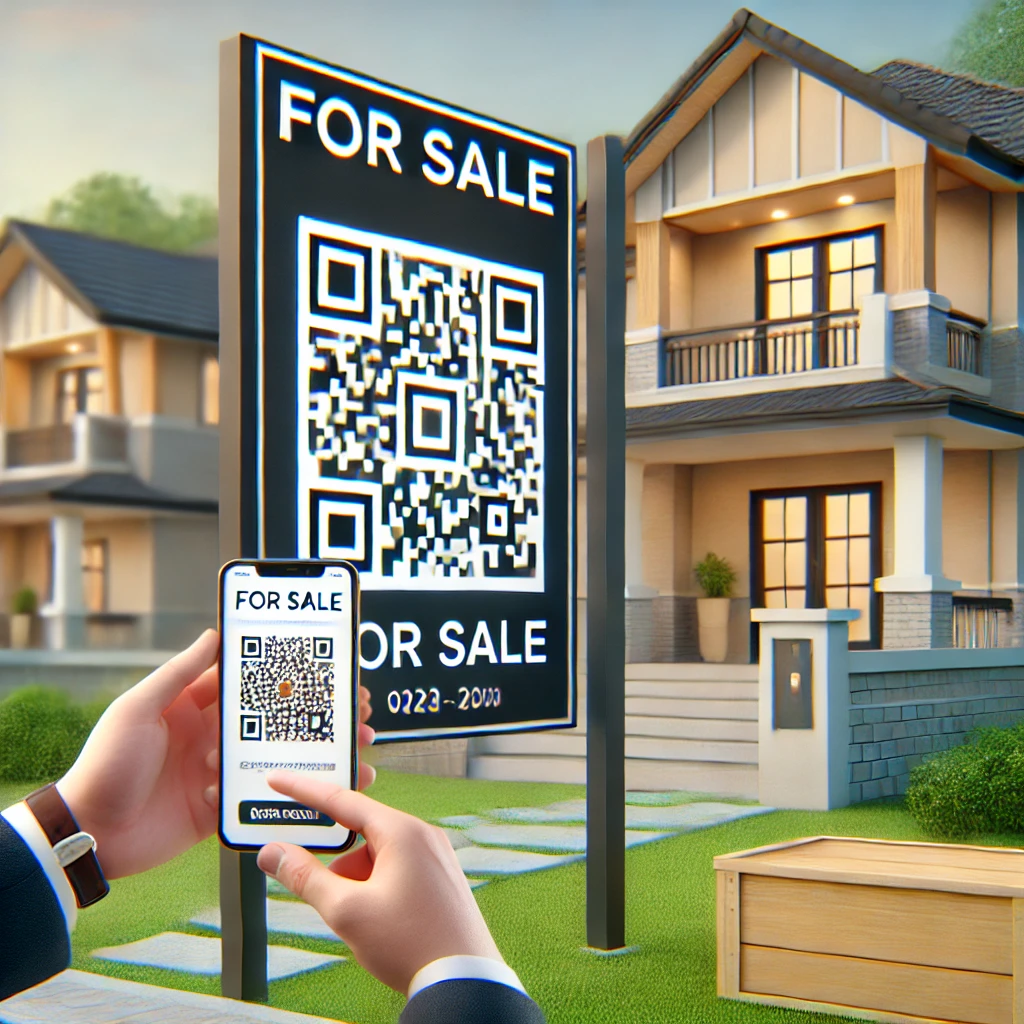
For real estate agents, QR code banners can be incredibly useful. Picture a large banner outside a property for sale with a QR code that links directly to a virtual tour. Potential buyers can scan the banner QR code and instantly explore the home from their phones, without needing to go inside. This saves time and appeals to tech-savvy buyers who value convenience.
Retail Discounts with Limited-Time Offers
Retail stores can use QR codes on banners to promote special deals or flash sales. For instance, a banner with a QR code in a busy shopping area could lead customers to a limited-time discount. This creates a sense of urgency and encourages people to act quickly. Plus, you can track how many people scan the QR code to see how well your campaign is working.
New Product Launches with Exclusive Content
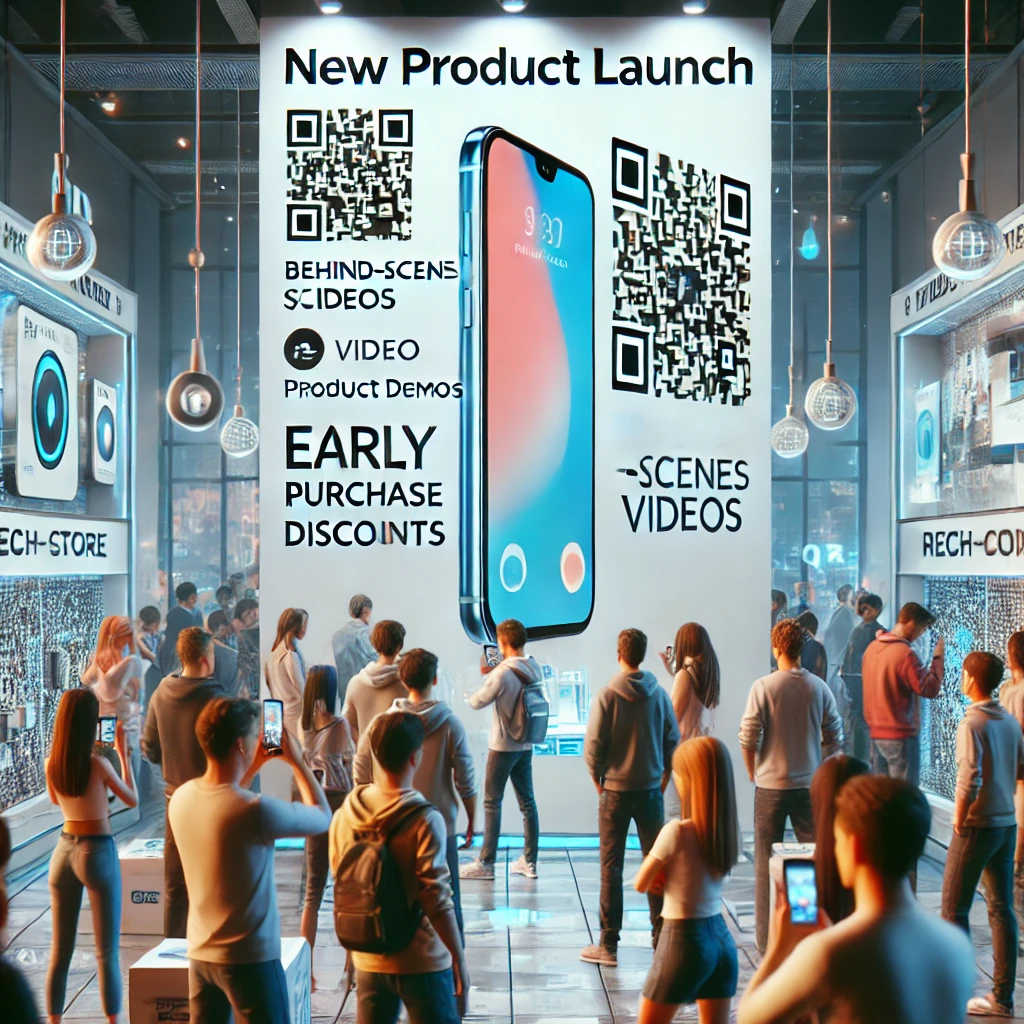
When launching a new product, companies can use QR code banners to offer special content or sneak peeks. For example, a banner with a QR code in a store could give customers access to behind-the-scenes videos, product demos, or early discounts. Offering exclusive content creates excitement around the product and encourages early purchases.
Restaurant Menus with Instant Ordering
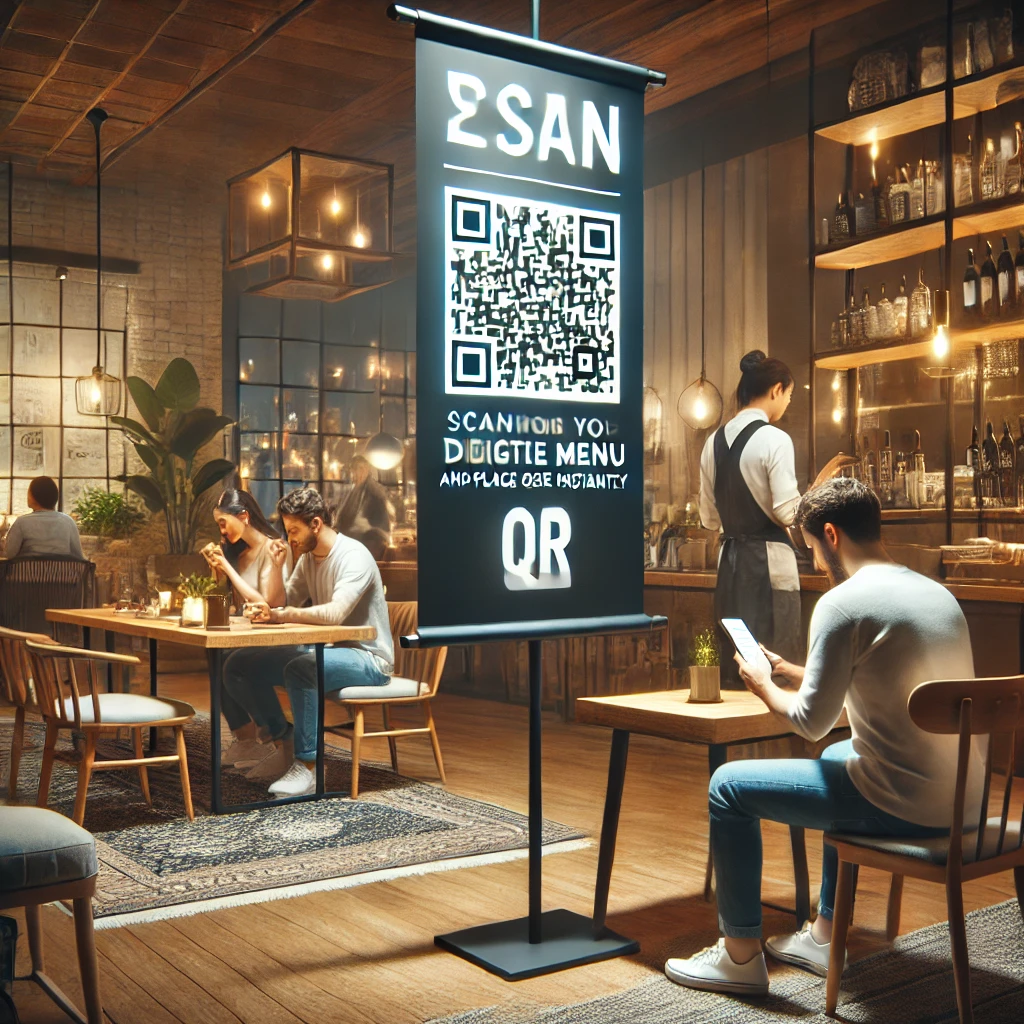
Restaurants can use QR code banners to make ordering easier. A banner near the entrance or seating area could feature a QR code that links to the menu. Customers can scan the code, browse the menu on their phones, and even place their orders without needing to wait for a server. This speeds up service and allows for contactless interactions, which is especially important these days.
FAQ
- Can you put a QR code on a banner?
Yes, you can put a QR code on a banner. A QR code banner is a great way to engage your audience by providing easy access to digital content like websites, promotions, or event details with just a quick scan.
- What size should a QR code be on a banner?
The size of the QR code on a banner depends on how far away people will be when scanning it. For a QR code banner, it’s recommended that the QR code be at least 2 x 2 inches (5 x 5 cm) if people are scanning from a distance. Larger banners may require a bigger QR code to ensure it’s easily scannable.
- What is a QR code poster?
A QR code poster is similar to a QR code banner but typically smaller and used for closer viewing distances. It’s a poster that features a QR code prominently, allowing viewers to quickly access related digital content, such as event information, promotions, or detailed product descriptions, by scanning the code.
Conclusion
Incorporating QR code banners into your marketing strategy is a smart move that can enhance customer engagement, drive traffic, and boost conversions. With a well-designed banner and strategic placement, you can turn a simple scan into a powerful marketing tool. So, go ahead—start creating your banner with QR code today and watch your business thrive!
Try DingDoong Free
Add a date picker to your Shopify checkout today — no developer needed.
Start free trial →
![12 Rental Dress Business Ideas [2026 Trends Updated]](https://dingdoong.io/wp-content/uploads/2026/09/rental-dress-business-ideas.png)