Managing in-person and online sales efficiently is crucial for modern retailers, and Shopify POS offers a seamless solution. However, understanding Shopify POS pricing is essential to determine if it’s the right fit for your business. This guide breaks down Shopify POS costs, hardware pricing, transaction fees, competitor comparisons, and real-world case studies to help you make an informed decision.
What is Shopify POS?
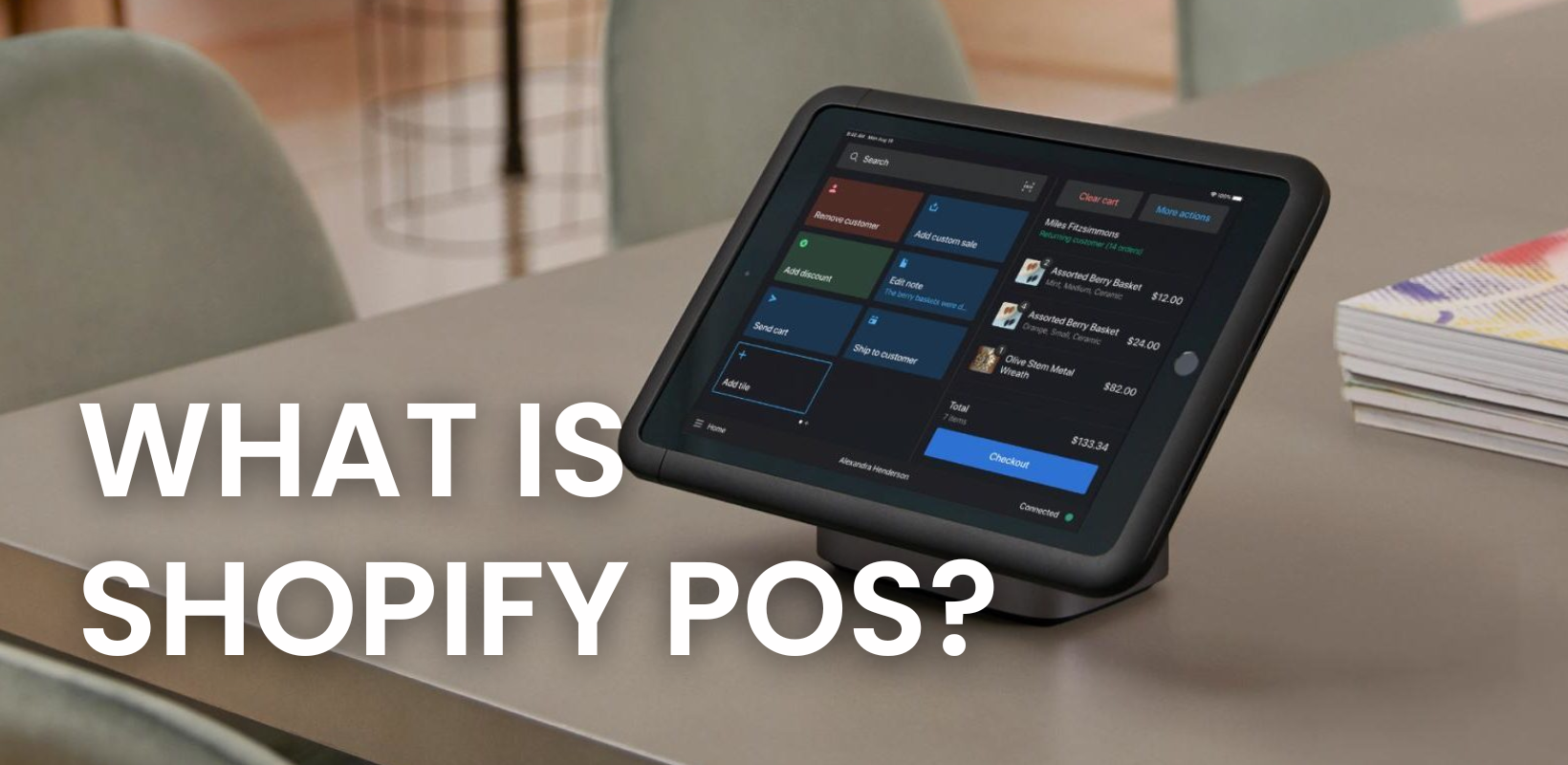
Shopify POS is a point-of-sale (POS) system designed to unify online and physical sales, providing businesses with a seamless omnichannel experience. It allows retailers to accept payments in-store, track inventory, and sync sales data in real time.
Key Shopify POS features include:
- Integrated payments with Shopify Payments or third-party providers.
- Real-time inventory management across multiple locations.
- Flexible hardware options, including iPads, card readers, and barcode scanners.
- Advanced analytics and reporting for sales insights.
- Multi-location support with up to 1,000 inventory locations.
How Much Does Shopify POS Cost?
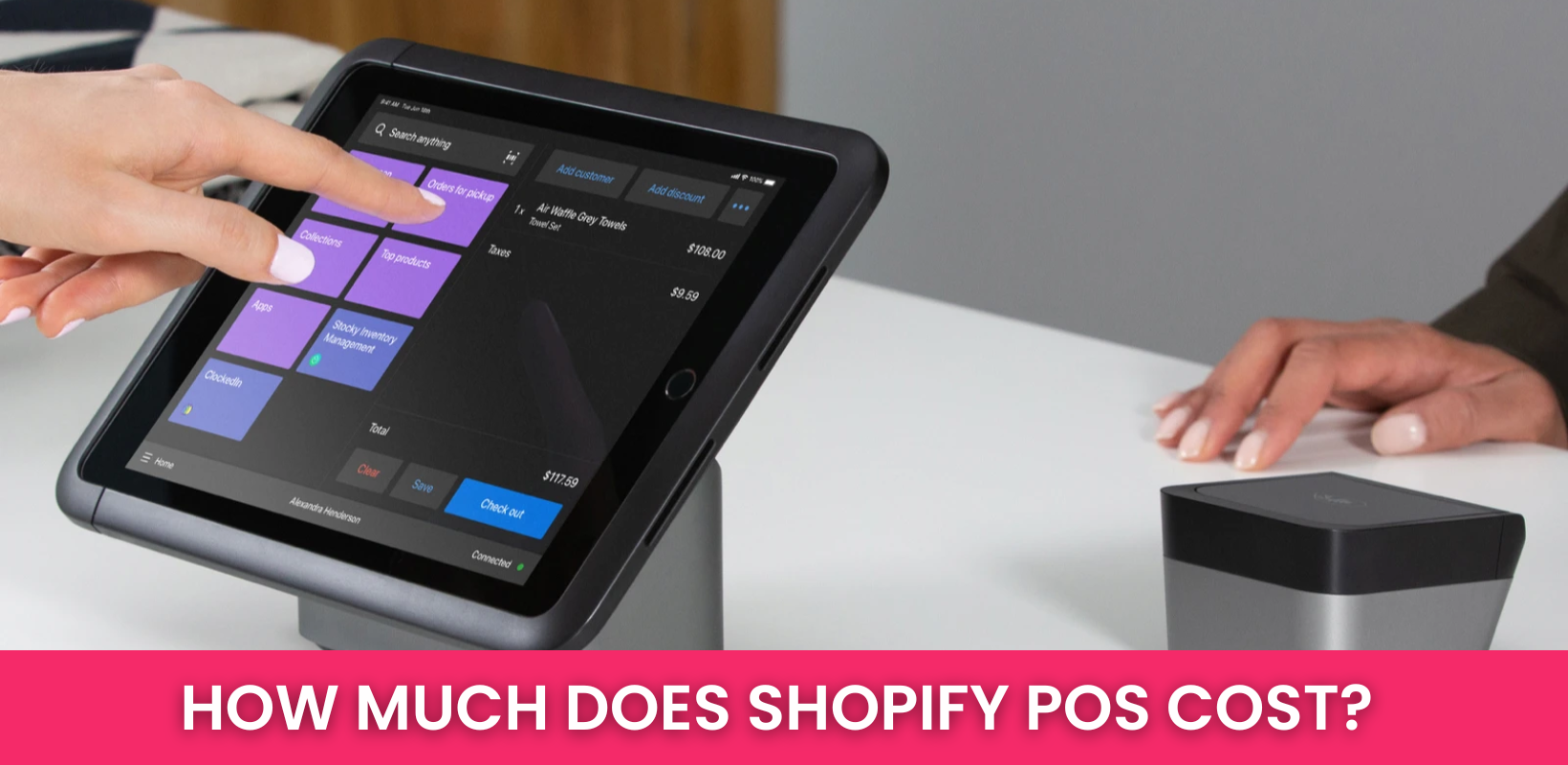
The cost of a Shopify POS system depends on what your business needs. Some businesses spend nothing upfront, while others invest up to $2,000 for equipment, software, and setup. Once you’re up and running, ongoing costs typically fall between $500 and $1,000 per year, based on factors like business size, number of locations, and additional features. Here is the breakdown of Shopify POS costs:
- Software: Plans start at $39/month and go up to $89/month for more advanced features.
- Hardware: Ranges from $0 to $500, depending on what devices you need.
- Integrations & Add-ons: Costs vary depending on the tools you choose.
- Installation: Can be free or cost up to $1,000, depending on setup complexity.
- Basic Shopify: 2.7% per transaction (no extra fee).
- Advanced & Plus Plans: 2.4% per transaction (no extra fee).
Ultimately, how much you spend depends on how you set up your business, what hardware you need, and whether you choose extra integrations to enhance your POS system.
Shopify POS Pricing Breakdown
Shopify POS pricing consists of software costs, hardware costs, and transaction fees.
Shopify POS Software Plans
The Shopify POS system has two software options: POS Lite and POS Pro. The right choice depends on your business size, sales volume, and operational complexity.
| Plan | Cost | Best For | When to Use | Where to Use | Why Choose It? |
| POS Lite | Free (Included with all Shopify plans) | Small businesses, startups, solopreneurs | If you occasionally sell in person and mostly operate online | Farmers’ markets, craft fairs, pop-up shops, seasonal stores | No additional cost, basic POS features for simple in-person sales |
| POS Pro | $89/month per location ($79/month billed annually) | Medium to large retailers, multi-location businesses | If you need advanced staff management, multi-location inventory tracking, and detailed reports | Clothing stores, electronics shops, specialty retail stores, franchises | Provides advanced analytics, better inventory control, and seamless multi-location management |
| Shopify Plus Users | Free (POS Pro included) | Large-scale retailers, enterprise businesses | If you run multiple stores with high transaction volume and complex operations | Chain stores, national brands, high-end boutiques | Cost-effective for scaling businesses with Shopify Plus |
>>> Learn More: Shopify POS Lite vs Pro: Key Features, Pricing, Pros & Cons
Shopify POS Hardware Costs
Your POS hardware setup depends on your business type, how you process payments, and whether you need a mobile-friendly or stationary solution.
| Hardware | Cost | Best For | When to Use | Where to Use | Why Choose It? |
| Shopify POS Go (Handheld Device) | $399 | Mobile businesses, pop-up stores, event sellers | If you need a handheld, all-in-one checkout device | Trade shows, food trucks, outdoor events, retail associates for mobile checkout | Eliminates extra hardware, offers fast and easy on-the-go checkout |
| WisePad 3 Card Reader | $49 | Small businesses with a tight budget | If you process payments on an iPad or mobile device and need a budget-friendly option | Small shops, coffee carts, vendor booths | Simple and portable for businesses that don’t need a full POS setup |
| Retail Stand Kit (iPad Stand with Integrated Reader) | $219 | Retail stores with dedicated checkout counters | If you want a stationary POS system | Clothing boutiques, salons, cafes, small grocery stores | Professional look, easy checkout process for customers |
| POS Terminal Kit (Full Register Setup) | $459 | High-volume retailers needing a complete checkout station | If you process a high number of in-person transactions daily | Supermarkets, department stores, furniture stores | Includes a customer-facing display for an improved checkout experience |
| Tap to Pay on iPhone | Free (up to 100 transactions/month, then $0.25 per tap) | Small businesses, mobile vendors, service-based businesses | If you don’t want extra hardware and need a simple contactless payment solution | Freelancers, personal trainers, hairstylists, consultants, pop-up vendors | No extra hardware needed, great for businesses with occasional in-person sales |
Transaction Fees
Your Shopify POS transaction fees depend on your Shopify plan and whether you use Shopify Payments or an external gateway.
| Shopify Plan | In-Person Transaction Fee | Best for |
| Basic Shopify | 2.7% per transaction | Small businesses with low sales volume |
| Shopify | 2.5% per transaction | Growing businesses with moderate sales |
| Advanced Shopify | 2.4% per transaction | High-volume retailers that want lower fees |
If you use third-party payment providers like PayPal, Stripe, or Square, Shopify charges an additional transaction fee of 0.5% to 2%, increasing your overall processing costs. For businesses that already rely on a preferred payment processor or operate in regions where Shopify Payments isn’t available, using an external gateway may be necessary despite the added fees.
However, if cost efficiency is your priority, avoiding third-party gateways is the best option. Shopify Payments eliminates these extra charges while providing seamless integration with Shopify’s POS and ecommerce systems, ensuring a smoother payment experience.
DingDong’s Recommendations
✔ Small Businesses & Startups
- Best plan: POS Lite (Free)
- Best hardware: WisePad 3 ($49) or Tap to Pay on iPhone (Free)
- Use case: If you’re starting with in-person sales, have a small store, or operate a home-based business.
✔ Retail Stores & Multi-Location Businesses
- Best plan: POS Pro ($89/month per location)
- Best hardware: Retail Stand Kit ($219) or POS Terminal Kit ($459)
- Use case: If you need staff management, multi-location inventory tracking, and advanced analytics.
✔ Pop-Up Shops & Events
- Best plan: POS Lite (Free)
- Best hardware: Shopify POS Go ($399) or Tap to Pay on iPhone (Free)
- Use case: If you sell at pop-up events, trade shows, or markets and need a mobile checkout system.
✔ High-Volume Retailers
- Best plan: Advanced Shopify (2.4% transaction fee)
- Best hardware: POS Terminal Kit ($459)
- Use case: If you process a high number of transactions daily and need lower fees and a complete checkout setup.
Shopify POS Pricing Comparison: Shopify POS vs Square, Clover, and Lightspeed
For mid-sized retailers and enterprises, it’s crucial to compare Shopify POS with other top solutions: Square, Clover, and Lightspeed.
| Feature | Shopify POS | Square POS | Clover POS | Lightspeed POS |
| Software Cost | Free (Lite) or $89/mo (Pro) | Free (basic), $60/mo+ (Retail Plus) | $14.95-$54.90/mo | $89-$269/mo |
| Hardware Cost | $49-$459+ | $10-$799+ | $599-$1,699 | Varies (iPad-based) |
| Transaction Fees | 2.4% – 2.7% | 2.6% + $0.10 | 2.3% + $0.10 | 2.6% + $0.10 |
| Best for | Omnichannel retailers | Small businesses & pop-ups | Restaurants & mid-size retail | Advanced retail & multi-store chains |
Here is our conclusion after comparing these options:
- Square POS: Best for small businesses with free software and affordable hardware.
- Clover POS: Ideal for restaurants and businesses needing integrated terminals.
- Lightspeed POS: Best for advanced inventory management and large retail operations.
- Shopify POS: Strongest for omnichannel retailers needing seamless integration between ecommerce and in-store sales.
Read More: Shopify POS vs Square: 2026 Comparison
Does Shopify POS Worth The Price?
To determine whether Shopify POS is worth the price, it’s best to look at real businesses that have used it. Here are some case studies that showcase how it performs in action:
Frank And Oak
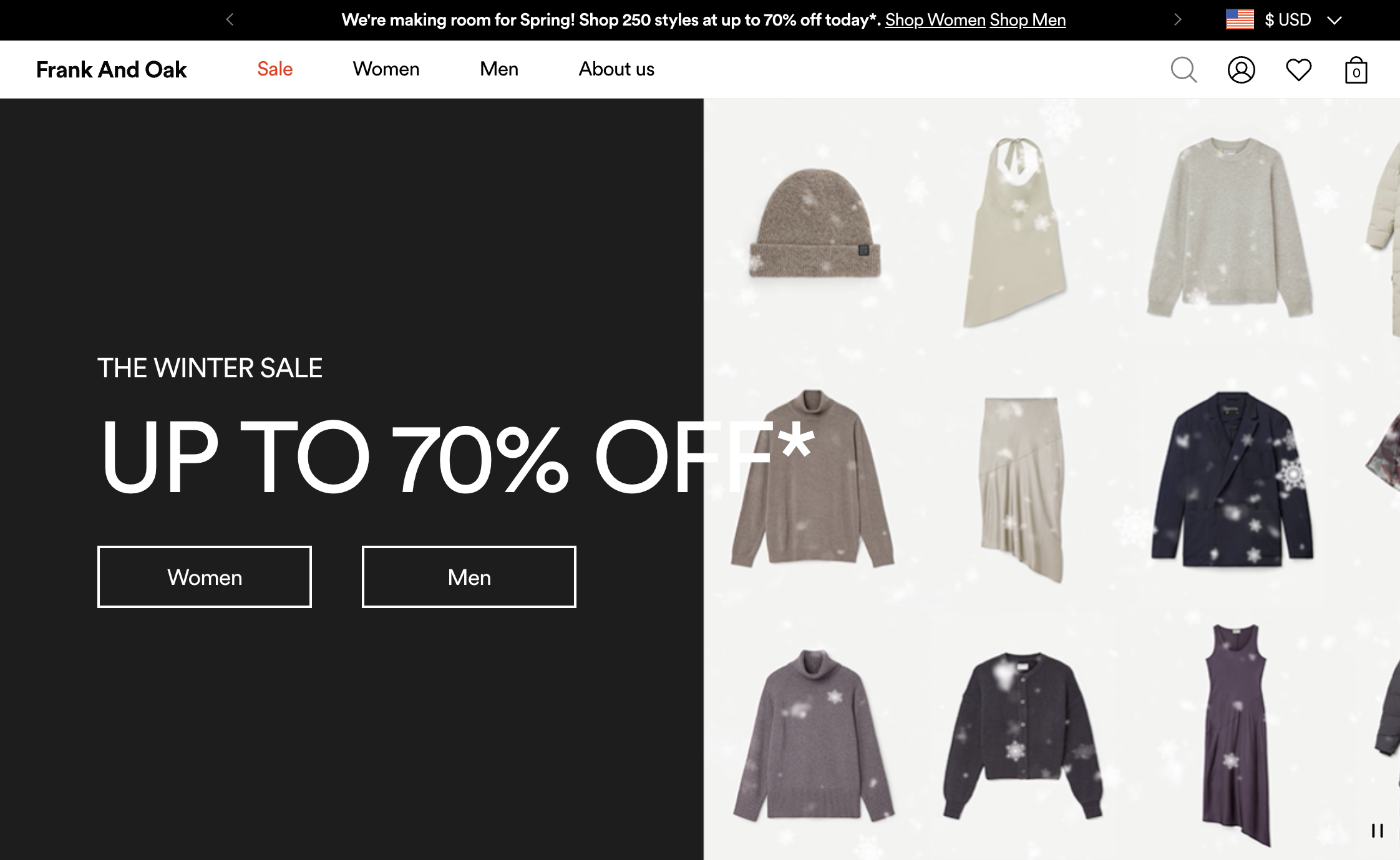
Frank And Oak, a Canadian fashion brand, has built its reputation around sustainability and modern design. But as their business expanded, they hit a wall: their outdated POS system just couldn’t keep up.
The Problem: Growing Pains and Tech Headaches
Running both an eCommerce store and multiple physical locations sounds great—until your systems refuse to communicate properly. Frank And Oak found themselves battling:
- Sky-high costs to maintain an outdated system.
- Frequent crashes that left staff scrambling at checkout.
- Inventory mismatches that frustrated customers and led to missed sales.
How Do They Fix It?
Realizing they needed something modern, reliable, and built for omnichannel retail, Frank And Oak ditched their old system and moved to Shopify POS. The impact was immediate:
- Real-time inventory updates meant no more stock discrepancies.
- Lower transaction fees thanks to Shopify Payments.
- A stable, seamless checkout process that didn’t crash mid-sale.
Final Outcome
After making the switch, Frank And Oak saw:
- 47% lower POS-related costs – saving them thousands.
- 3% decrease in transaction fees, improving profit margins.
- Faster, stress-free transactions, leading to better customer experiences.
Bathu Sneakers

Bathu Sneakers started as a digital-first sneaker brand in South Africa. But as their popularity skyrocketed, they made a bold move—opening over 30 physical stores in just a few years.
Their Challenge
Growing fast is great—until you realize your systems aren’t built to handle it. Bathu faced:
- Stock inconsistencies between online and in-store inventory.
- Lack of real-time tracking, making restocking a nightmare.
- A disconnected shopping experience, frustrating customers.
Their Solution
To bring everything together, Bathu implemented Shopify POS across all locations. This gave them:
- Centralized inventory tracking, ensuring stock levels stayed accurate.
- Seamless checkout experiences, whether customers shopped online or in-store.
- Smarter customer data tracking, allowing for personalized shopping.
Their Outcome
- Expanded to 30+ stores without inventory chaos.
- Created a unified shopping experience, keeping customers happy.
- Boosted revenue & efficiency with a stronger omnichannel strategy.
Monday Swimwear

The Brand Monday Swimwear is a well-known swimwear brand with a strong online presence, but they wanted to connect with customers in person. To do this, they frequently launch pop-up stores in key locations, offering shoppers a hands-on experience.
The Challenge
Since these pop-ups are temporary, Monday Swimwear needed a POS system that was flexible and easy to set up. Their key concerns included:
- Avoiding high infrastructure costs for short-term locations.
- Syncing inventory and sales between their website and pop-up stores.
- Capturing customer data to support future marketing and retention efforts.
What Changed
Switching to Shopify POS Go gave them exactly what they needed:
- A portable, all-in-one POS device, making checkout easy at pop-ups.
- Automatic inventory updates, preventing stock errors.
- Real-time sales tracking, giving instant insights into performance.
The Results
- Higher in-person sales thanks to a better customer experience.
- Seamless inventory management, preventing overselling.
- Stronger customer relationships, as shopper data was used for personalized follow-ups.
Twinkle Twinkle Little One
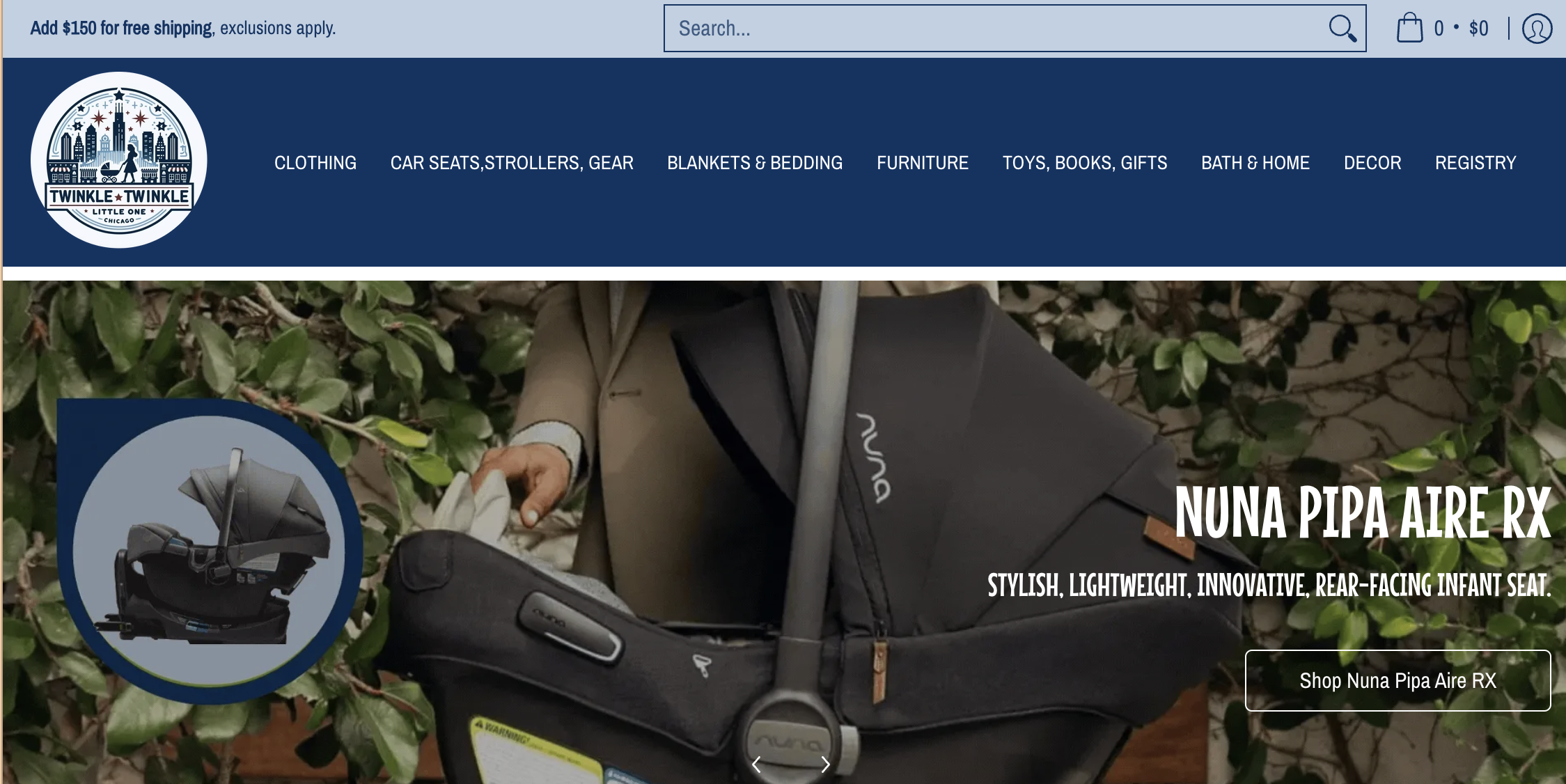
The Store This Chicago-based baby and child boutique offers a carefully selected range of high-quality baby products, selling both in-store and online.
The Problem
The business had been using QuickBooks POS, but it wasn’t keeping up. They ran into:
- Stock inconsistencies due to a lack of real-time tracking.
- Challenges managing multiple locations, making inventory control difficult.
- Limited integration with eCommerce, causing an uneven shopping experience.
How Shopify POS Helped
After switching to Shopify POS, Twinkle Twinkle Little One saw major improvements:
- An integrated inventory system, keeping stock levels accurate.
- Better customer tracking, allowing for personalized marketing.
- A more intuitive system, making staff training simple and efficient.
What Happened Next
- 80% revenue growth after implementing Shopify POS.
- No more stock shortages thanks to real-time inventory tracking.
- A seamless shopping experience across online and in-store channels.
Shopify POS Pricing Pros & Cons
Pros
- Seamless Integration with Shopify – Everything stays connected, from online and in-store sales to inventory, orders, and customer data, making it easy to manage an omnichannel business.
- Simple and Intuitive – The system is easy to learn, so your staff won’t need much training to start processing sales smoothly.
- Scales with Your Business – Whether you’re running a single shop or multiple locations, Shopify POS Pro offers advanced features to support growth.
- Multiple Ways to Pay – Accepts credit and debit cards, mobile wallets, and even Tap to Pay on iPhone, giving customers more flexibility at checkout.
- Real-Time Inventory Tracking – Automatically updates stock levels across locations, preventing overselling and simplifying transfers between stores.
Cons
- Costly for Multi-Store Businesses – POS Pro is $89/month per location, which can add up quickly for retailers with multiple storefronts.
- Internet Dependent – A strong connection is required for full functionality, and offline mode has limited features.
- Limited Customization – Built-in workflows and fewer third-party integrations mean it might not work for businesses that need highly tailored POS solutions, like restaurants.
Shopify POS Pricing FAQs
1. How much does Shopify POS cost?
Shopify POS cost depends on the pricing tiers and on the features you choose:
- POS Lite: Included with all Shopify plans at no additional cost.
- POS Pro: Costs $89 USD per month for each location. An annual payment option is available at $79 USD per month per location.
2. Do you have to pay for Shopify POS?
You only have to pay for Shopify POS if you choose the POS Pro, there are 2 plans for you to select:
- POS Lite: Free, it’s included for free with all Shopify plans.
- POS Pro: Need to pay, it requires an additional subscription of $89 USD per month per location.
3. Does Shopify POS take a percentage?
Yes, Shopify charges transaction fees for in-person sales processed through Shopify POS. The rates depend on your Shopify plan:
- Basic Plan: 2.6% + 10¢ per transaction.
- Shopify Plan: 2.5% + 10¢ per transaction.
- Advanced Plan: 2.4% + 10¢ per transaction.
These rates apply when using Shopify Payments as your payment processor.
4. How much does a POS transaction cost?
Yes, Shopify charges a transaction fee on every in-person sale, based on your plan:
- Basic Plan: 2.6% + 10¢ per transaction.
- Shopify Plan: 2.5% + 10¢ per transaction.
- Advanced Plan: 2.4% + 10¢ per transaction.
Final Thoughts
Shopify POS is a game-changer for businesses wanting to connect online and in-store sales effortlessly. While its cost might be higher than some alternatives, the advantages—real-time inventory tracking, omnichannel sales integration, and a seamless checkout experience—make it a smart investment for growing businesses.

Try DingDoong Free
Add a date picker to your Shopify checkout today — no developer needed.
Start free trial →
![12 Rental Dress Business Ideas [2026 Trends Updated]](https://dingdoong.io/wp-content/uploads/2026/09/rental-dress-business-ideas.png)