Local delivery is where Shopify stores get messy. Same-day cutoffs, driver routes, and angry calls about late flowers can eat up your whole afternoon. That’s why merchants search for a Shopify local delivery app – they want the chaos to stop.
The good news? Shopify handles basic local delivery for free, and the App Store has over 460 apps in the delivery category. The hard part is picking one. A florist needs date pickers. A grocer with three vans needs route maps. A multi-store brand needs both. This guide walks through what native Shopify can do, when you outgrow it, and which apps stand out in 2026.
What Shopify Local Delivery App Do?
Before installing a single Shopify local delivery app, check what Shopify gives you out of the box. Every Shopify plan includes a local delivery feature at no extra cost, and for some merchants, it’s enough. 
Native local delivery on Shopify lets you do the following:
- Set a delivery zone by distance radius around your store
- Set a delivery zone by postal code list
- Charge a flat delivery fee or set rules based on order total
- Add a delivery instruction field at checkout
- Mark orders as out for delivery and delivered from the admin
- Send a basic delivery notification email to customers
That covers a lot of small operations. A neighborhood bakery selling within five miles? Native Shopify probably works. A bottle shop running a small zip-code zone? Same answer.
But the limits show up fast once you grow. Shopify caps you at 10 delivery zones per location and only 3 extra price rules per zone. There’s no built-in date picker, no driver app, no route planning, and no proof of delivery. Local delivery also behaves differently with accelerated checkout buttons, which can confuse shoppers using Shop Pay or Apple Pay.
The rule of thumb is simple. If you need customers to pick a delivery date, if you run your own drivers, or if your orders span more than a handful of zones, it’s time to look at apps. That’s where the right Shopify delivery app saves real hours every week.
Why Merchants Still Install a Shopify Local Delivery App
The native tool is a starting line, not a finish line. Most growing stores hit one of four walls, and each wall is a clear signal you need help from an app.
Customers want to pick a date and time
A flower shop in February or a meal prep brand on a Sunday can’t ship whenever. They need slots. Apps add a date picker right at checkout, block out closed days, set order cutoffs, and cap how many orders fit in each window. Without this, you’ll spend mornings calling people to reschedule.
You run your own drivers
If you’ve got two vans and three drivers, you don’t need a carrier. You need a route. Delivery apps build optimized routes, give drivers a mobile app with turn-by-turn directions, and capture signatures or photos as proof. One trip planned by software can save 40 minutes versus a hand-drawn list.
Customers expect tracking
People want to know where their order is. Branded tracking pages with live ETAs cut down on “where is my order” emails, which one EasyRoutes merchant said dropped by half after switching apps. That’s not vanity. That’s saved support hours.
You operate from multiple locations
Shopify caps zones at 10 per location, but multi-store retailers often need more. The best local delivery apps let you set different rules per store, route orders to the closest warehouse, and tie everything to Shopify POS for in-store pickup.
The Best Shopify Local Delivery Apps in 2026: Quick Comparison
These 6 apps stand out in the Shopify App Store right now. Here’s how they compare at a glance.
| App | Rating | Monthly Price | Free Plan / Trial |
| Bird Pickup Delivery Date | 5.0 (450+ reviews) | Free / from $16.99 | Free plan + 14-day trial |
| DingDoong Local Delivery Date Picker | 4.9 (270+ reviews) | Free / from $6.99 | Free plan + 7-day trial |
| EasyRoutes | 4.8 (260+ reviews) | Free / from $39 | Free plan + 14-day trial |
| Zapiet – Pickup + Delivery | 4.9 (1,700+ reviews) | From $29.99 | 14-day trial |
| Stellar Delivery Date & Pickup | 4.7 (500+ reviews) | Free / from $14.99 | No free plan |
| LionWheel | 4.8 (80+ reviews) | Free / from $79 | Free plan + 7-day trial |
Data accurate as of Jun, 2026. Ratings, pricing, and plan details may change – you can check each app’s Shopify App Store listing for the latest information.
Bird Pickup Delivery Date
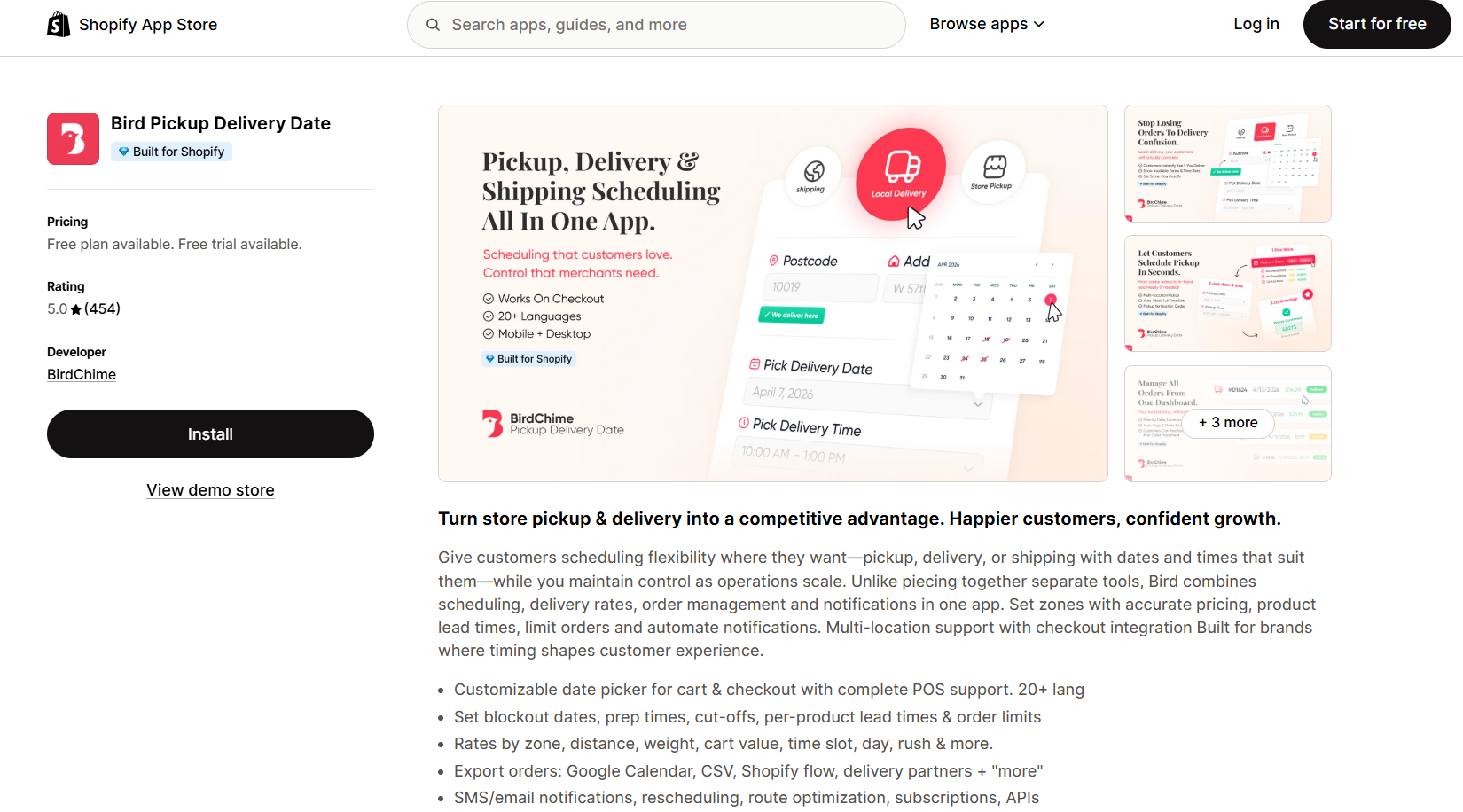
Bird does one job well: it lets customers pick a date and time at checkout. With 450+ reviews and a 5.0 rating, it’s a favorite among florists, bakeries, and gift shops.
Paid plans start at $16.99 a month, with a free plan for low order volumes. Recent reviews highlight clean checkout behavior, easy blackout day setup, and quick support replies. Bird also carries the Built for Shopify badge, which is hard to earn.
The downside is no fleet management. If you need driver routing, pair Bird with EasyRoutes or pick something else.
Best for: Florists, bakeries, meal prep brands, and gift retailers.
DingDoong Local Delivery Date Picker
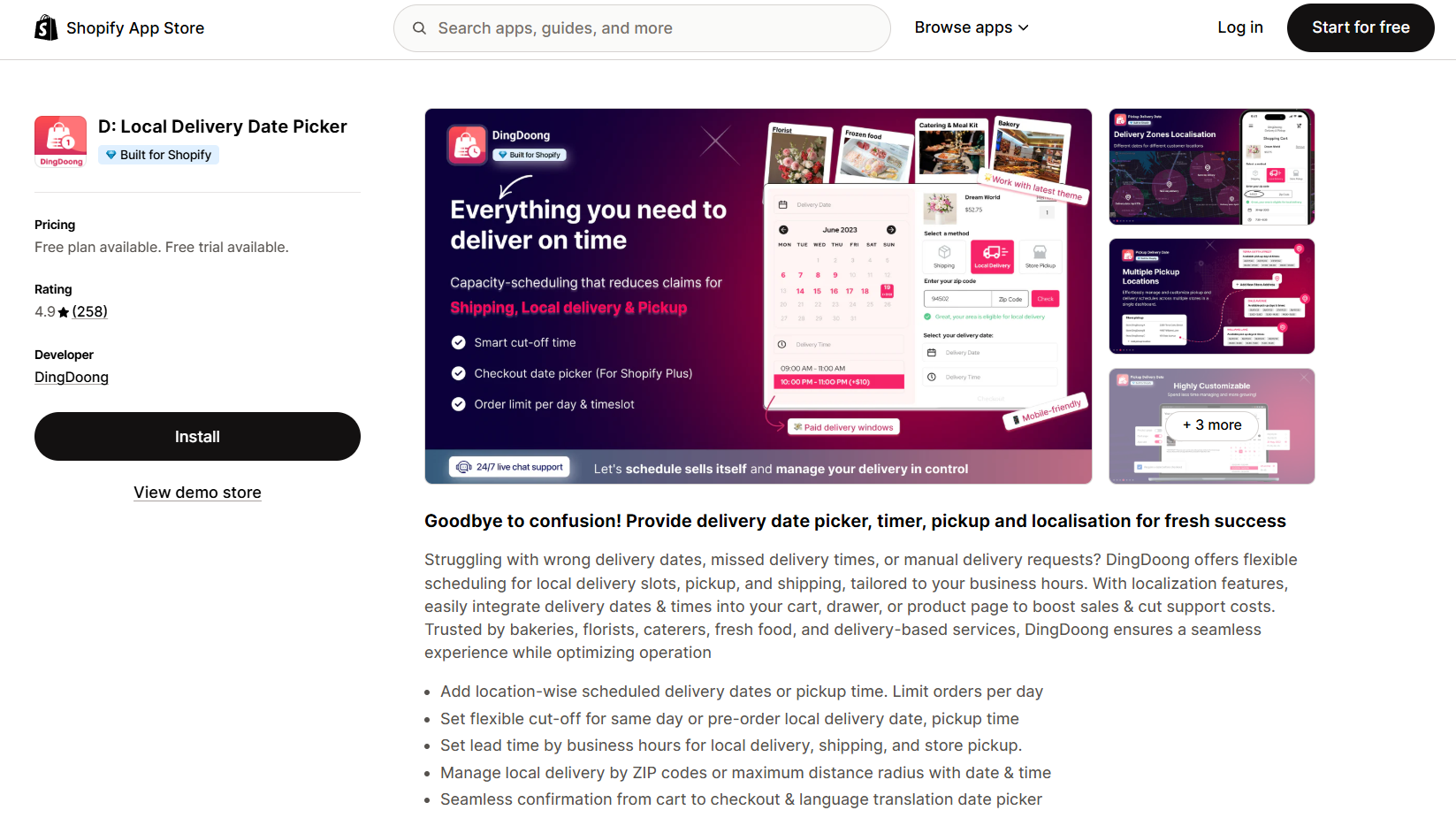 DingDoong is similar to Bird but adds more. It covers pickup, shipping, and multi-location stores too. With a 4.9 rating, it’s popular with bakeries, florists, caterers, and fresh food brands. Paid plans start at just $6.99 a month, which makes it one of the most affordable scheduling apps in 2026.
The date and time picker sits in your cart, drawer, or product page, with language translation built in. You can set per-location schedules, cap daily orders, and use ZIP codes or radius rules to block out-of-zone customers.
Early 2026 reviews point to two strengths: lead times that respect real business hours, and a smooth checkout flow. DingDoong doesn’t do route planning, so pair it with EasyRoutes if you need that.
Best for: Bakeries, florists, caterers, and fresh food brands where delivery timing matters most.
Zapiet – Pickup + Delivery
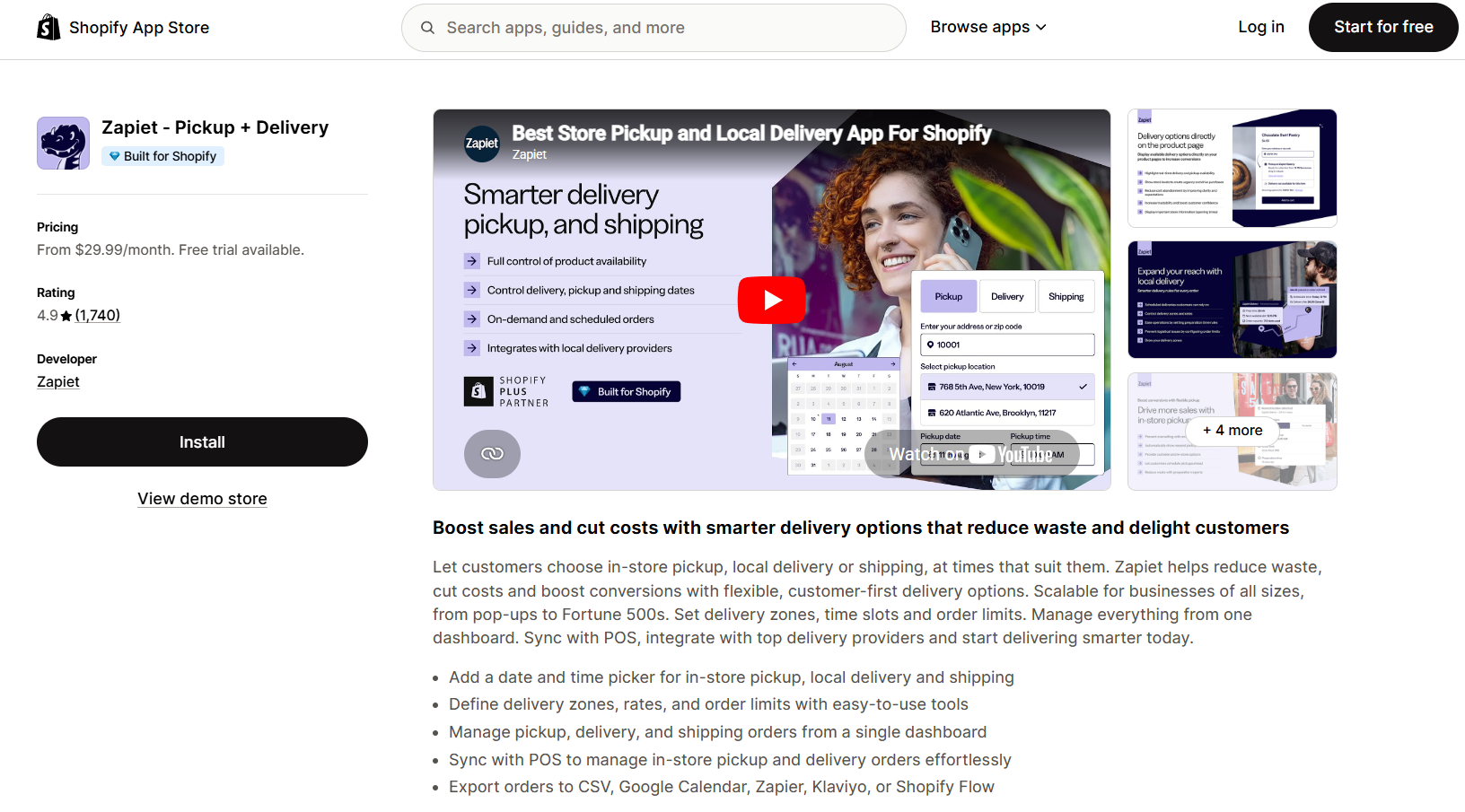 Zapiet handles pickup, local delivery, and shipping in one widget at checkout. That’s why it has 1,700+ reviews and a 4.9 rating. No other app in this list comes close to the review depth.
It also connects to Shopify POS, Shopify Flow, and Recharge, so it fits cleanly into your store. Florists, bakeries, and multi-location shops use it to manage tricky delivery windows.
The base plan starts at $29.99 a month and scales based on order volume and how many locations you run. The catch? Setup gets complex if you have many zones or custom rules.
Best for: Multi-location stores that need pickup, delivery, and shipping in one place.
EasyRoutes
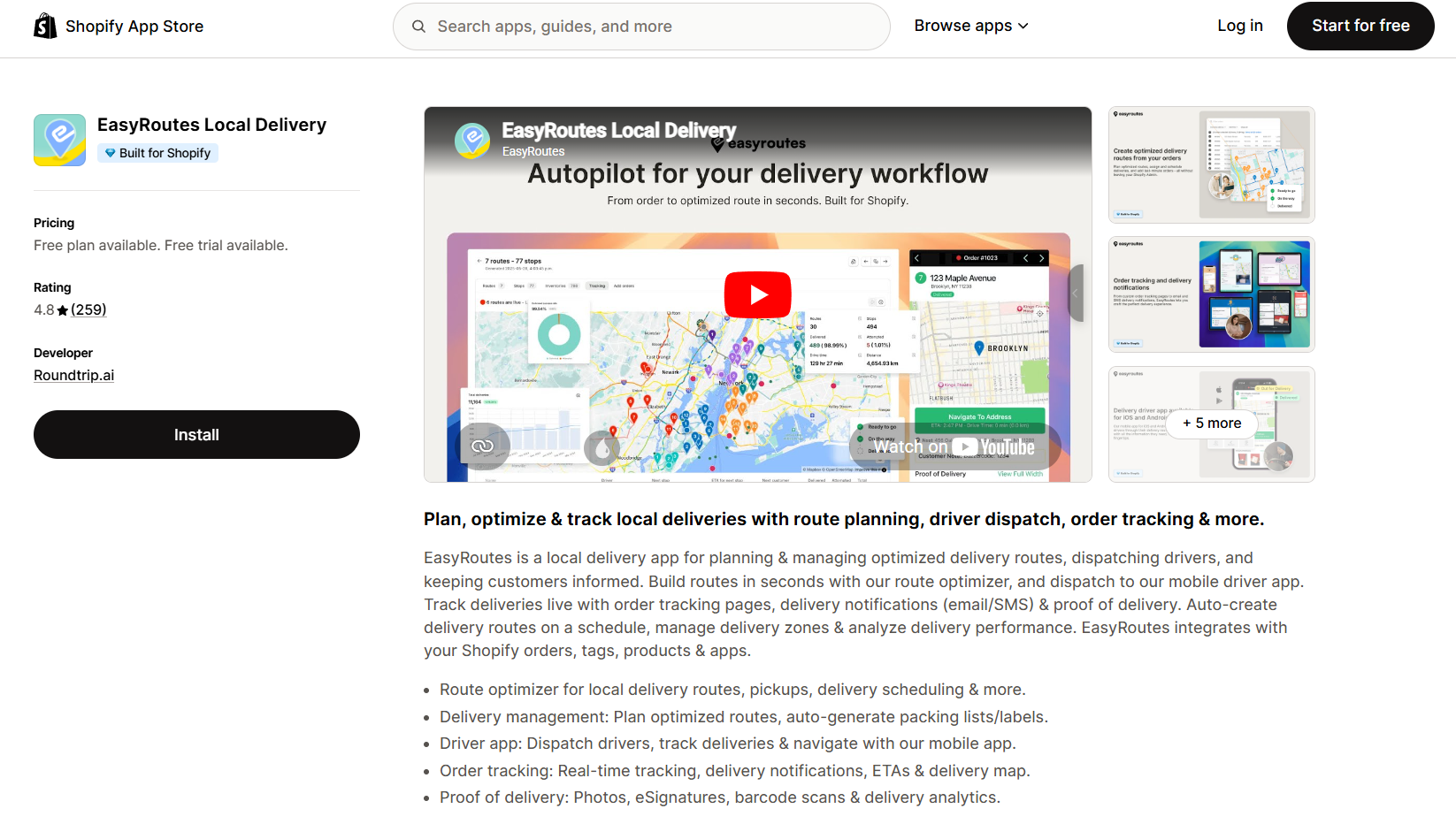 If you run your own drivers, EasyRoutes is the strongest pick. It turns Shopify orders into optimized routes, sends them to a driver app, and tracks each stop with live ETAs.
A March 2026 review from a wholesaler shipping to 300 accounts a week said EasyRoutes handles the load easily. Another merchant cut support calls in half after switching on customer notifications.
The free tier covers small volumes, and paid plans start at $39 a month. Most stores stay in the lower tiers unless they’re running large fleets.
Best for: Grocers, wholesalers, and restaurants with in-house drivers.
Stellar Delivery Date & Pickup
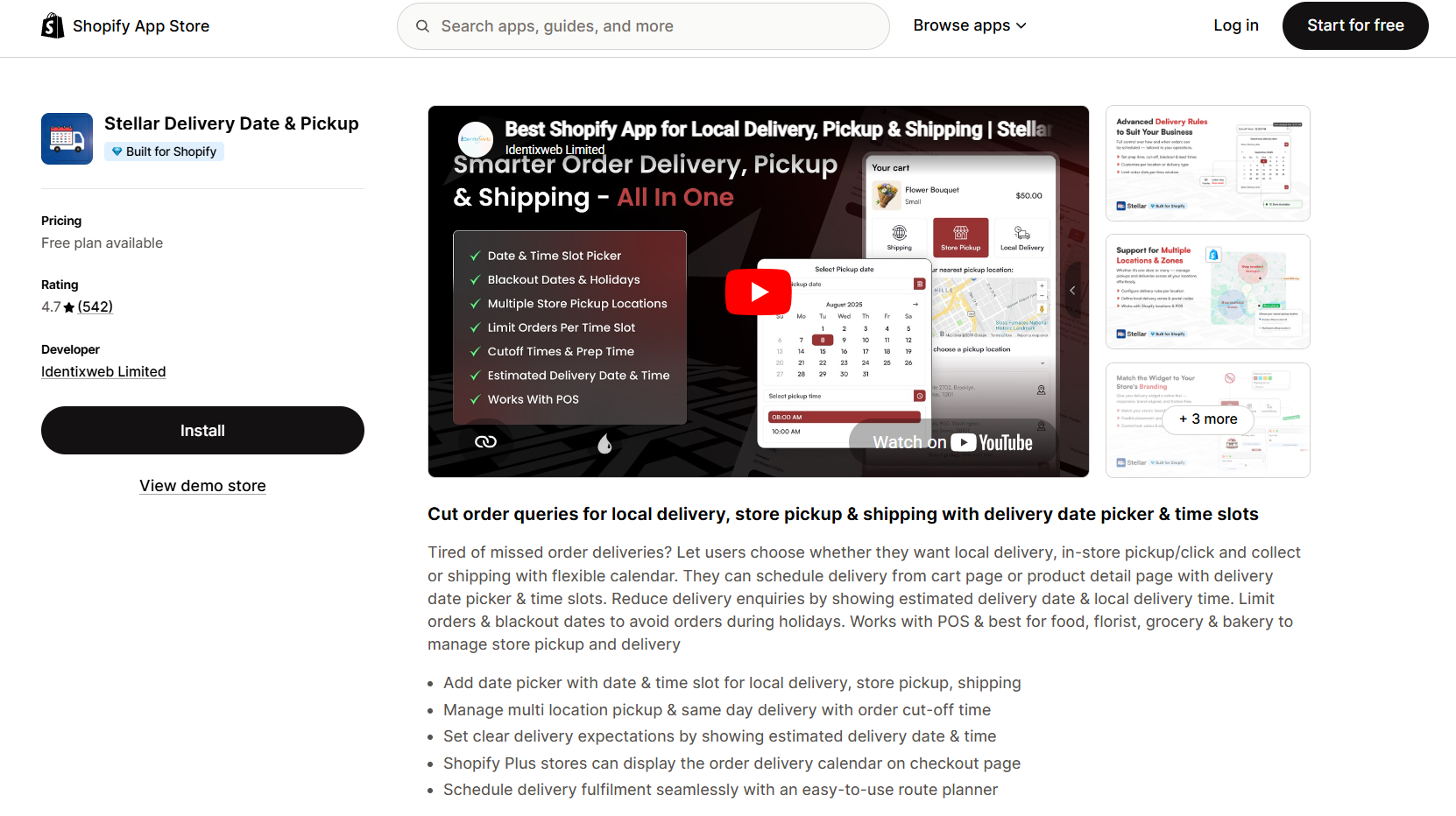
Stellar is one of the budget leaders in 2026 for stores that need delivery scheduling and zone control without the premium price tag. The free plan covers small stores, and paid plans start at $14.99 a month.
You get a date and time picker at checkout, blackout day settings, ZIP code rules, and order limits per day. Reviews from early 2026 praise the clean setup and responsive support.
It’s lighter than Zapiet on the multi-location side, so pick it if you run one or two shops and want simple scheduling without the complexity.
Best for: Small and mid-sized stores that want delivery scheduling on a budget.
LionWheel
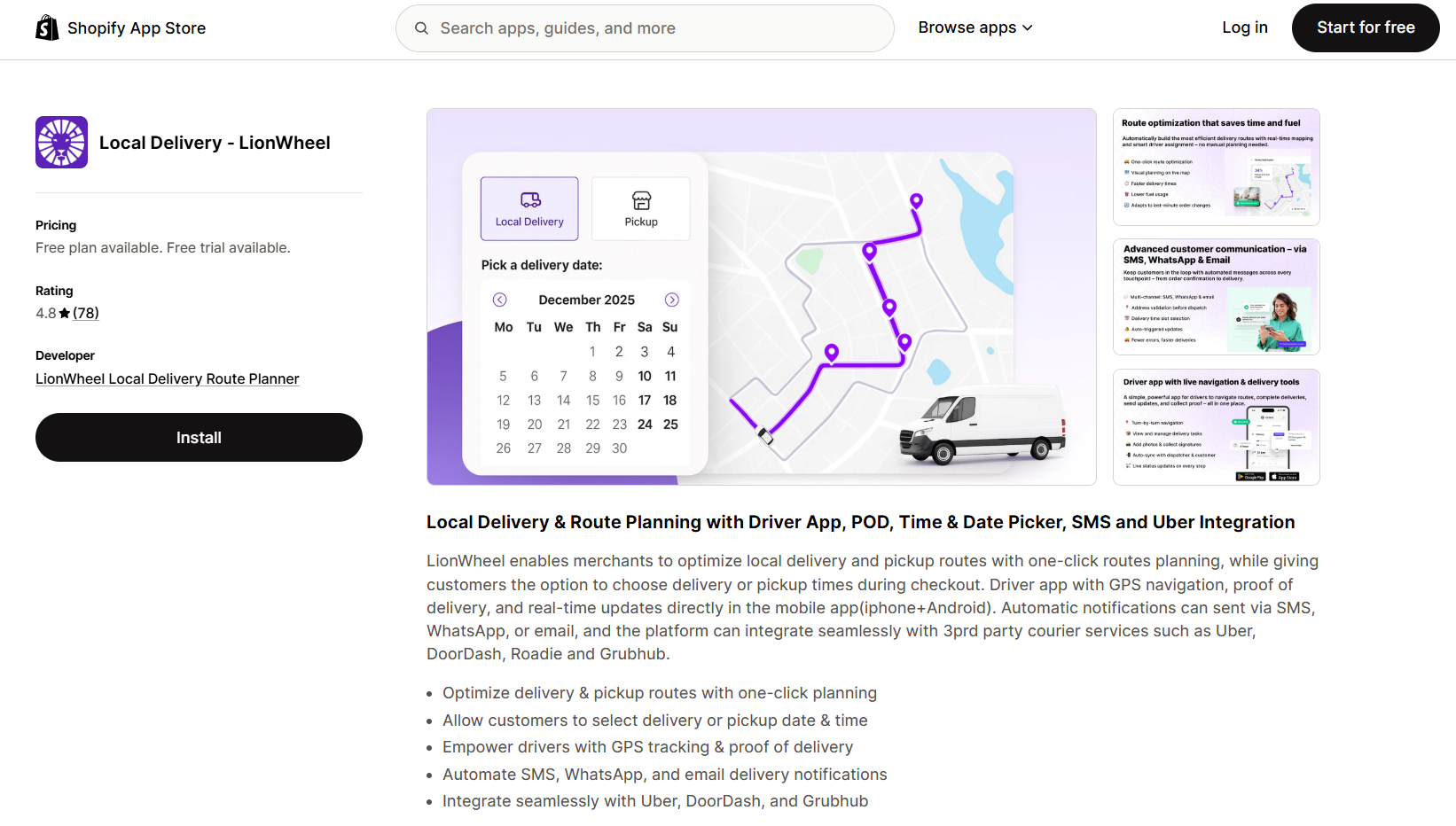
LionWheel is the top 2026 pick for stores that blend their own drivers with third-party couriers like Uber, DoorDash, and Grubhub. That integration alone makes it stand out: you can hand off overflow orders to outside couriers without leaving Shopify.
The app also handles route optimization, pickups, proof of delivery, and customer updates through WhatsApp, which matters in regions where SMS isn’t popular. With 80+ reviews and a 4.8 rating, the feedback is solid but smaller than the top picks.
Paid plans start at $79 a month and climb quickly, so check the math before you commit. For stores juggling in-house and on-demand couriers, the price often pays for itself in saved time.
Best for: Stores that mix in-house drivers with Uber, DoorDash, or Grubhub deliveries.
Spotlight: DingDoong Delivery Date Picker
Before we get into the wider comparison, our app deserves a closer look: DingDoong Delivery Date Picker. It solves a problem that hits bakeries, florists, caterers, and fresh food brands every single day – and it does it for less than almost anything else on the market.
The cost of getting delivery dates wrong
Each missed delivery quietly eats your margin in four ways:
- Refunds and remakes for spoiled batches or wilted flowers
- Support hours burned on “when is my order arriving?” emails
- Bad reviews that scare off the next ten customers
- Lost repeat business from people who won’t risk a second miss
Ten missed slots a month, and the “we’ll figure it out manually” approach already costs more than any app subscription. The mess only grows with your store. The more orders you take, the more cracks they fall through.
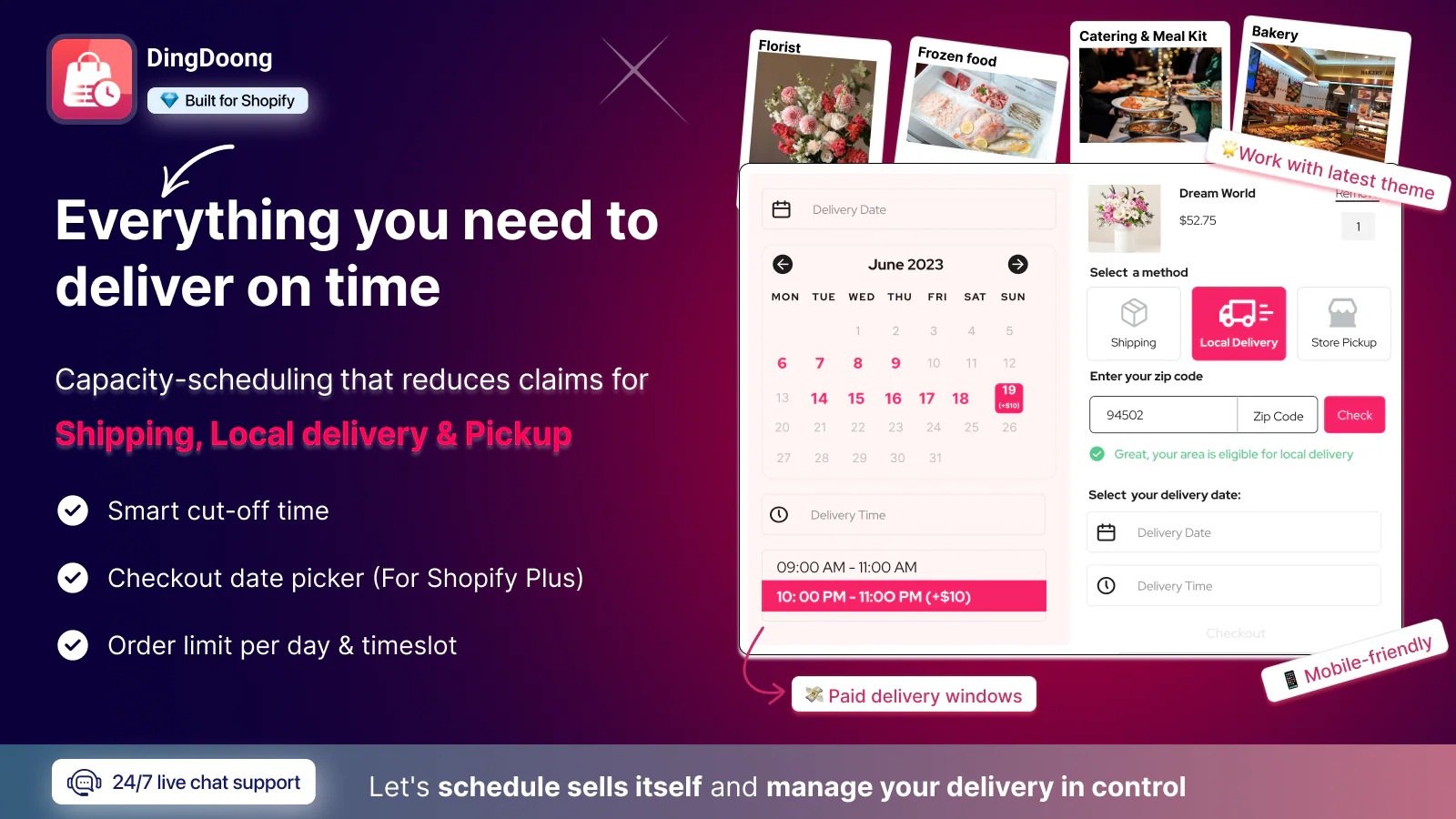
One app deserves a closer look before the wider comparison: DingDoong Delivery Date Picker. It solves a problem that hits bakeries, florists, caterers, and fresh food brands every single day.
DingDoong starts at $6.99/month – the lowest paid tier of any serious delivery date app on Shopify. Zapiet starts at $29.99, Bird at $16.99, EasyRoutes at $30, and LionWheel at $79. For a feature set that matches or beats the higher-priced apps, the math works out fast.
Here’s how DingDoong compares to the most popular alternatives across the features that actually matter for local delivery shops:
| Feature | DingDoong | Zapiet | Flare | Bird |
| Shopify Plus checkout optimization | ✅ | ⚠️ Partial | ✅ | ❌ |
| Seamless cart-to-checkout flow | ✅ | ⚠️ Partial | ❌ | ❌ |
| Flexible lead time & cutoff | ✅ | ⚠️ Partial | ⚠️ Partial | ⚠️ Partial |
| Block early or midnight orders | ✅ | ❌ | ❌ | ❌ |
| Surcharge per day & timeslot | ✅ | ❌ | ❌ | ❌ |
| Local delivery restriction (ZIP, radius, state/province, country, city*) | ✅ | ⚠️ Partial | ⚠️ Partial | ⚠️ Partial |
| Multi-location management | ✅ | ✅ | ⚠️ Partial | ⚠️ Partial |
| Advanced order limit control | ✅ | ✅ | ❌ | ❌ |
| Minimum order value per date/day | ✅ | ⚠️ Partial | ❌ | ⚠️ Partial |
| Split inventory for pickup & delivery | ✅ | ✅ | ❌ | ❌ |
| Daily inventory per product | ✅ | ⚠️ Partial | ❌ | ❌ |
| Multiple shipping methods & rates | ✅ | ❌ | ✅ | ❌ |
| Show/hide picker by product, tag, vendor, collection | ✅ | ✅ | ❌ | ⚠️ Partial |
| Customized production reports | ✅ | ❌ | ❌ | ❌ |
| Bulk editing | ✅ | ✅ | ❌ | ❌ |
| Draft order (B2B) | ✅ | ✅ | ❌ | ✅ |
| 24/7 support on all plans | ✅ | ❌ | ❌ | ❌ |
The full feature parity at a fraction of the price is the real story. But two capabilities stand out because no competitor offers them:
Surcharge per day and timeslot. DingDoong lets you charge extra for peak delivery days (Valentine’s Day, Mother’s Day) or high-demand time windows. That means your busiest slots generate more revenue – not more stress – and customers who want Saturday afternoon delivery pay accordingly. No other app in this category does this.
The widest local delivery restriction coverage on Shopify. Most apps let you restrict by ZIP code or radius. DingDoong goes further: you can restrict by ZIP code, delivery radius, state or province, and country – with city-level restriction coming soon. This matters for merchants in markets where ZIP codes are not widely used, or for brands operating across multiple regions with different delivery rules. Competitors offer partial coverage; DingDoong covers the full geography stack.
What this actually looks like in your shop
DingDoong is built for shops where the delivery date is part of the product. Customers pick a date and time before they pay, not in a note field your team might miss. Staff stops chasing emails. Drivers show up on the right day. The calendar runs the operation, not hope.
Stores using DingDoong typically see fewer support tickets within the first week and a real lift in checkout completion, especially during holiday rushes when scheduling matters most.
If your headaches come from when orders go out rather than where, this is the app that fixes the right problem – without the price tag of a custom build or an enterprise tool.
Shopify Local Delivery App FAQs
Does Shopify have a built-in local delivery feature?
Yes. Every Shopify plan includes local delivery for free. You can set zones by radius or postal code, charge delivery fees, and mark orders as delivered from the admin. But the feature lacks date pickers, route planning, and driver tools, which is why most growing stores add a third-party app.
Can I use more than one Shopify delivery app at the same time?
You can, but be careful. Multiple apps writing to checkout can create rate conflicts and confusing customer experiences. Start with one primary app and add a second one only if it covers a separate job, like one for scheduling and one for routing. Always test in a staging environment first.
Bringing It All Together
The hardest part isn’t picking the app. It’s deciding to stop patching delivery problems with sticky notes, spreadsheets, and weekend support shifts.
So pick one app from this list this week. Start the free trial. Map your zones on a Tuesday afternoon, run a few test orders through your own phone, then let it loose on real customers. Two weeks is enough to know if it fits. By the end of the month, you’ll know whether you’ve found the right fit, and your customers will already feel the difference.
Try DingDoong Free
Add a date picker to your Shopify checkout today — no developer needed.
Start free trial →
![12 Rental Dress Business Ideas [2026 Trends Updated]](https://dingdoong.io/wp-content/uploads/2026/09/rental-dress-business-ideas.png)